

Availability: All plans
Summary
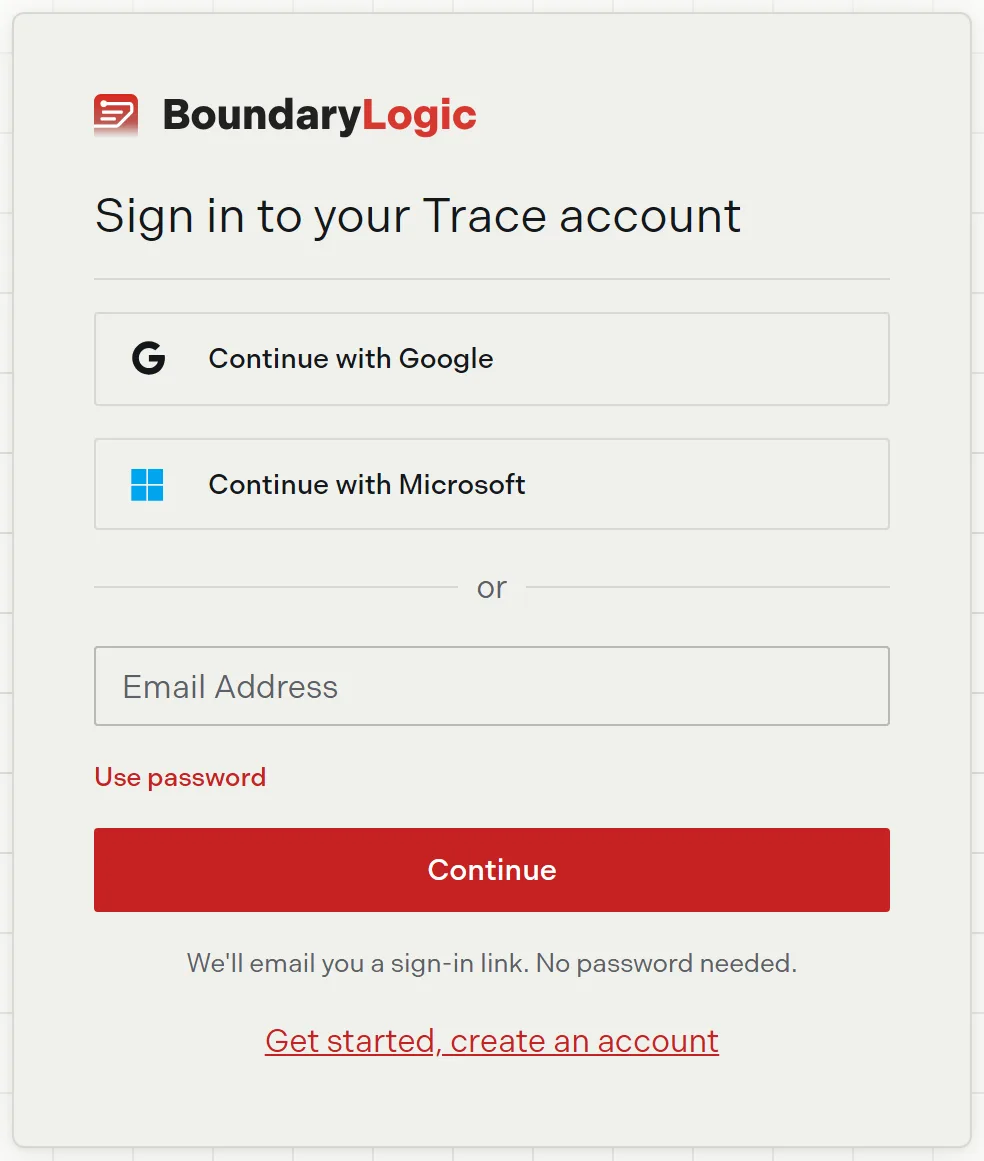
BoundaryLogic Trace has four ways in: a one-time link sent to your email, a password, Google, and Microsoft. The sign-in card leads with the emailed link, so you never have to keep a password unless you want one. All four reach the same account.
Usage notes
Sign in with an emailed link
Enter your email on the sign-in card and click Continue. Trace emails a single-use link and shows a confirmation naming the address it went to, with Resend and Return to sign in.
Two details are worth knowing. The card reports success whether or not an account exists, so a mistyped email looks the same as a delivered one. And Trace sends at most one link a minute per address while Resend still reports success, so a fast second click may not send anything.
Opening the link on another device
The browser that asked for the link remembers your address and signs you in on its own. Open the link somewhere else and the page asks for the address the link was sent to. A wrong address returns “That email doesn’t match this sign-in link. Check the address and try again.” without spending the link, so you can correct it and continue.
A missing, expired, or already used link shows “Unable to sign you in” with a link back to sign in. Ask for a new one.
Sign in with a password
Click Use password to swap the card into password mode. Enter your password and click Sign in. A visibility toggle shows what you typed. Trace answers a wrong email and a wrong password with the same message, “Invalid email or password.”
Sign in with Google or Microsoft
Continue with Google and Continue with Microsoft sit at the top of the card. If the identity you pick uses an email that already has a password account, Trace opens Link Your Accounts and asks for that existing password to prove both identities are yours. Linking from the sign-in card signs you out and returns you with “Your accounts are now linked. Sign in with Google or Microsoft to continue.”
Forgotten passwords
Forgot password emails a reset link. Unlike the sign-in link, this one tells you when it does not recognize an address: “Unable to send the password reset email. Check the address and try again.”
The reset page names your account email, then takes a new password twice. Use at least 8 characters. Trace confirms with “Password reset successfully!” and returns you to sign in after 3 seconds. The new password works right away, and a security notice follows by email.
Forgotten email addresses
Forgot email? opens a short form asking your name and company. Support answers within one business day. The form always reports success, so it does not reveal which addresses have accounts.
Options
| Control | What it does |
|---|---|
| Continue with Google | Signs in with a Google identity |
| Continue with Microsoft | Signs in with a Microsoft identity |
| Email, then Continue | Emails a single-use sign-in link |
| Use password | Switches the card to email and password |
| Forgot password | Emails a password reset link |
| Forgot email? | Files a support request to find your address |
| Get started, create an account | Opens signup |
When the card looks different
Opening a team’s sign-in URL retitles the card “Sign in to {team}’s team”. The form is unchanged. If you are already signed in, Trace sends you to your dashboard instead of showing the card.
If your team requires single sign-on, the password path is blocked. SSO enforcement covers what you see.
Related
- Create your BoundaryLogic Trace account, if you do not have an account yet
- Signing out and staying signed in, for how long a session lasts
- Emails Trace sends you, for the sign-in and reset emails
- Account settings, to change your password while signed in