

Availability: All plans
Reading a deed against the plot it produced means holding both on screen at once. A floating window pulls one layer’s text or its call list out of the layer pane and lets you park it wherever it does not cover the drawing.
Open a window
- In the project menu, click Manage Layers.
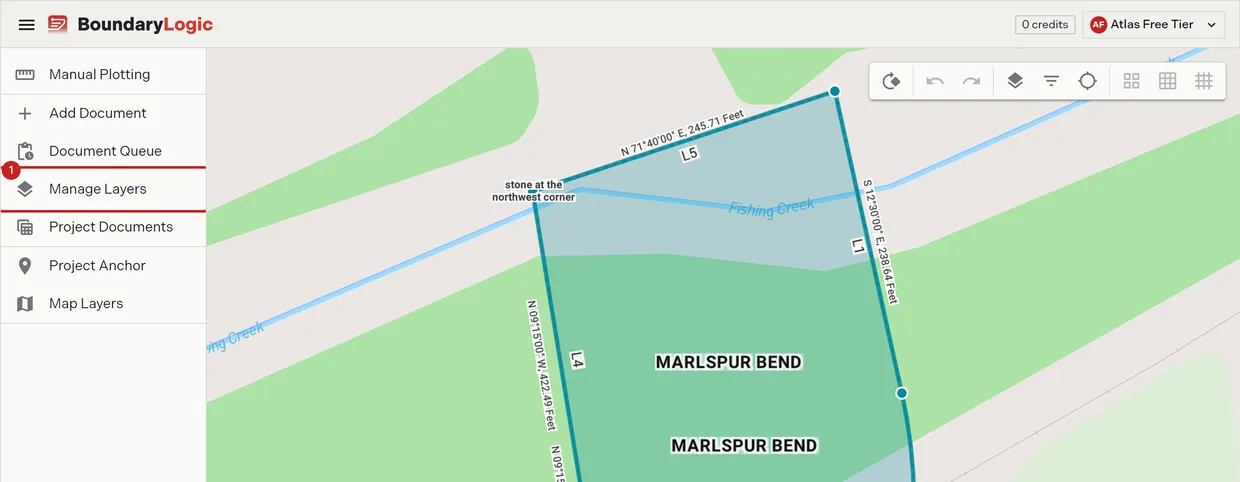
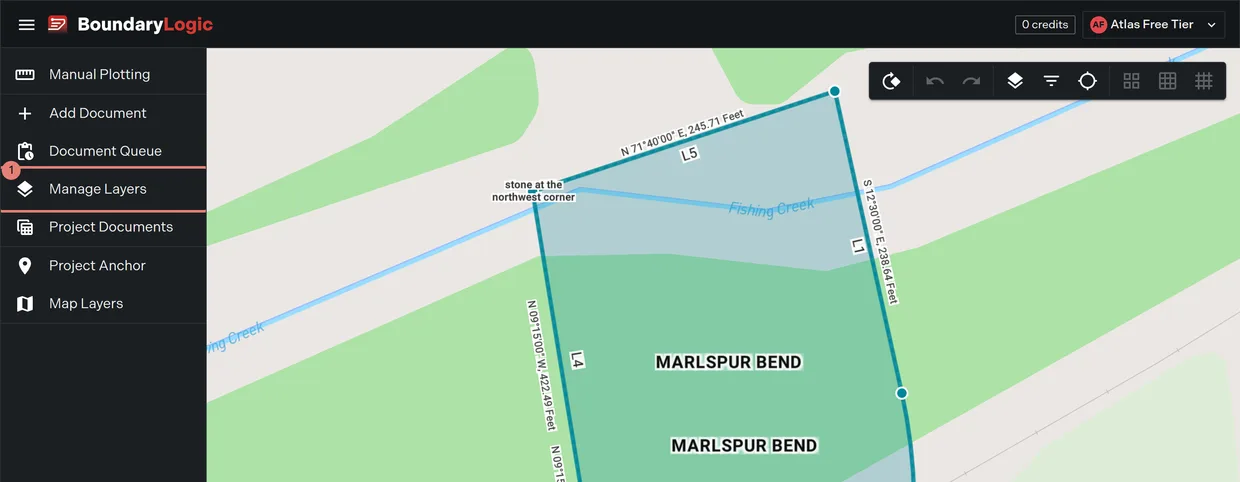
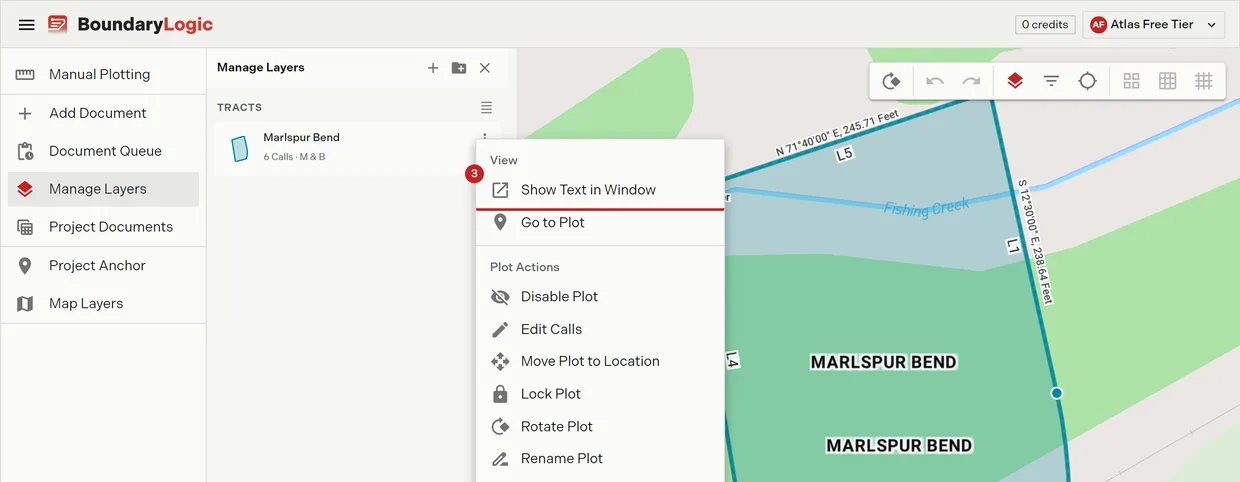
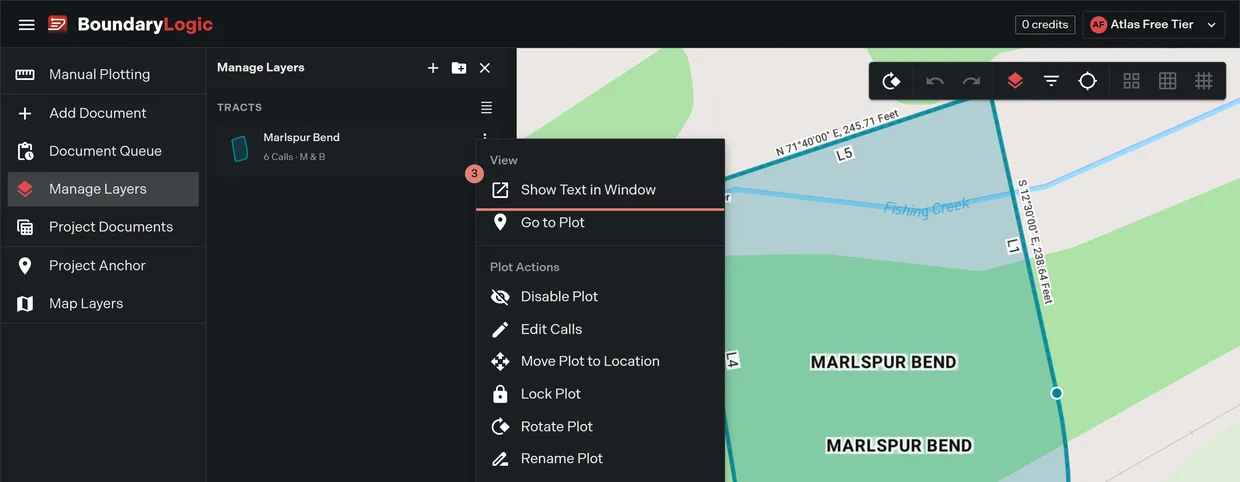
- On the layer’s card, click More actions.
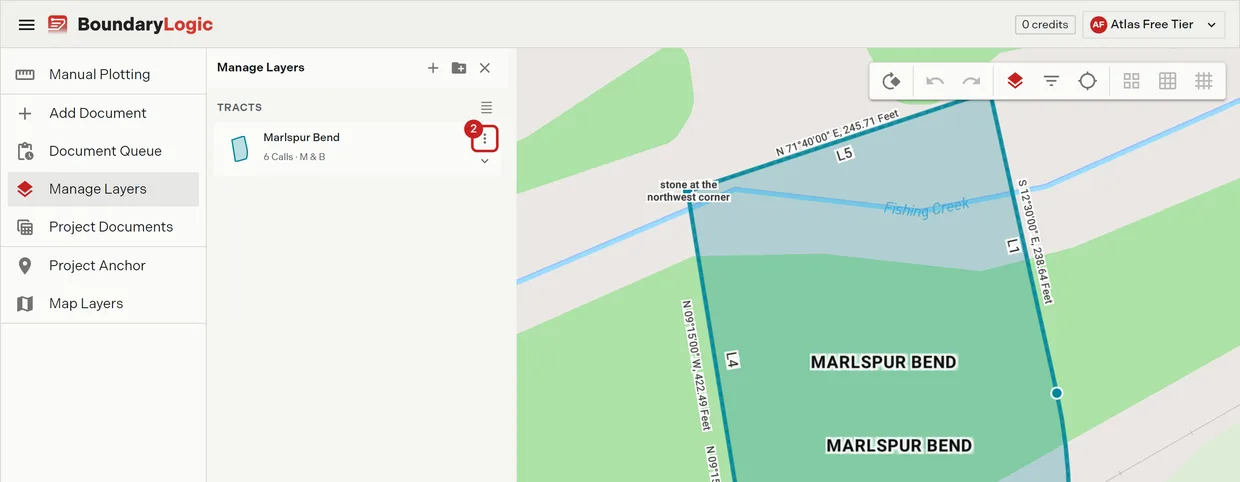
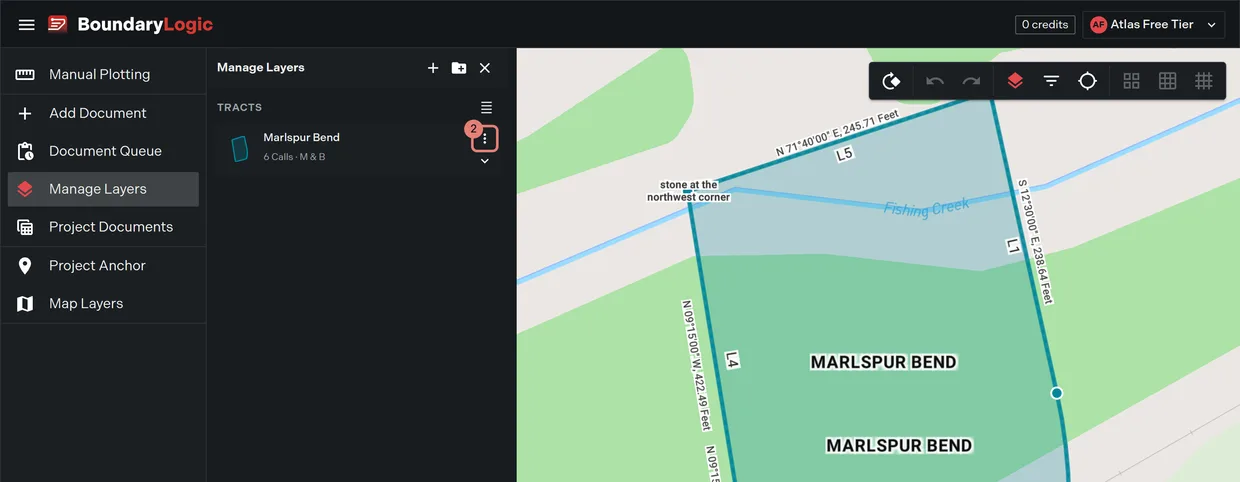
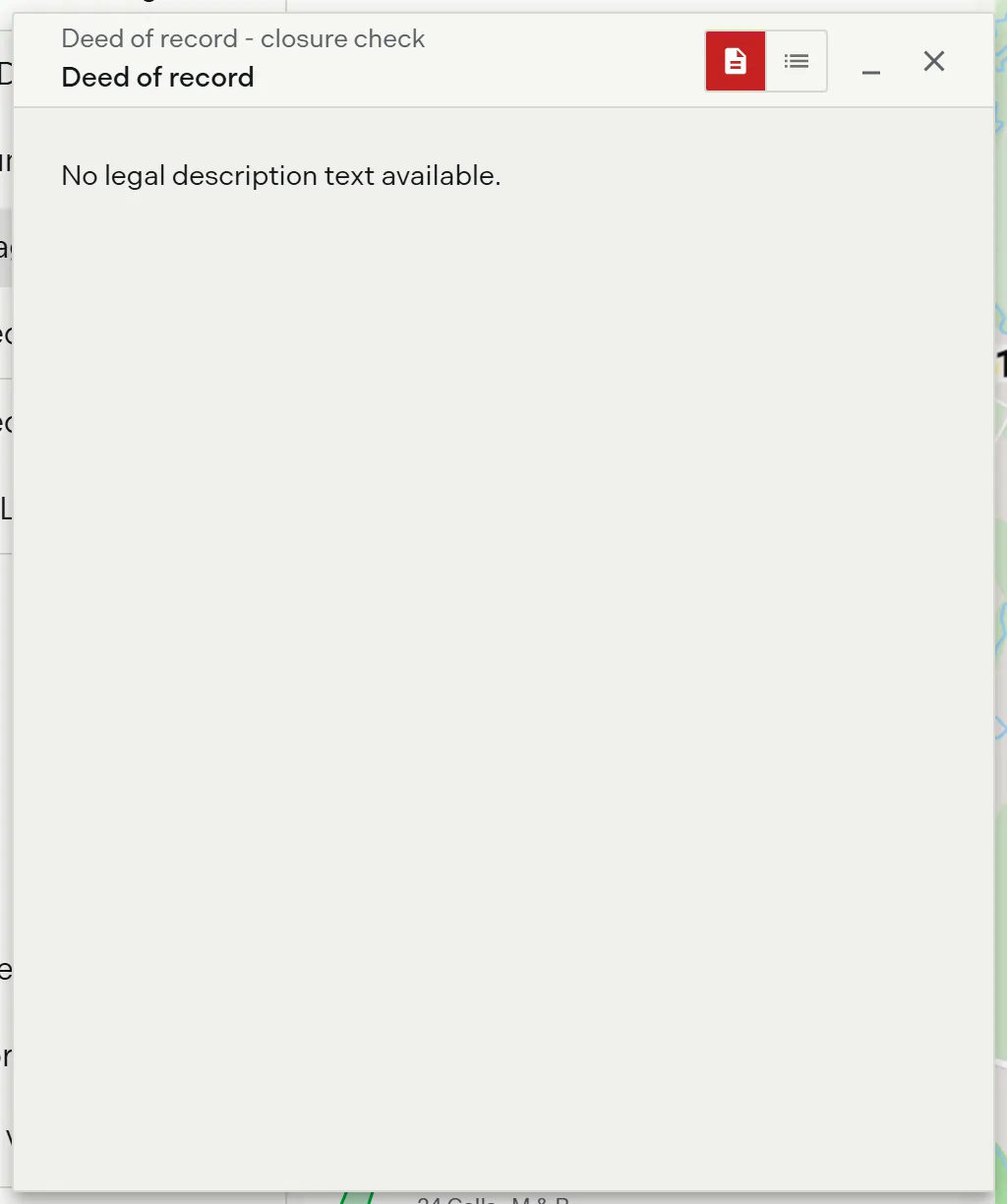
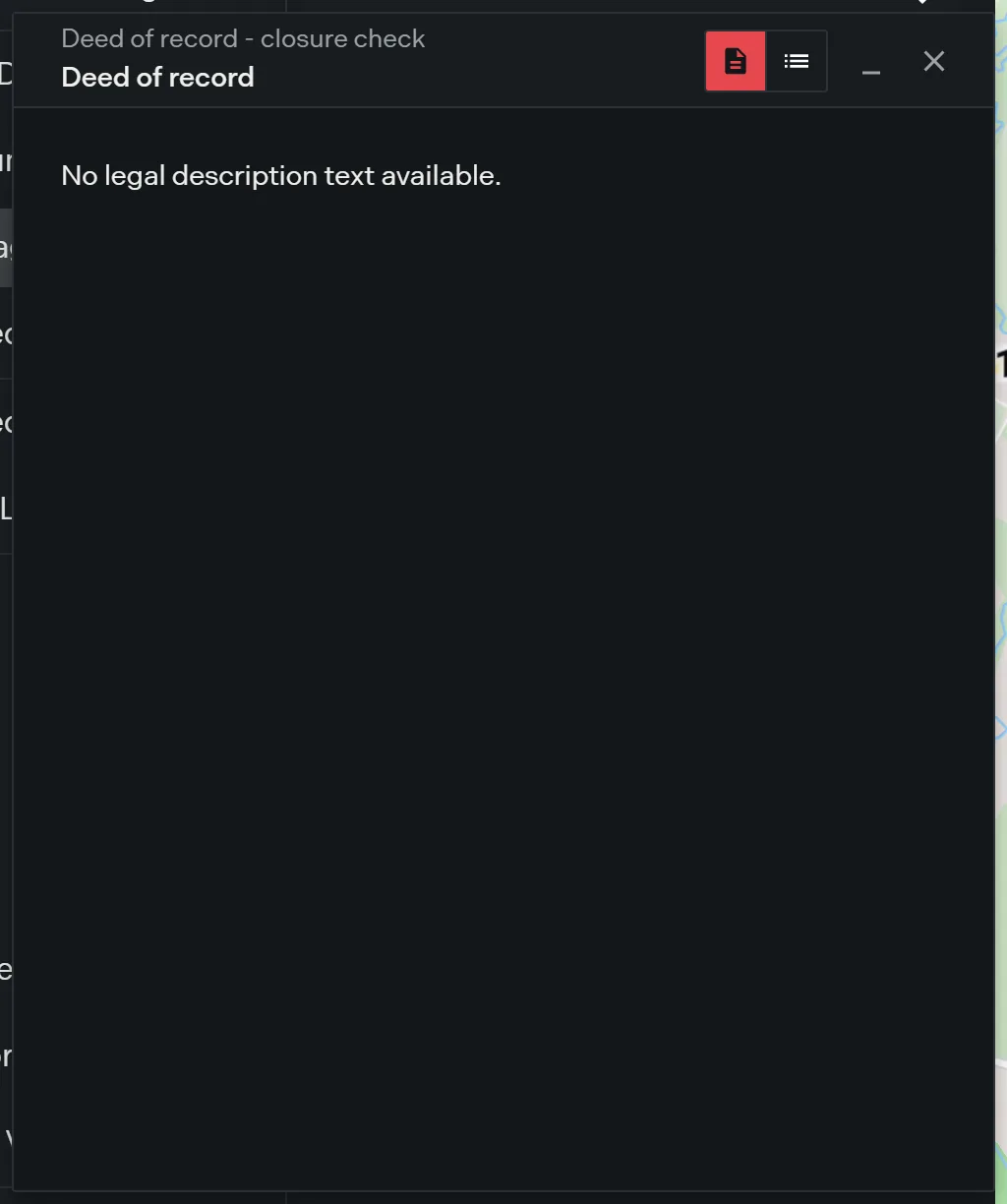
- Choose Show Text in Window. The window opens over the workspace with the legal description text, showing skeletons for a moment while it loads.
Work the window
- Click Show calls list in the window to swap the deed text for the layer’s calls, and Show legal description text to swap back. Text is the view it opens in.
- Drag the title area to move the window. Drag an edge to resize it. Trace keeps it on screen and pulls it back in if a resize would push it out.
- Optional: minimize the window. It drops to a tray along the bottom of the workspace, and clicking it there restores it.
Open as many windows as you need. Clicking one raises it above the others. When more minimized windows exist than the tray can hold, an More options menu appears with a count and lists the rest.
Close a window
Click the close control in the window’s title area.
Related
- Manage layers, for the card menu the window opens from
- The closure report, for checking the traverse the text describes
- Deed syntax reference, for reading the calls list
- The map workspace