

Availability: All plans
Every project carries one of three statuses: Active, Completed, or Archived. The status drives which scope tab a project appears under, and it is the quickest way to keep finished work out of your working list.
Steps
- On the projects list, find the project and click its colored status button. The Active, Completed, Archived menu opens.
- Click the status you want. The button and the tab counts update.
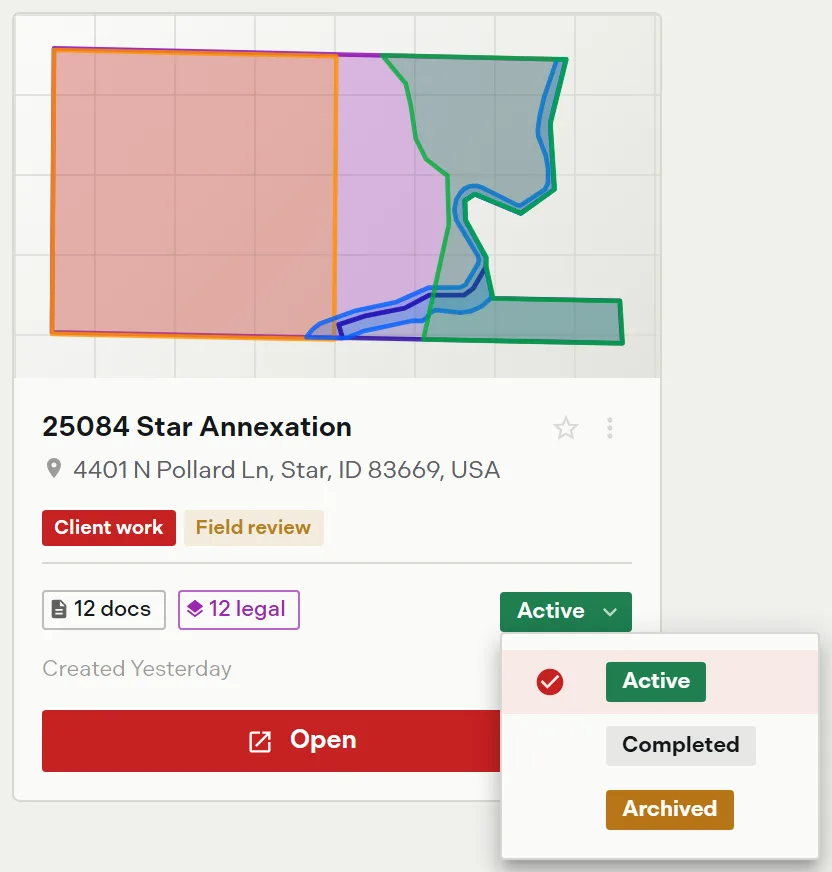
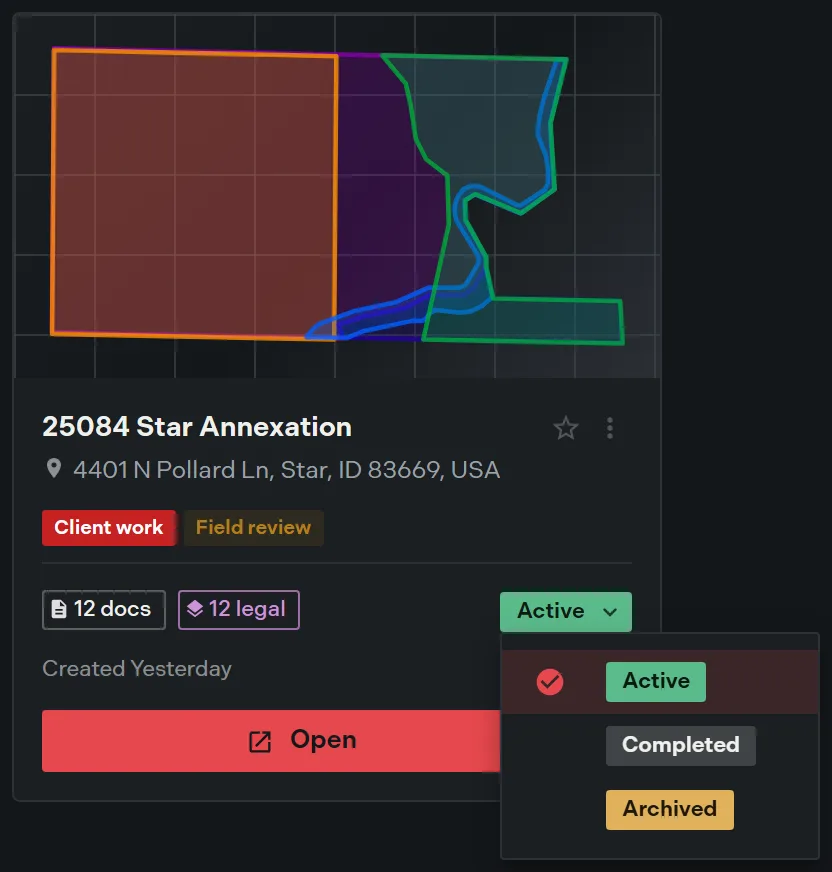
The project’s More options menu carries the same change as a single item that reads Mark Complete or Mark Active, whichever is the opposite of the current status.
What each status does
| Status | Where the project appears |
|---|---|
| Active | All Projects and the Active tab |
| Completed | All Projects and the Completed tab |
| Archived | The Archived tab only |
Active and Completed both stay in your working list. Archiving is the one that removes a project from every other view, so it is covered on its own page: Archive and delete.
Who can change a status
Anyone who can edit a project can move it between Active and Completed. Setting Archived needs archive rights on that project, which belong to its creator, the team owner, and admins. Without them, the Archived option stays disabled in the menu.
On Expert and above, admins can set the status on any project in the team, not only their own.
If a status change does not take, Trace raises an Unable to update status. Try again. message rather than leaving the button wrong.
Related
- Archive and delete, for retiring a project for good
- Find and filter projects, for the tabs statuses feed
- The projects dashboard, for where the button sits on a card