

Availability: All plans. Role: edit access on the project.
Where the record is an aliquot part of a section rather than a run of metes and bounds calls, the PLSS quick command writes it. BoundaryLogic Trace expands the part into a closed tract and names it from the section reference.
Before you start
- Have the section, township and range, and the aliquot parts as the record states them.
- The expansion uses the nominal 5,280 foot standard section. Where the record calls differ from the nominal section, plot it as metes and bounds instead and edit the calls.
Steps
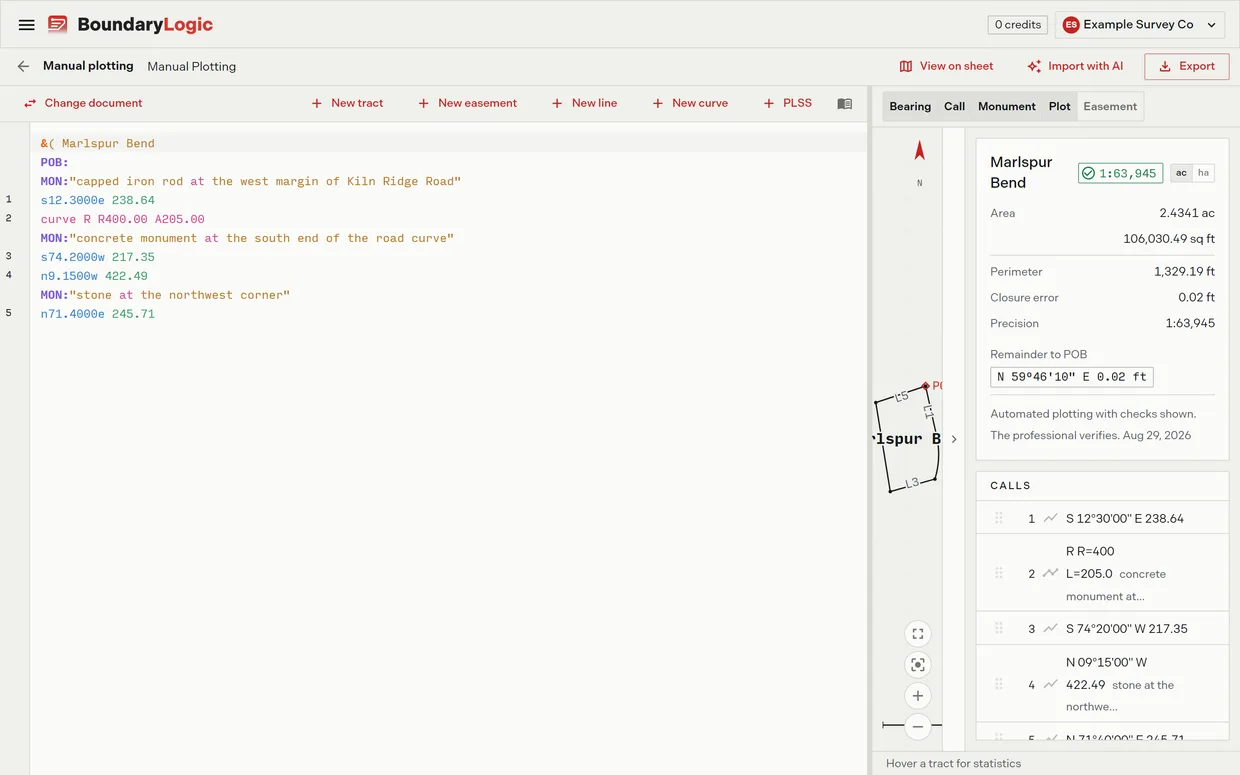
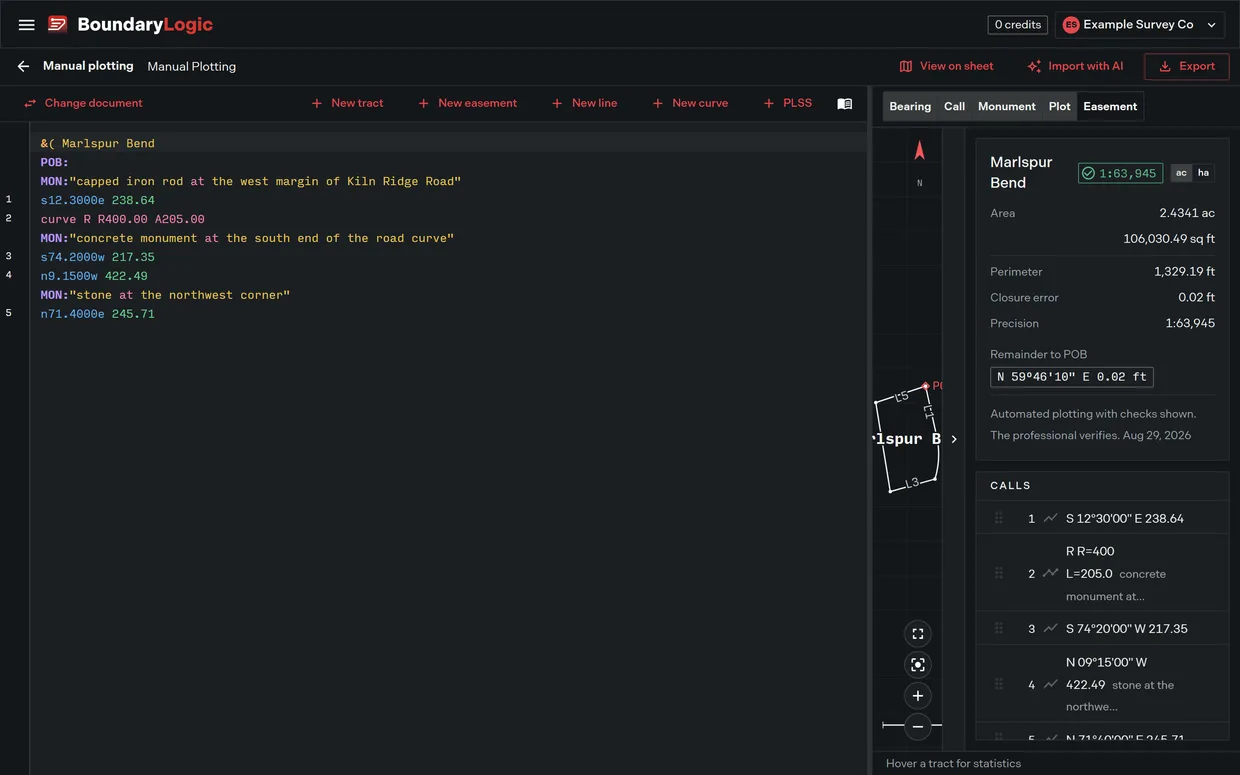
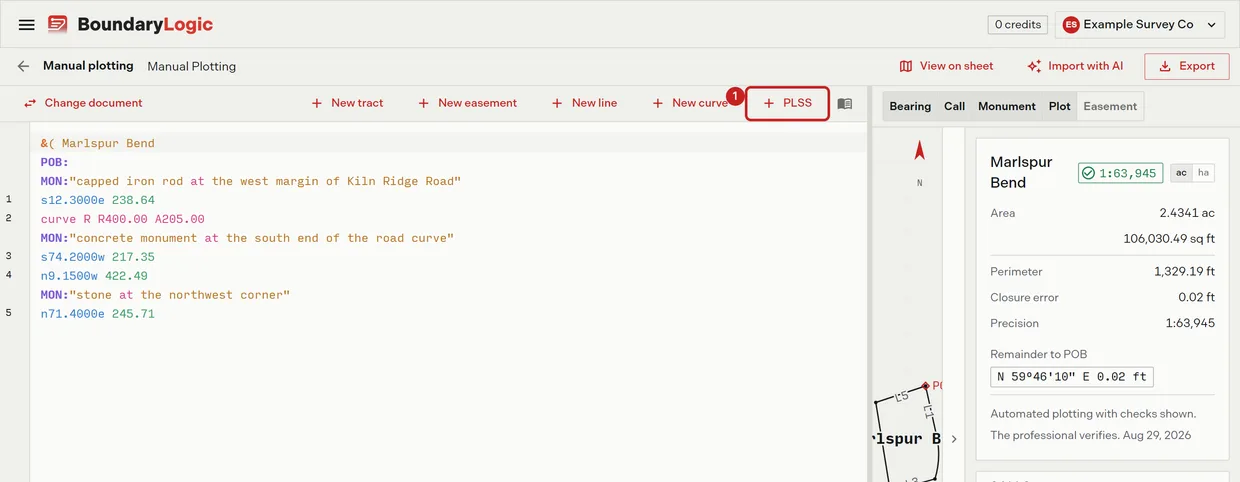
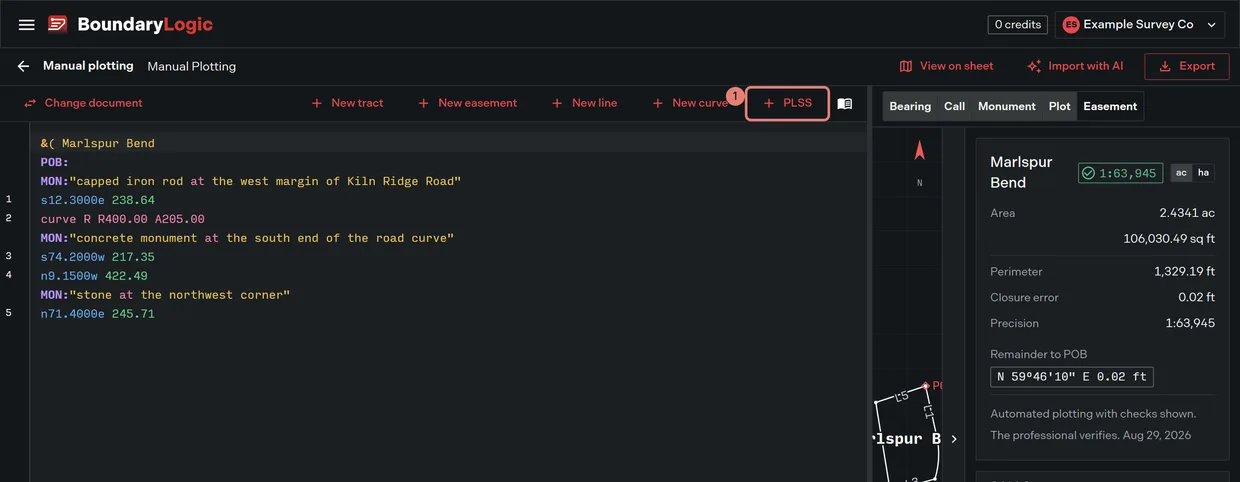
- On the editor toolbar, click PLSS. The aliquot section form opens.
- Enter the section, township and range. The boxes carry the examples 14, 3N and 5W.
- Enter the aliquot parts, section outward and comma separated. The box defaults to
ne. For the southwest quarter of the northeast quarter, writesw,ne. - Optional: check Plot as metes and bounds to write the expansion as editable calls instead of the shorthand line. The insert button then reads Insert calls. The geometry is the same either way.
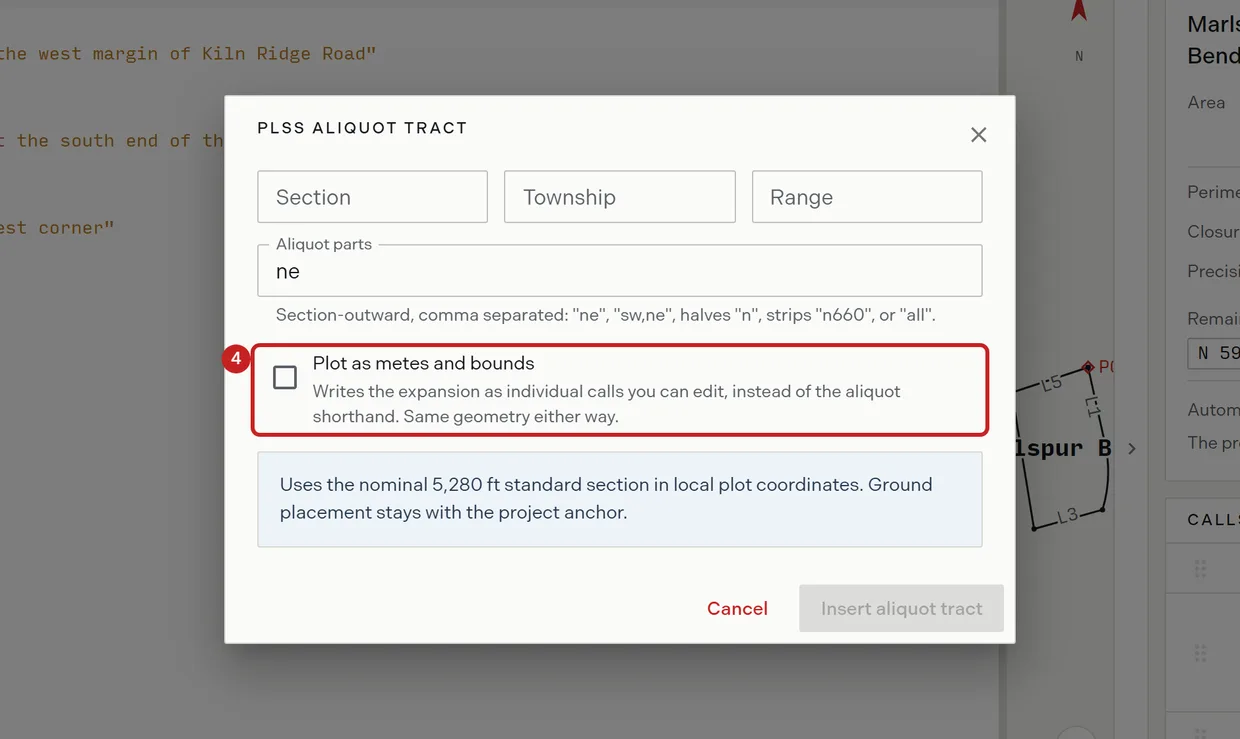
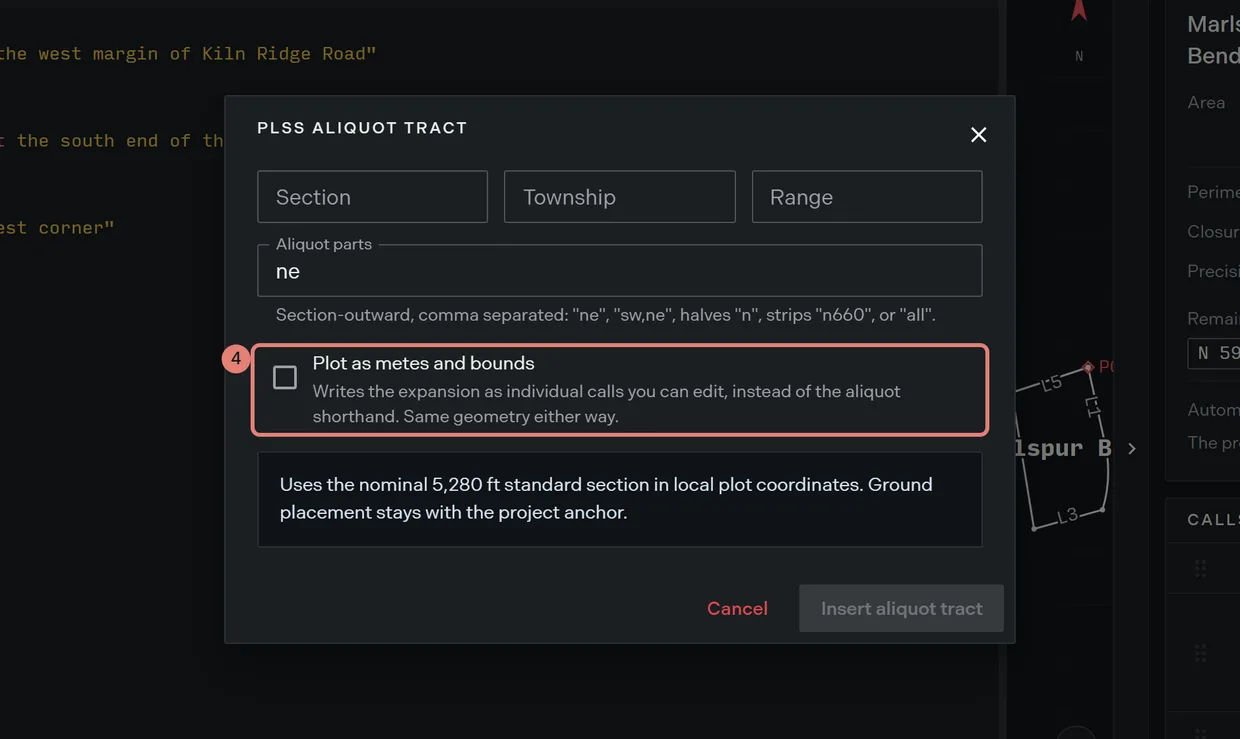
- Read the preview, which shows exactly what will be inserted, and the caveat under it.
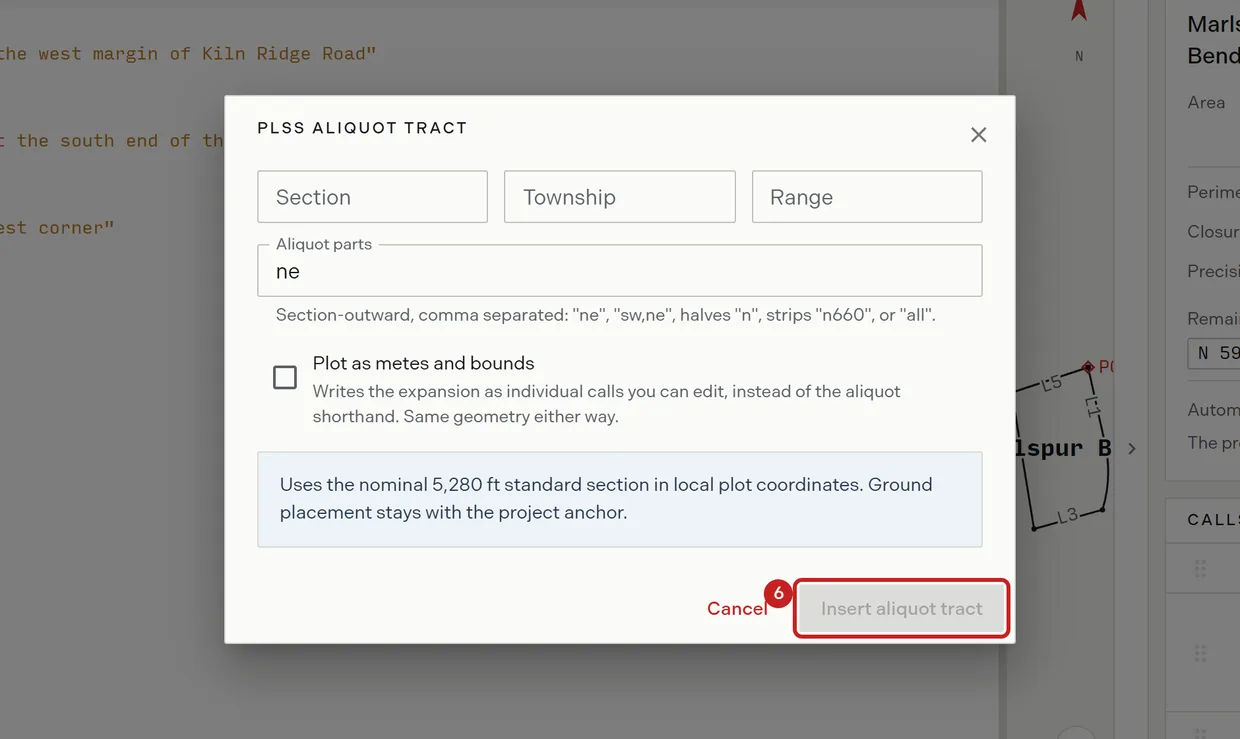
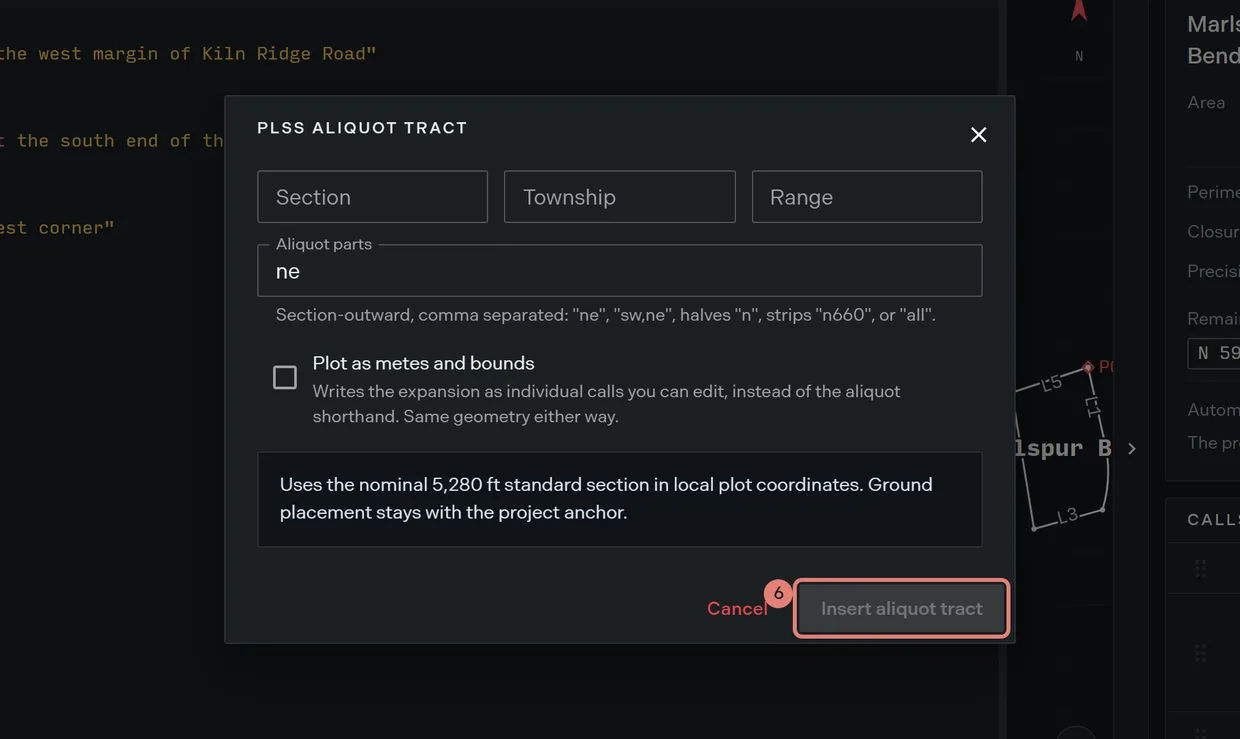
- Click Insert. The button waits until the section, township and range are all entered.
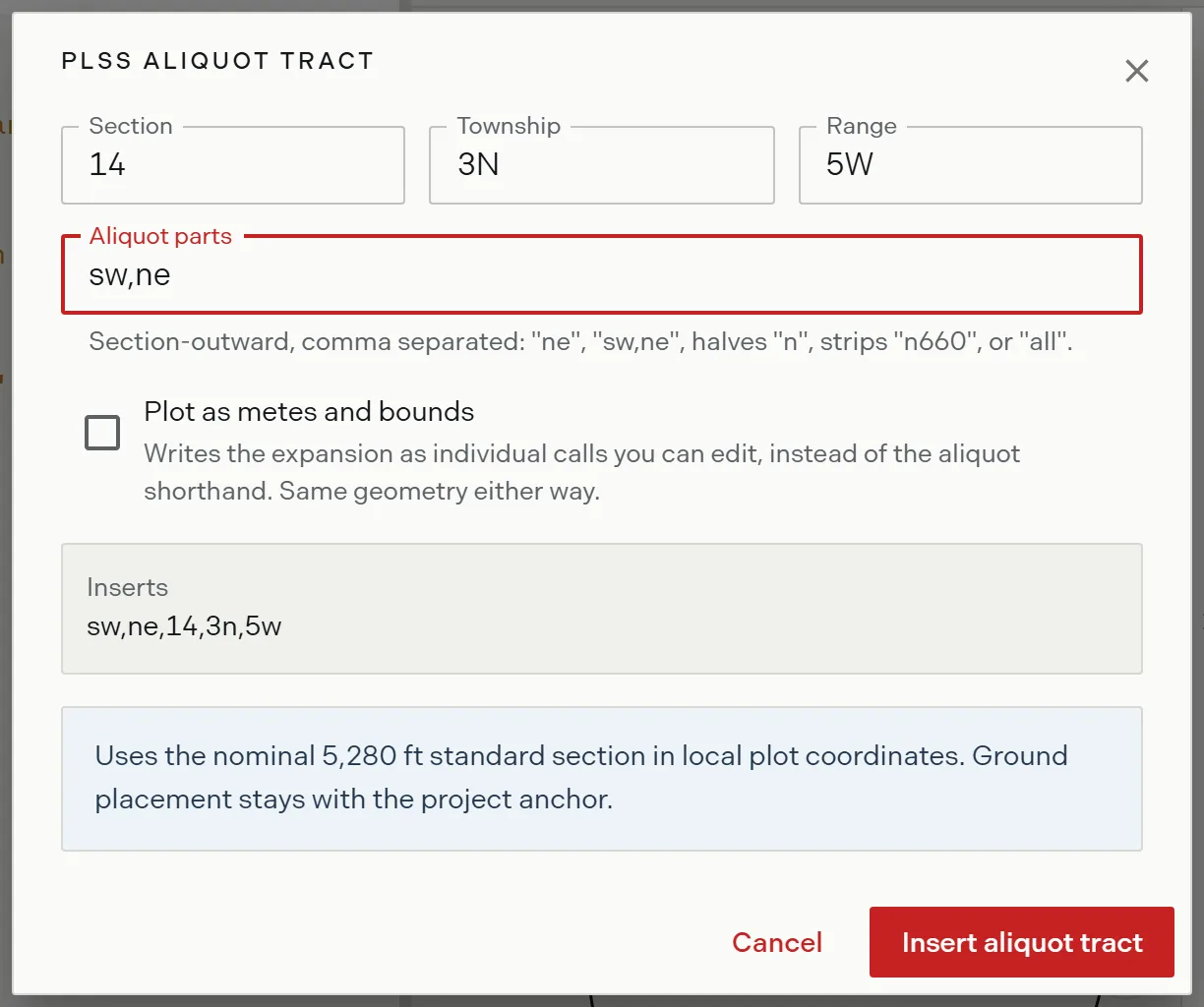
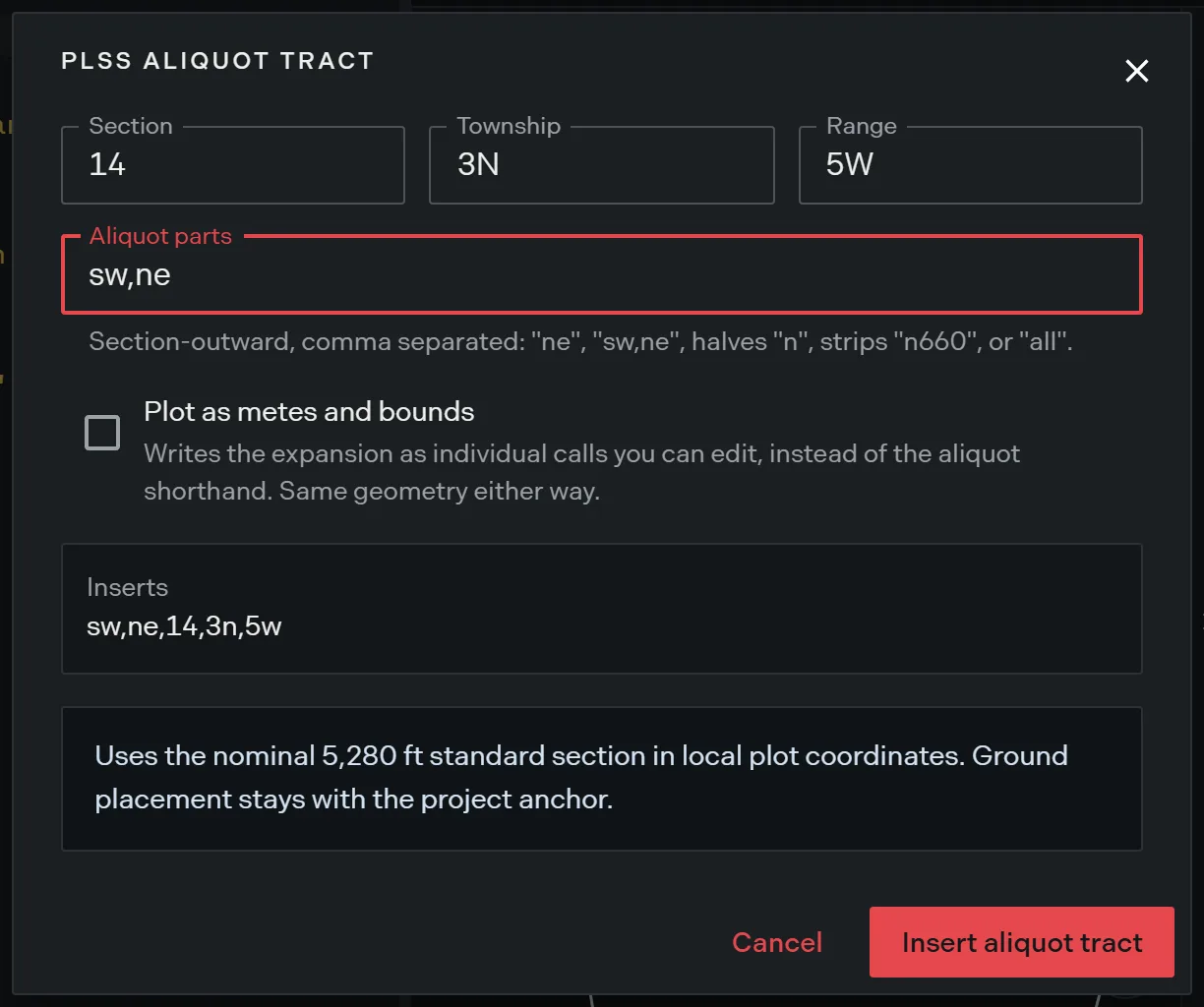
What each option writes
| Option | What lands in the document |
|---|---|
| Shorthand, the default | One line, such as ne,14,3n,5w. Trace expands it and names the tract itself. |
| Plot as metes and bounds | The expansion as editable calls: TRACT: STANDARD, POB: e2640 n2640, then n 2640, e 2640, s 2640, w 2640. |
Choose the shorthand when the record is the nominal aliquot part and you want it stated as such. Choose the calls when the record gives dimensions of its own, so you can edit them to what the record says.
The aliquot shorthand
The same line can be typed by hand. Parts are written section outward from the smallest, nesting as they go.
| Parts | Written | Area on a nominal section |
|---|---|---|
| Quarter | ne, nw, se, sw |
160.0000 ac |
| Quarter of a quarter | sw,ne |
40.0000 ac |
| Half | n, s, e, w |
320.0000 ac |
| Dimensioned strip | n660 |
80.0000 ac |
| The whole section | all |
640.0000 ac |
An aliquot line synthesizes its own tract header once anything precedes it in the document, naming the tract from the reference, as Section 14 3n 5w, NE. Writing a &( header above one therefore leaves an empty tract behind. Let the line name itself.
Where the expansion sits
The expansion is drawn on the nominal 5,280 foot standard section in local plot coordinates. Where the tract sits on the ground stays with the project anchor, not with this line, which is what the form’s caveat says. To place a plotted tract on the map by PLSS reference, use PLSS placement on the map instead.
Related
- Deed syntax reference, for the aliquot forms and every other call the editor accepts
- PLSS placement, for putting a plot on the ground by section, township and range
- PLSS grid overlays, for the section grid on the map
- Locating a PLSS aliquot description, to work through one from zero