

Availability: All plans
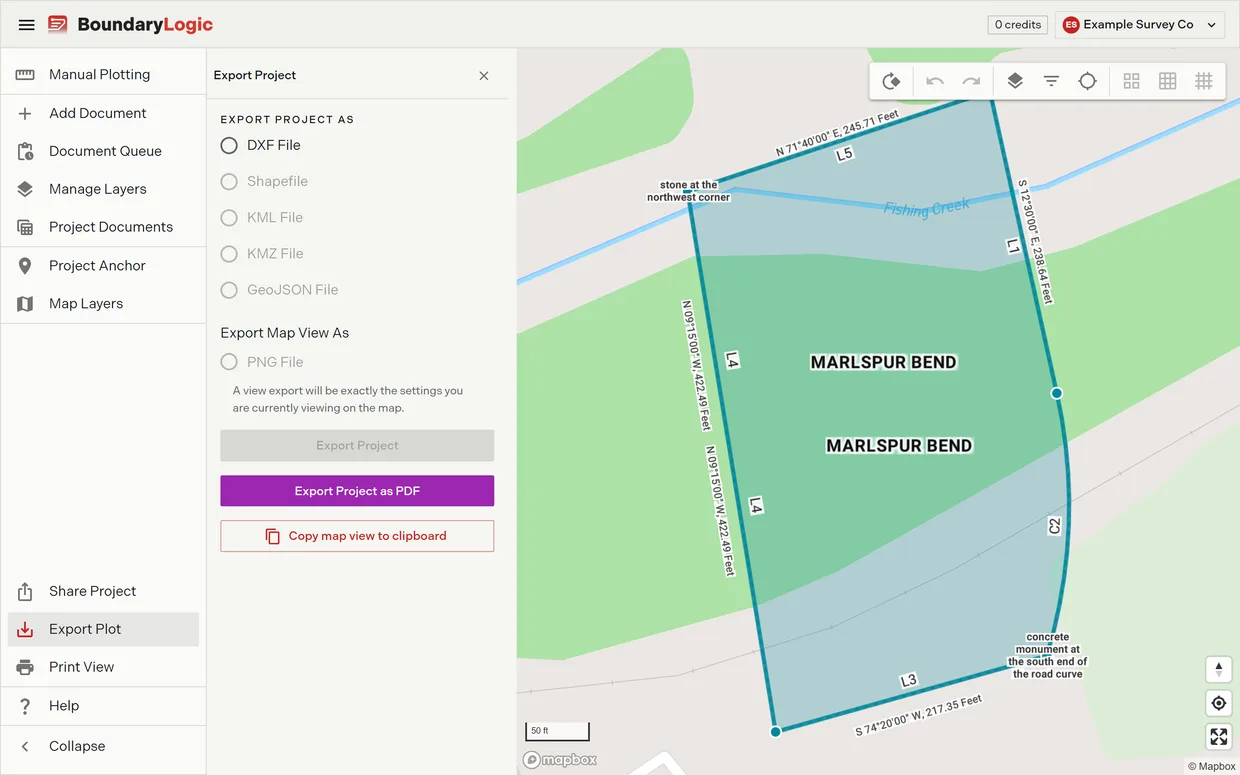
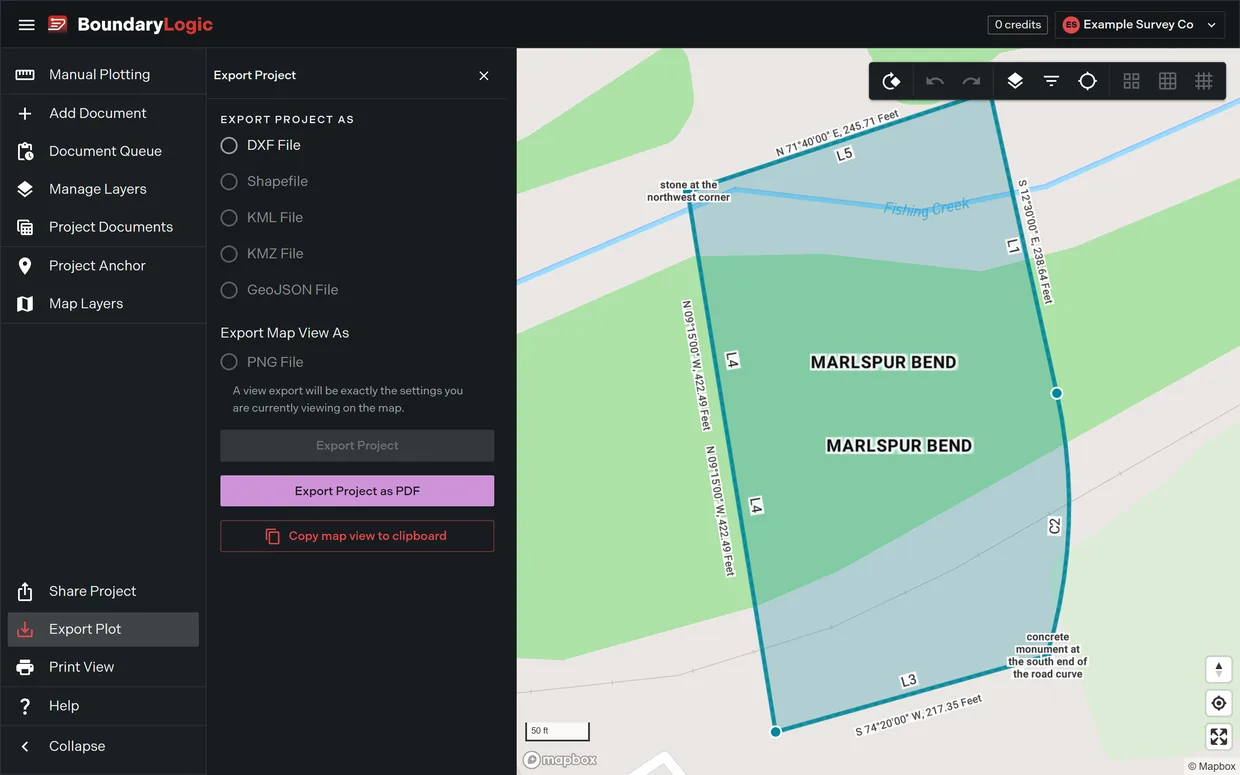
In the project menu, click Export Plot, then Copy map view to clipboard. Trace captures exactly what the plot area is showing and puts a PNG on your clipboard, ready to paste into an email, a message, or a report. The button reads “Copying map view…” while it works, and a message confirms “Map view copied to clipboard” when it lands.
It works on every plan
The clipboard copy sits outside the format list, so it is not one of the exports limited by plan. It works on Free exactly as it works on Enterprise. Downloading the same picture as a PNG File does need Professional or above, which makes the clipboard the way to get an image of a plot out of a Free team. DXF and PDF export on every plan too, so the Free set is a DXF, a PDF, and the map view on your clipboard.
What gets captured
Whatever the plot area is showing at that moment, including the map mode, the visible layers, and the current zoom and framing. Frame the view the way you want it before you copy.
If nothing lands on the clipboard
The button names what went wrong:
- “Plot sheet not available. Open the plot view, then copy again.” or “Map not available. Open the map view, then copy again.” The view had not finished drawing. Wait for it, then copy again.
- “Unable to copy the map view. Keep this window in focus and allow clipboard access, then copy again.” The browser refused clipboard permission. Click into the page so the tab has focus, allow clipboard access when asked, then copy again.
- “Unable to copy the map view. Your browser may not support copying images. Try Chrome or Edge.” The browser cannot put images on the clipboard at all. Use Chrome or Edge, or export a file instead.
Related
- Export formats, for the file formats and which plans include them
- Export a PDF plat, for a printable sheet instead of an image
- Map modes and styles, for choosing what the copy shows