

Availability: All plans
Trace has two ways to retire a project, and they are not the same decision. Archiving puts a project out of sight and brings it back whenever you want it. Deleting removes it from your project lists. Archiving is reversible in the app; deleting is not.
Archiving
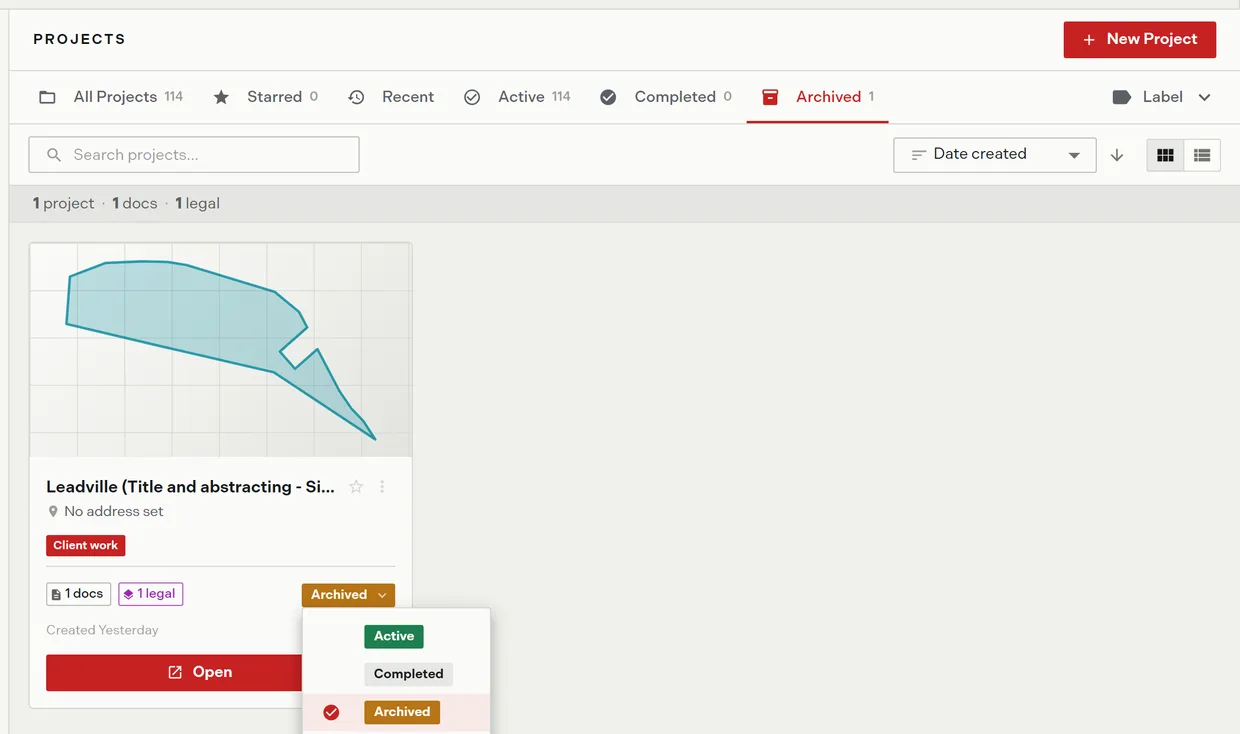
An archived project leaves every scope tab, every search, and every label filter except the Archived tab. Archiving also clears the project’s star, so archived work drops out of Starred as well.
Nothing about the project’s contents changes. Its documents, legal descriptions, and plots are all still there, waiting on that one tab.
Archive from the status button or from Archive in the project’s More options menu. The item is disabled once a project is already archived.
Restoring
- Open the Archived tab.
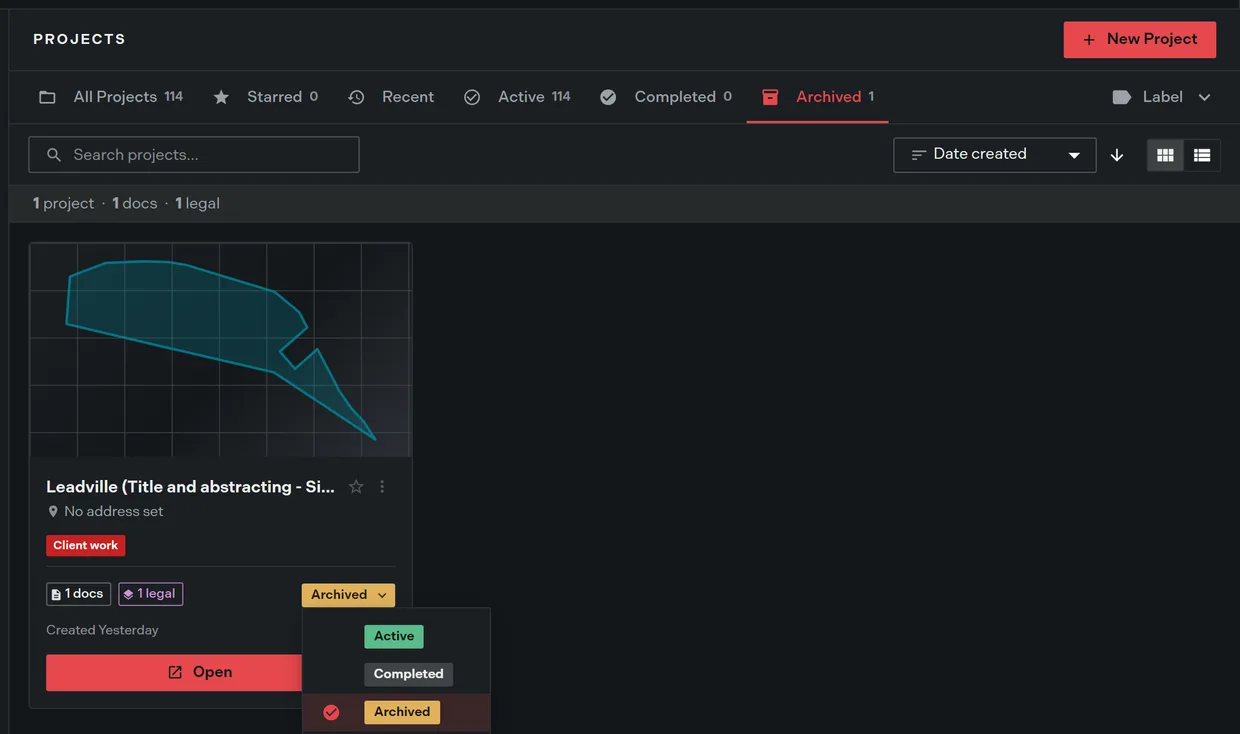
- Click the project’s status button. The status menu opens.
- Choose Active or Completed.
The project returns to the working list with everything intact, though its star does not come back.
Deleting
Deleting is the creator’s decision alone. Only the person who created a project ever sees Delete, on every plan and in every role. A team owner or an admin can archive a teammate’s project but cannot delete it.
The confirm dialog states what happens: the project “and its plots will no longer appear in your project lists. Contact support if you need it restored.” Read that as written. There is no in-app undo, and support is the only route back.
Which one to use
| Situation | Use |
|---|---|
| The job is delivered and you want a clean list | Archive |
| The client may reopen the matter | Archive |
| You need the record kept but out of the way | Archive |
| The project was created by mistake and holds nothing | Delete |
When in doubt, archive. It costs nothing and the Archived tab is one click away.
A plan change never destroys a project
Downgrading or cancelling freezes features, it does not remove content. Categories go read-only, share links stop working, and the team-wide view switches off, but the projects and their plots stay. Restoring the plan restores the access.
Downgrades and freezes covers exactly what freezes.
Related
- Project statuses, for Active and Completed
- Find and filter projects, for the Archived tab
- Downgrades and freezes, for what a plan change does
- Help and support, for reaching support about a deleted project