

Availability: Expert and Enterprise
Summary
A share link opens a public, read only page holding one project. There is no sign-in wall and no account to create. It is what your client or the other side’s surveyor actually lands on, so it is worth knowing what it offers before you send one.
Usage notes
The header and the footer
The header leads with your team’s logo when you have uploaded one, and the BoundaryLogic Trace mark when you have not. Beside it sit the project name and your team name. A Read only badge says up front that nothing here writes back, and a theme switcher lets the guest pick light or dark. Their choice is stored in their own browser and never reaches you.
The footer always carries a link to the BoundaryLogic website and a Create your free account button.
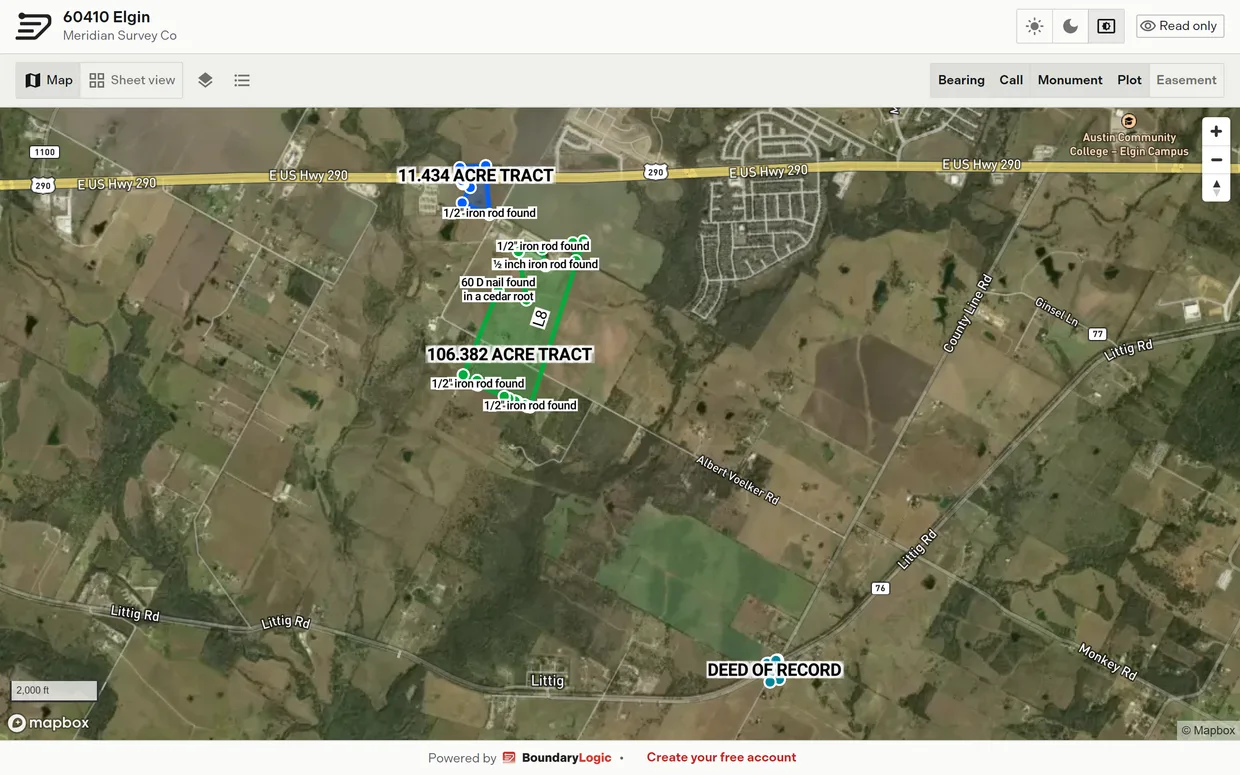
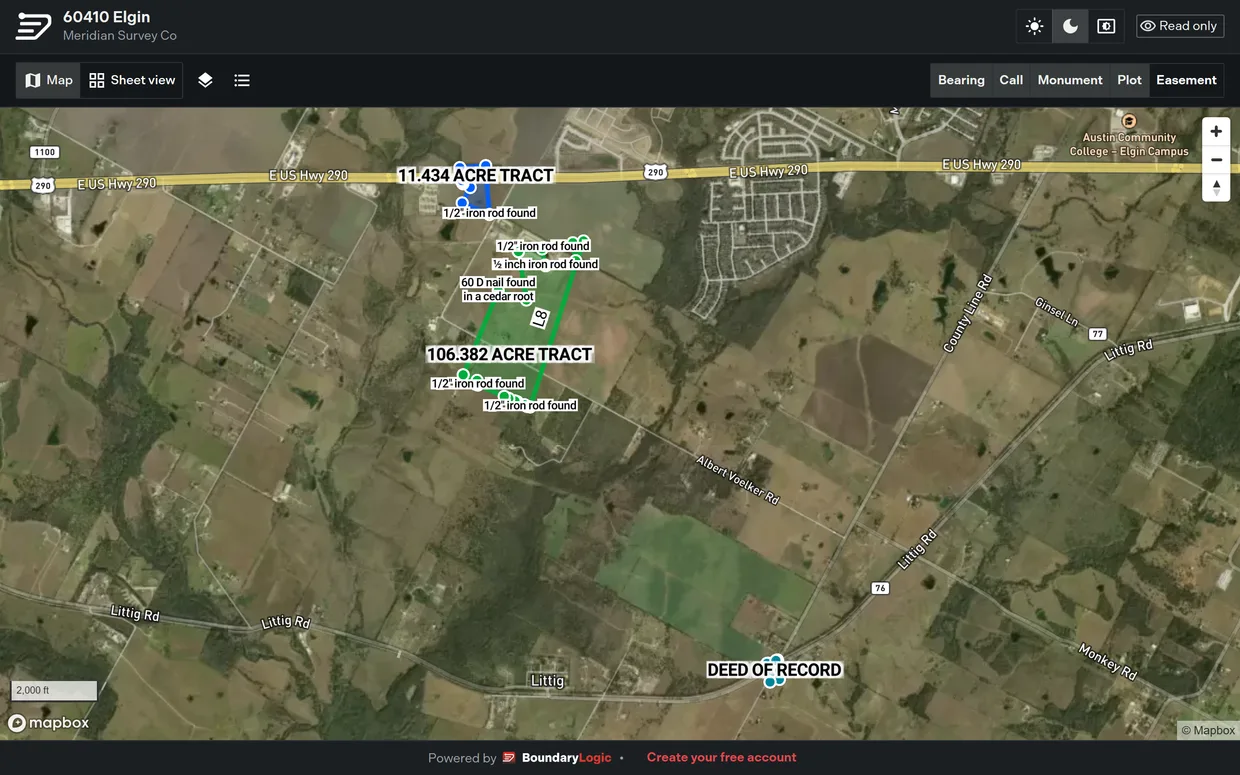
Map and sheet
The page opens on the map, over the satellite basemap, framed on everything the project holds. The guest can pan, zoom, reset the bearing to north, and read the scale bar. There is no basemap picker, no PLSS overlay, no 3D, no draw tools, and no vertex handles.
Sheet switches to the drafted plan sheet: linework on a grid with bearings, distances, plot names, call labels, a point of beginning marker, a north arrow, and a scale bar. The guest can zoom, pan and fit to extents, but cannot select a tract by clicking it, and there is no full screen control.
Labels
Label buttons across the toolbar control what is drawn: Bearing, Call, Monument, Plot, and Easement. The first four are on when the page loads and Easement, which adds width dimensions to centerline easements on the sheet, is off. The choices live only in the open page, so a reload puts them back. On a narrow screen the toggles drop out and the guest keeps the view switch, the layers list, and the call table.
Layers
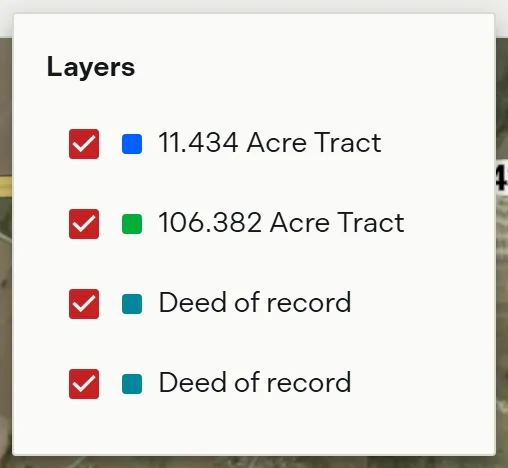
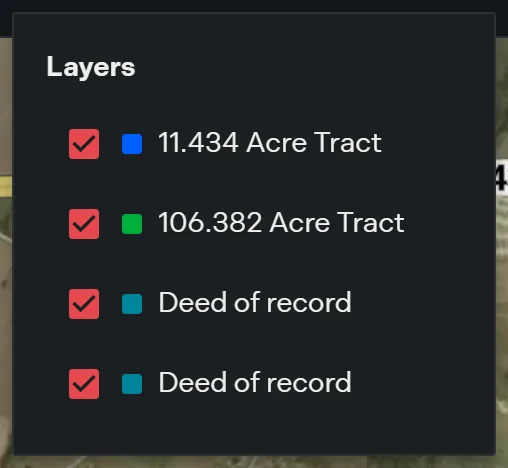
Layers opens a flat checkbox list of the legal descriptions in the project, each with its own boundary color, plus a row for each image overlay. Unchecking one hides it from both the map and the sheet immediately. That happens on the guest’s own screen only: it changes nothing in your project, and your Manage Layers setup is untouched.
The legend is deliberately thin: no reordering, no opacity, no color editing, no rename or delete, no Add layer, and no expanding a layer into metrics, deed text or reports. Legal description groups are not shown as groups.
Calls
View calls opens a read only call table for one plot at a time, with a Plot picker when the project has more than one. Each row shows the call number, an icon for the segment type, and the call text: bearing and distance for a straight call, direction, radius and arc length for a curve. Monuments appear as a caption after the call text, an omitted call is struck through, and a call solved from the rest of the traverse is tagged as solved. The guest cannot reorder anything.
Empty and error states
A project with nothing plotted reads “This project doesn’t have any plotted boundaries yet.” in place of the map, the layers list reads “No layers to show.”, and View calls is disabled.
Two differences worth knowing before you send a link
The sheet and the call table draw a curve call as the straight chord between its endpoints, labeled with the chord bearing and length. The map draws the true arc. If the geometry of a curve is the point of the conversation, point the recipient at the map.
Image overlays appear in place, positioned and rotated as you left them. A guest never sees selection handles, whether or not you locked the overlay.
Related
- Share a project, for creating and managing the link
- When a share link stops working, for a link that has stopped serving
- Organization profile and logo, for the logo in the guest header