

Availability: All plans · Role: owner
Hand your team to another member. Nothing changes until they accept, and you stay an admin afterwards.
Before you start
- You are the current owner.
- The person you are handing to has accepted their invitation. People with a pending invite cannot receive a transfer.
- No other transfer is already pending. Cancel that one first.
Steps
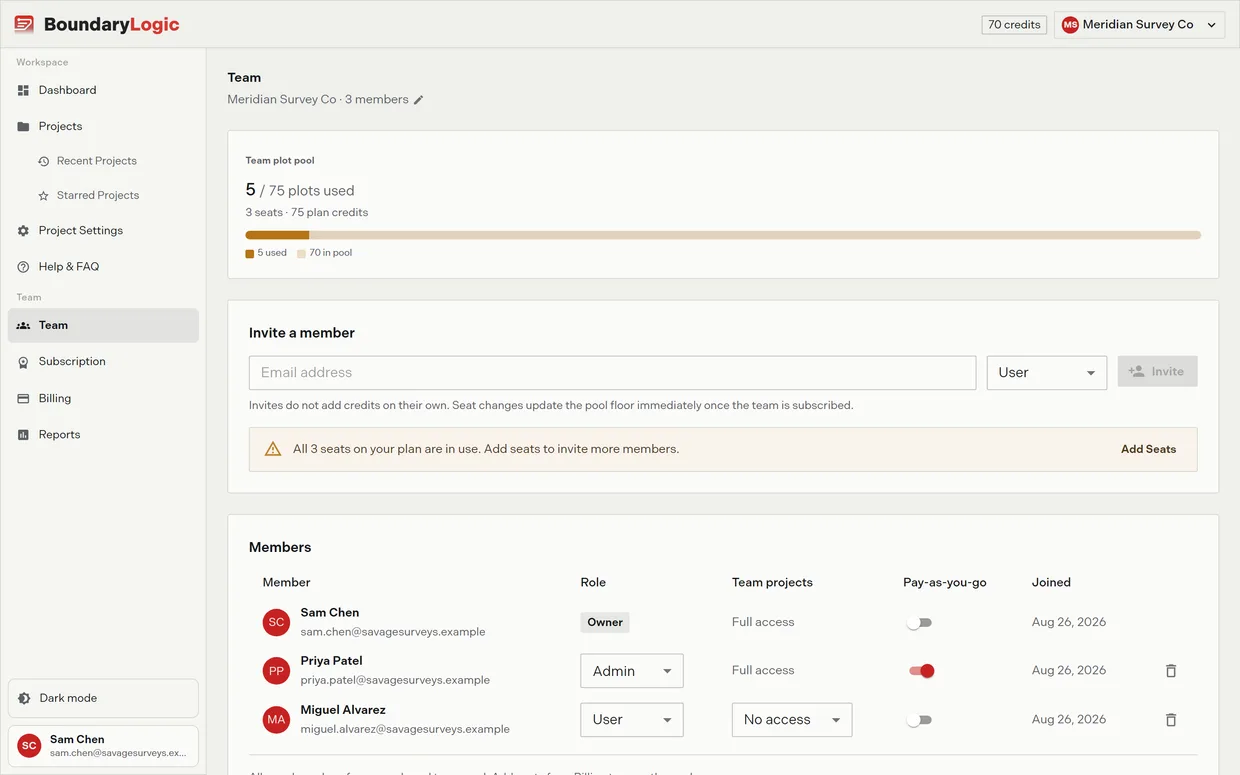
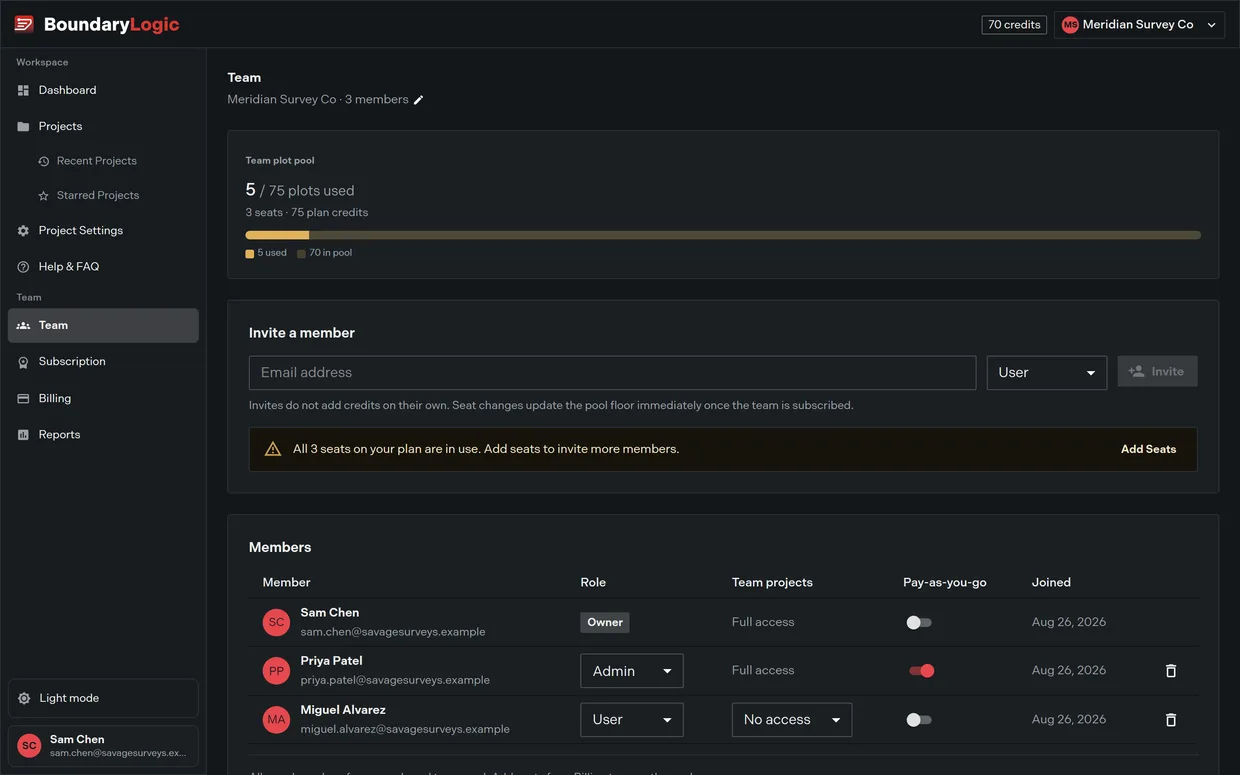
- Go to the Team page.
- At the foot of the page, click Transfer ownership.
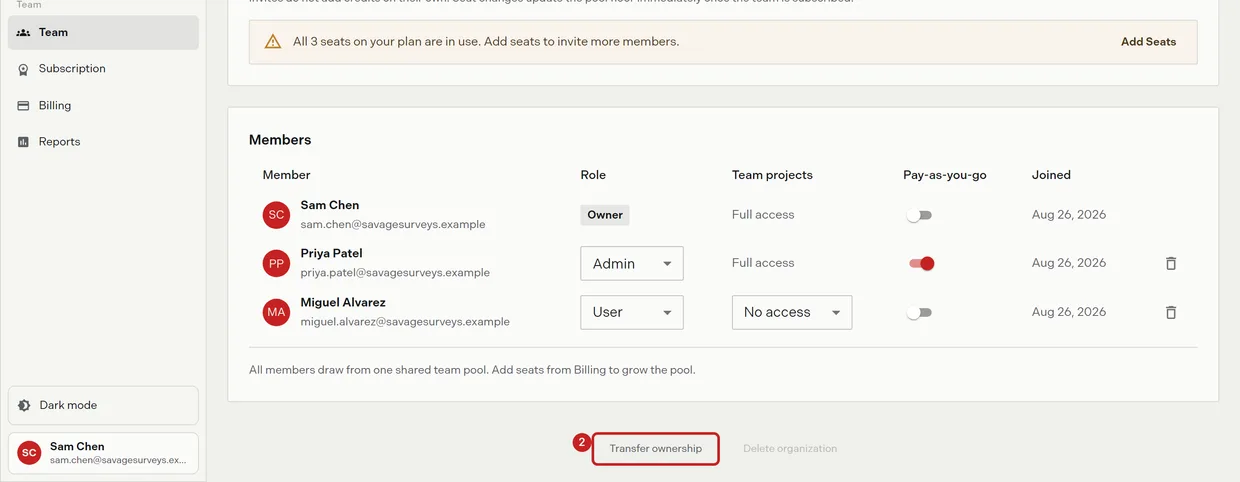
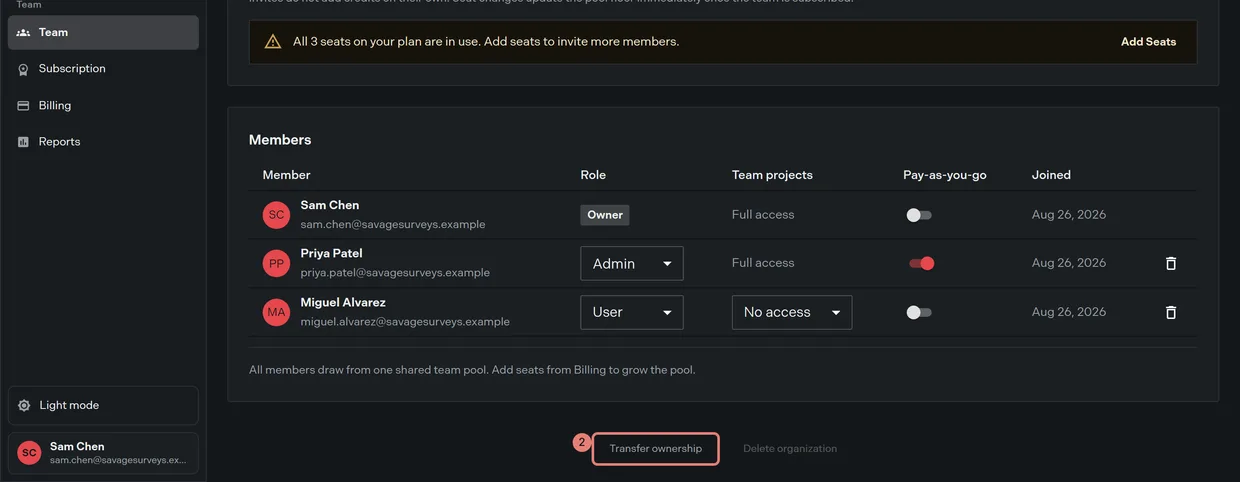
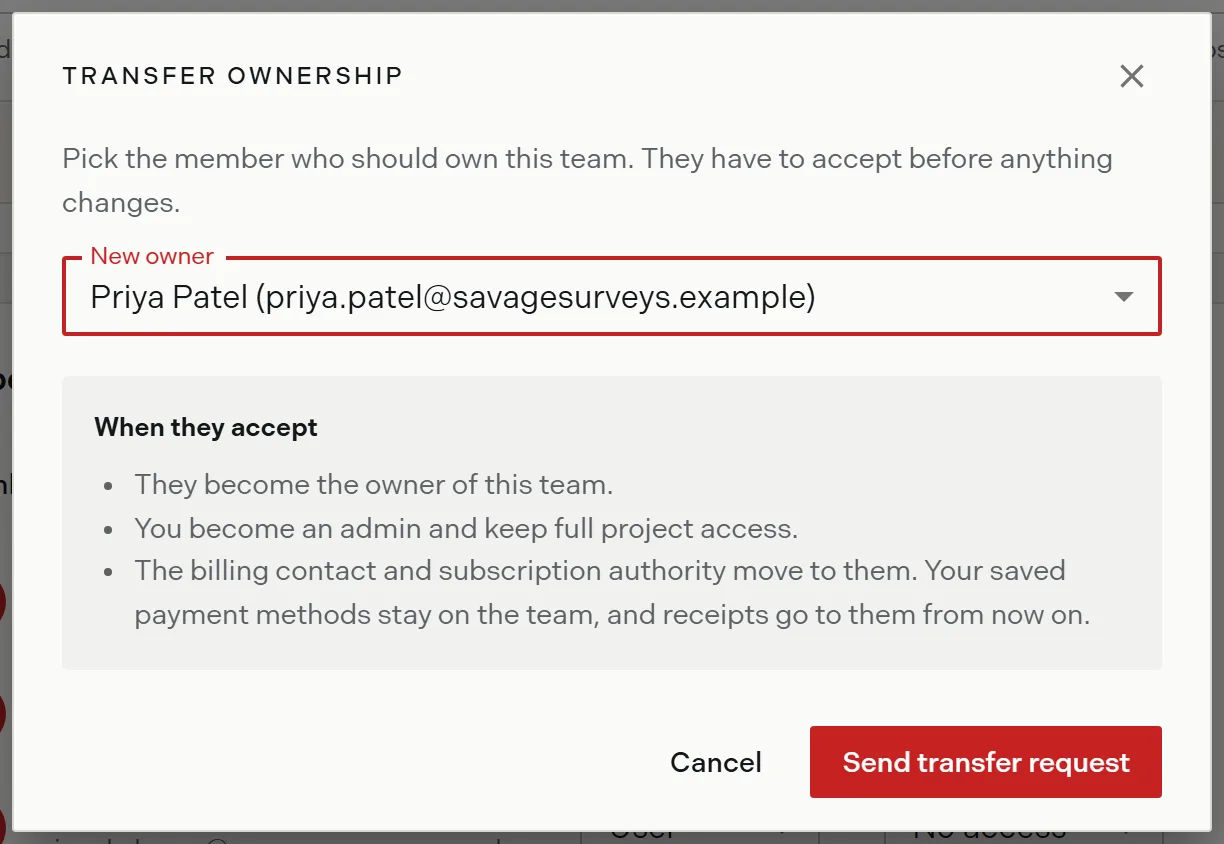
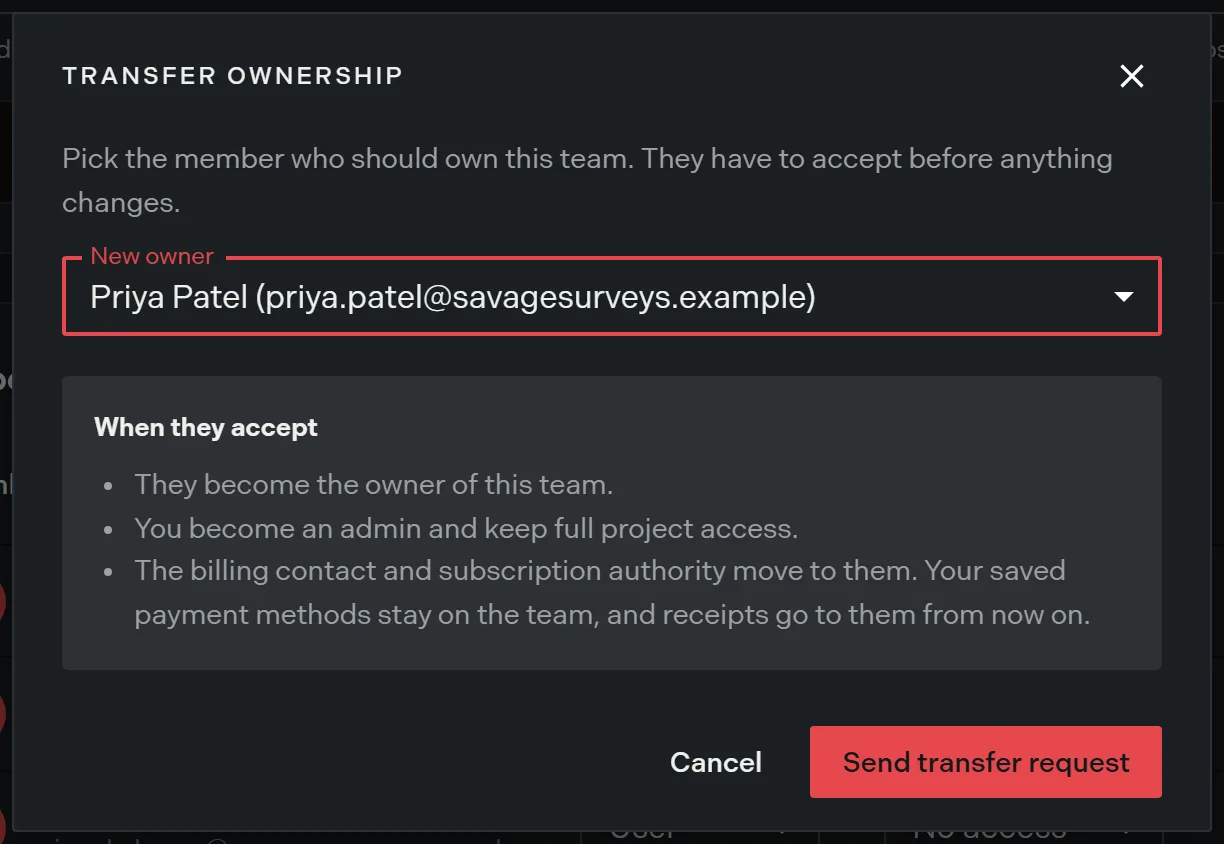
- Select the new owner from the list of members who have finished joining.
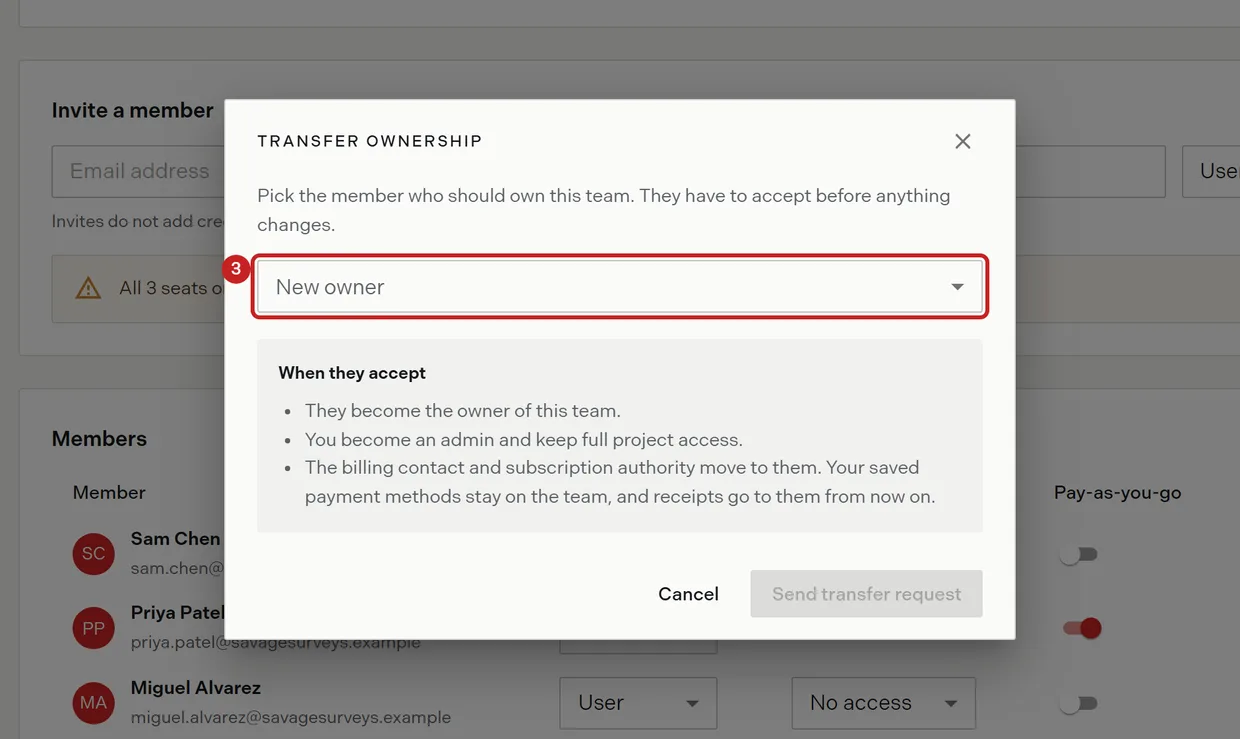
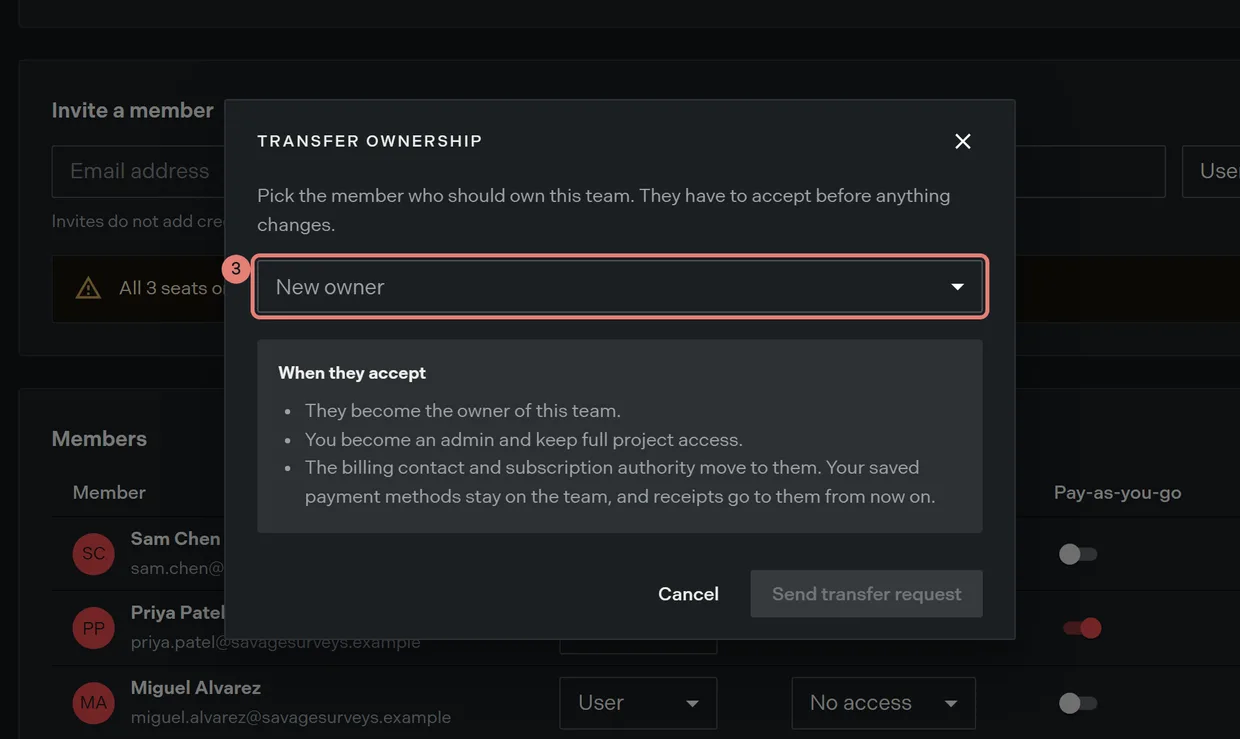
- Read what moves: they become owner, you become an admin and keep full project access, and the billing contact and subscription authority move to them. Cards saved to the team stay on the team.
- Click Send transfer request. The Team page then shows the transfer as pending.
While the transfer is pending
The person you named gets a banner at the top of every page in the app, telling them you asked them to take over and that billing and subscription authority move to them when they accept. They can Accept ownership, which asks them to confirm, or Decline.
On your side, their row in the members table carries a Transfer pending badge and locks: their role, their team project access, their pay-as-you-go switch, and the delete action all stop responding until the transfer resolves. Transfer ownership is disabled while one is already under way.
Calling it off
Click Cancel transfer on the pending alert. The banner disappears from their app and their row becomes editable again.
Related
- Invite members and set roles, for what an admin can do after you hand over
- Plans and billing, for the authority that moves with ownership
- Teams in Trace, for owning one team at a time