

Availability: Professional, Expert and Enterprise · Role: owner
Stop a subscription renewing. The plan stays live until the end of the period you already paid for, and you can change your mind up to that point.
Before you start
- You hold billing authority: the owner on any plan, or an admin on Expert and above.
- Read Downgrades and freezes if you want to know what stops working afterwards. Nothing is deleted.
Steps
- Go to Billing and find the Cancel subscription panel.
- Click through to the confirmation. It states that your pool stays active until the end of the period and that unused plan credits expire then.
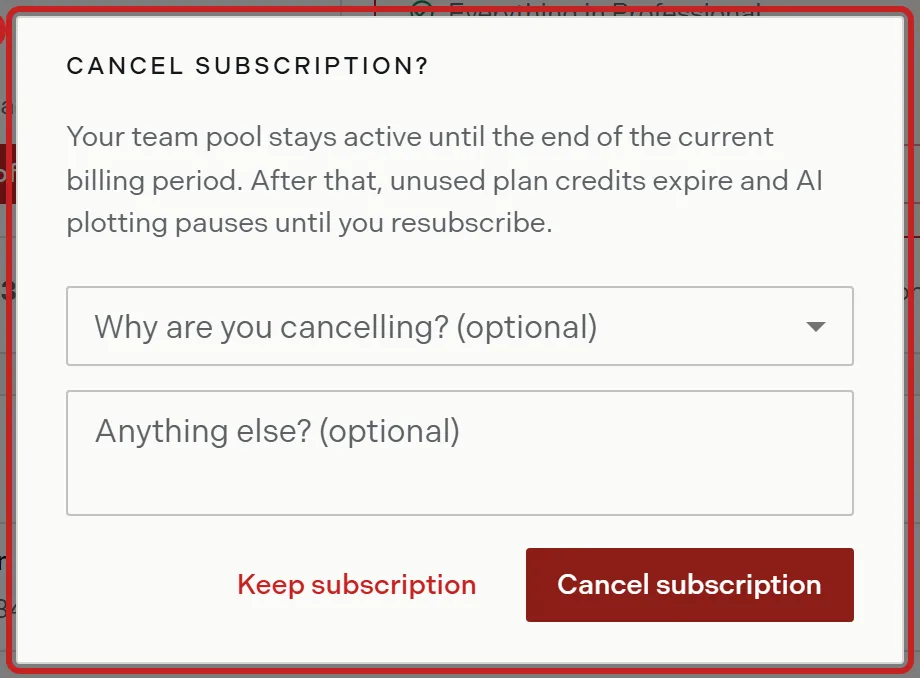
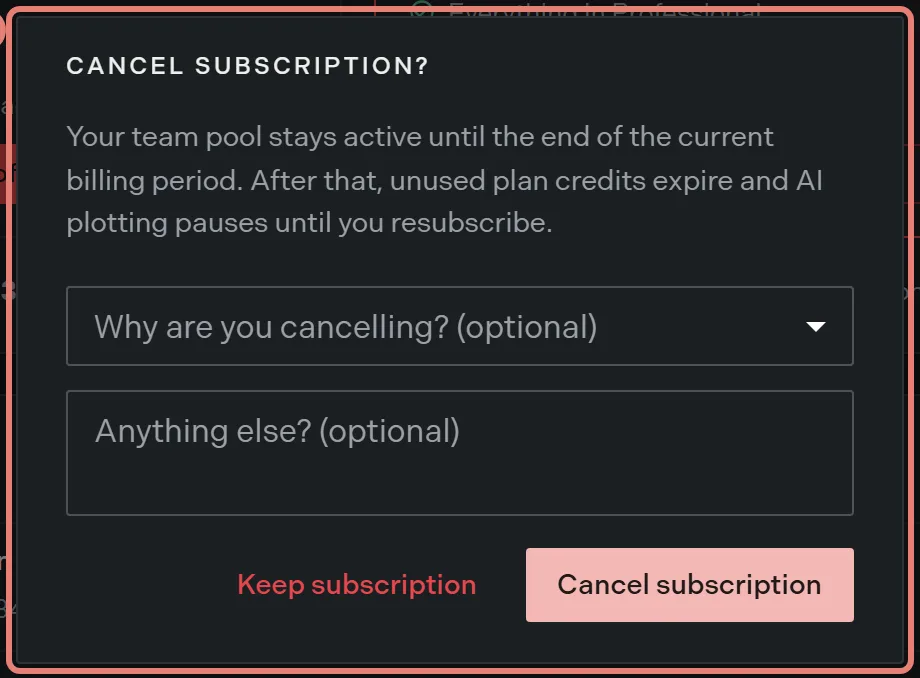
- Optional: pick a reason and leave a comment. Both are optional and the comment takes up to 500 characters.
- Confirm. Trace tells you the subscription is canceled and that the plan stays active until the end of the billing period.
Between cancelling and the end date
The billing page carries a warning naming the date your subscription ends, and the current plan card reads Cancels soon. Everything keeps working, and your credit pool is still yours to spend.
Spend what is left. Unused plan credits expire at the end of the period rather than carrying over.
Changing your mind
Click Resume on that warning. Trace confirms the subscription is resumed and it renews as usual. The warning disappears and the plan card returns to Active.
Deleting the organization instead
Deleting a team is blocked while a subscription is active and not already scheduled to cancel. Cancel first, then delete from the foot of the Team page. Teams in Trace covers deletion and the 30 day restore window.
Self serve cancellation is on Professional and Expert. On Enterprise the panel is replaced by a note that changes to your agreement go through your account team.
Related
- Downgrades and freezes, for what stops working
- Change your plan, for moving down instead of stopping
- Teams in Trace, for deleting the team