

Availability: All plans · Role: Can edit
When a typed traverse misses its point of beginning by more than rounding explains, Diagnose closure searches the tract for the single call edit that would most improve it and shows you the candidates. It suggests; you decide.
Before you start
- The legal description is open in the manual plotting workspace.
- You have edit access to the project. A view only member can read the calls but not rewrite them.
- The tract’s precision is worse than 1 in 1,000. A better precision does not offer the button.
Steps
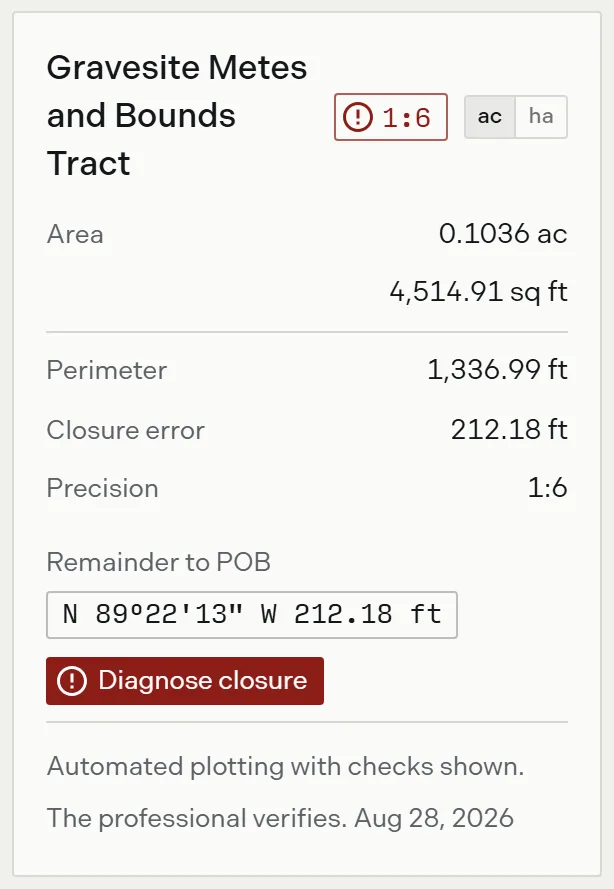
- In the results panel, read the tract card. A precision worse than 1 in 1,000 turns the closure badge red and puts a Diagnose closure button under the remainder badge.
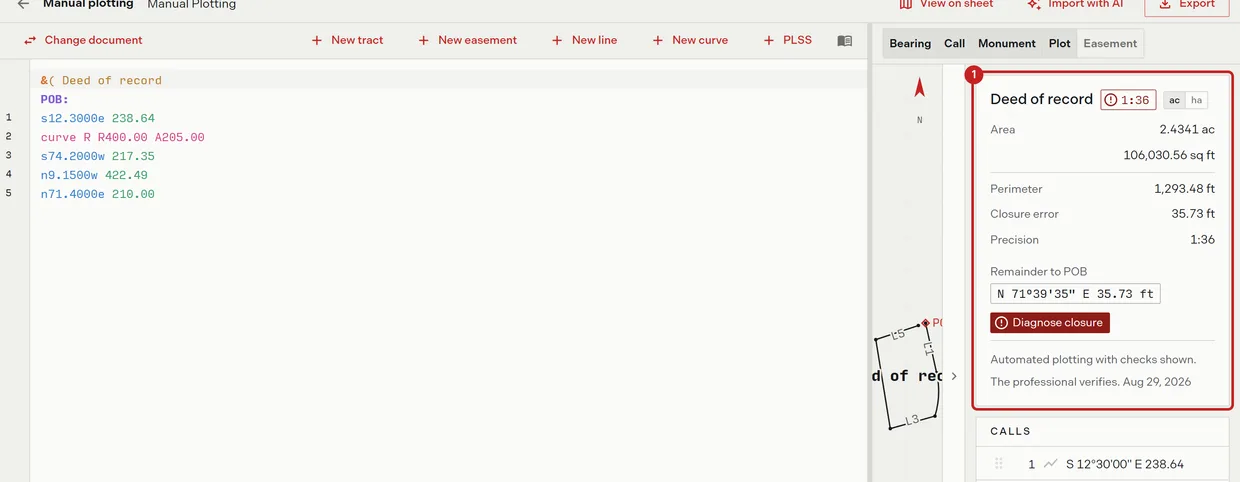
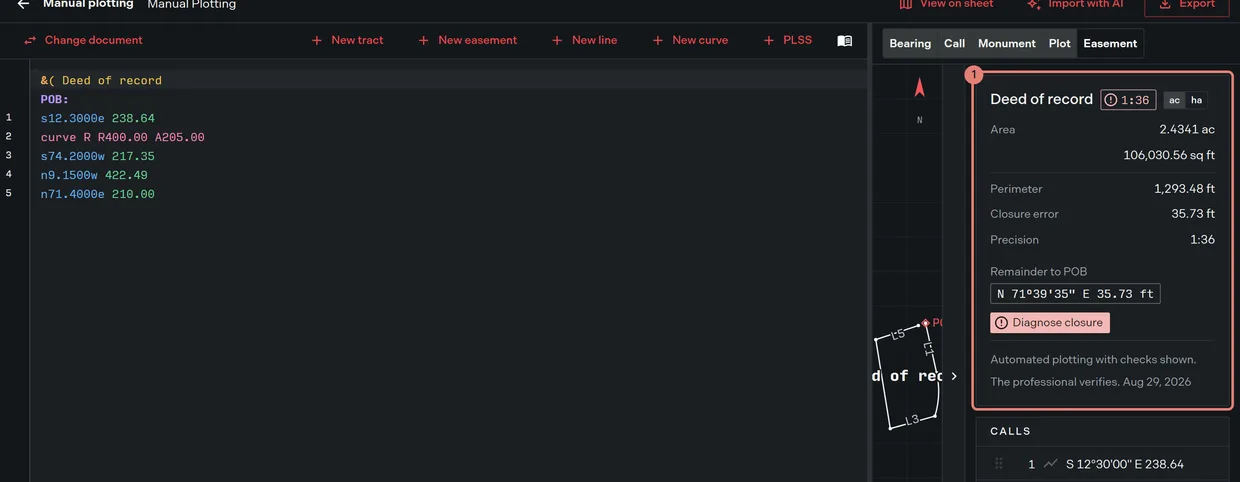
- Compare the closure error with the perimeter before you open anything. A closure error that is a visible fraction of the perimeter, rather than a fraction of a foot, says a whole call is wrong rather than a decimal.
- Click Diagnose closure. Trace tests every plain line call for four defects and lists what it found, best first and at most five.
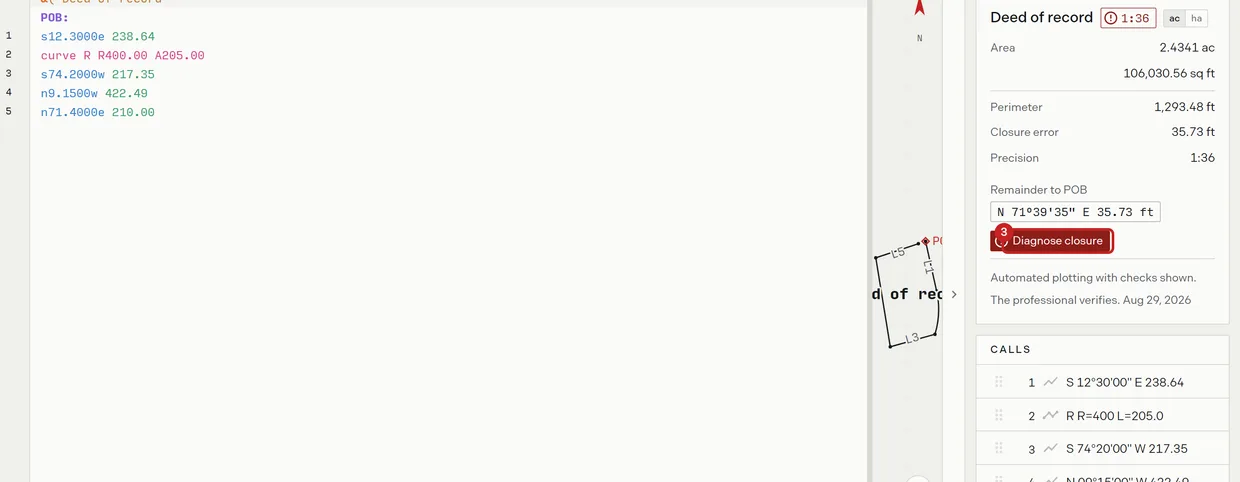
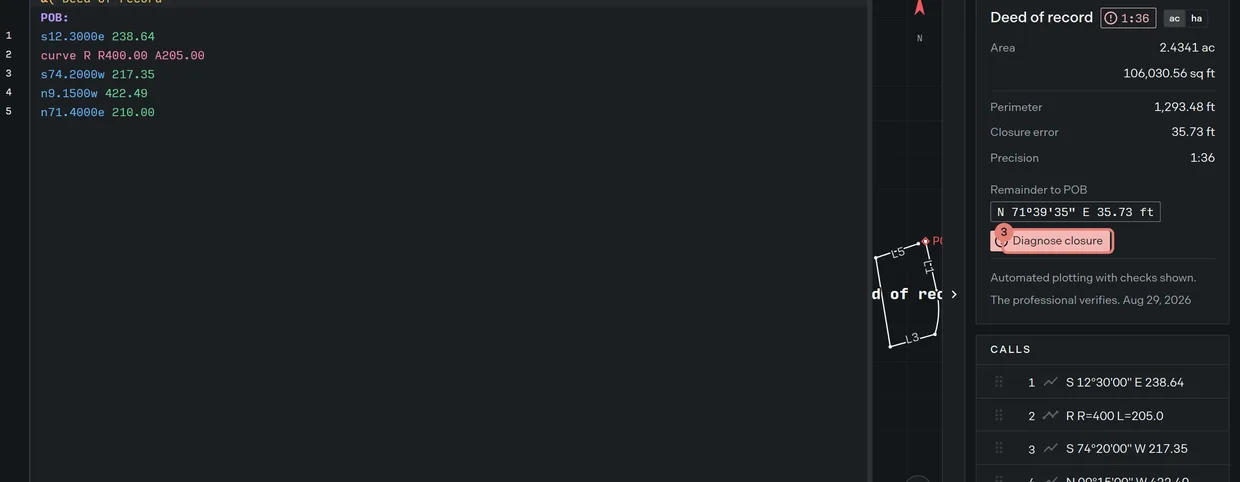
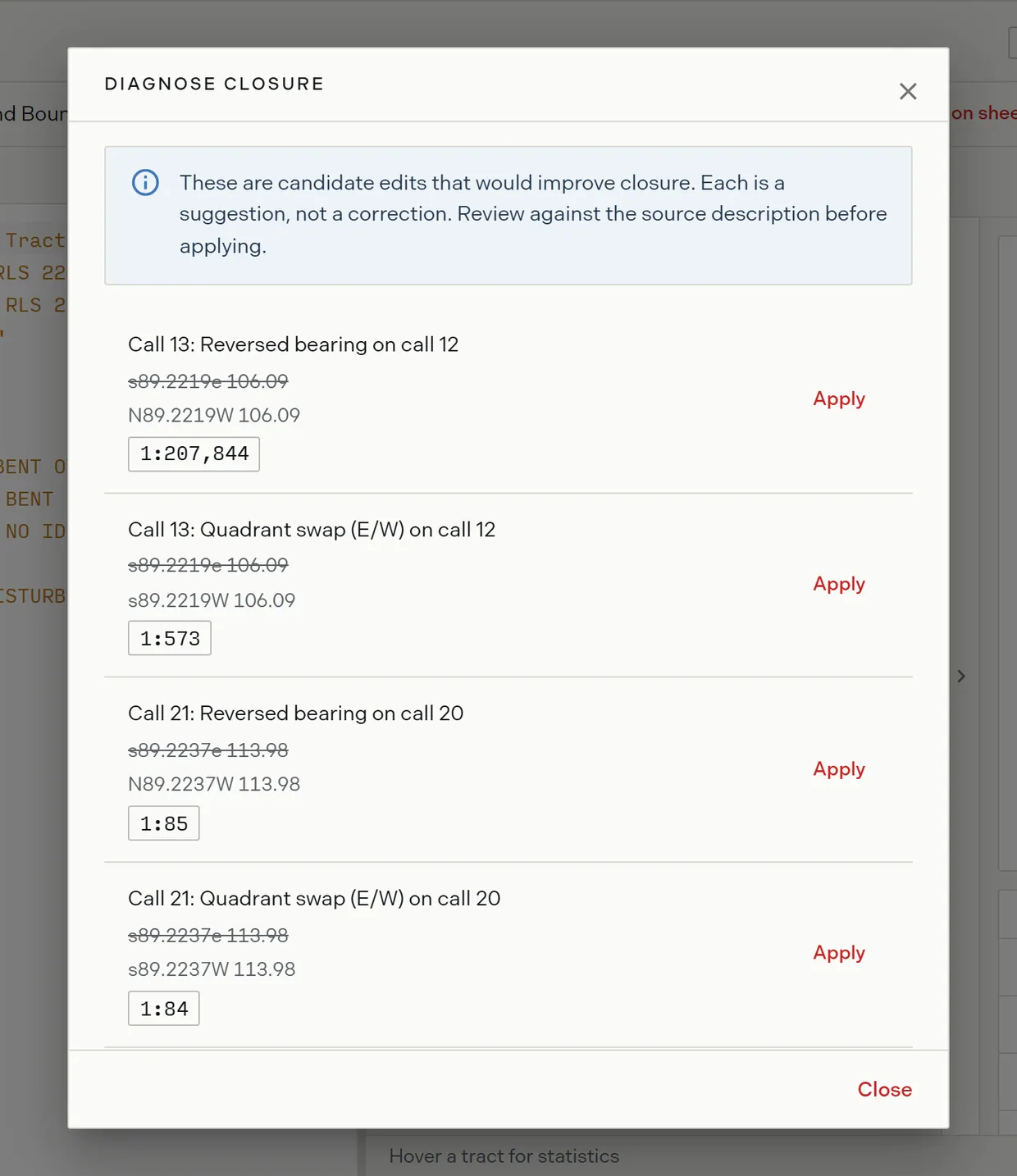
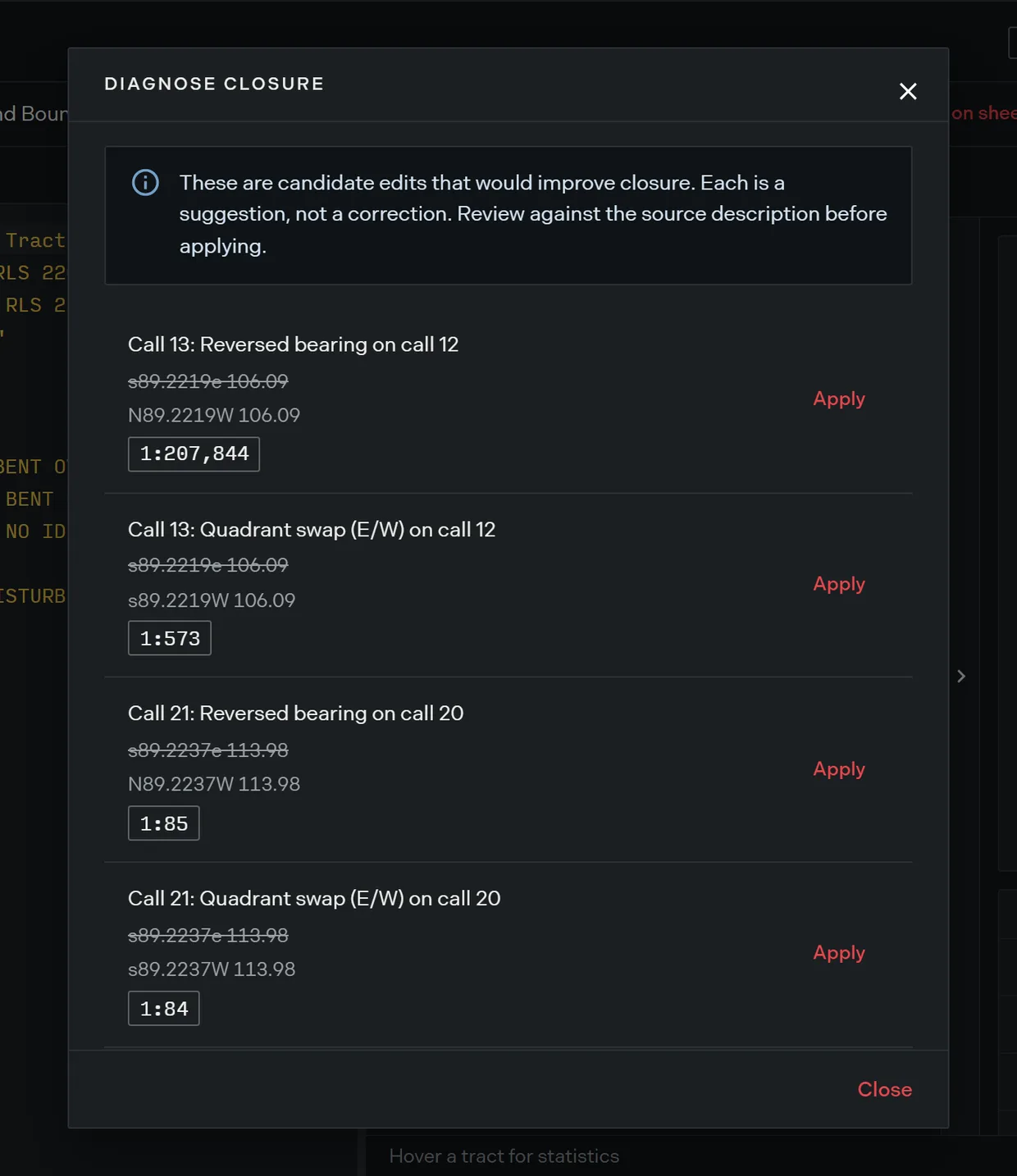
- Read each candidate. It names the defect it tested, shows the line as written struck through against the line it proposes, and states the precision the edit would reach.
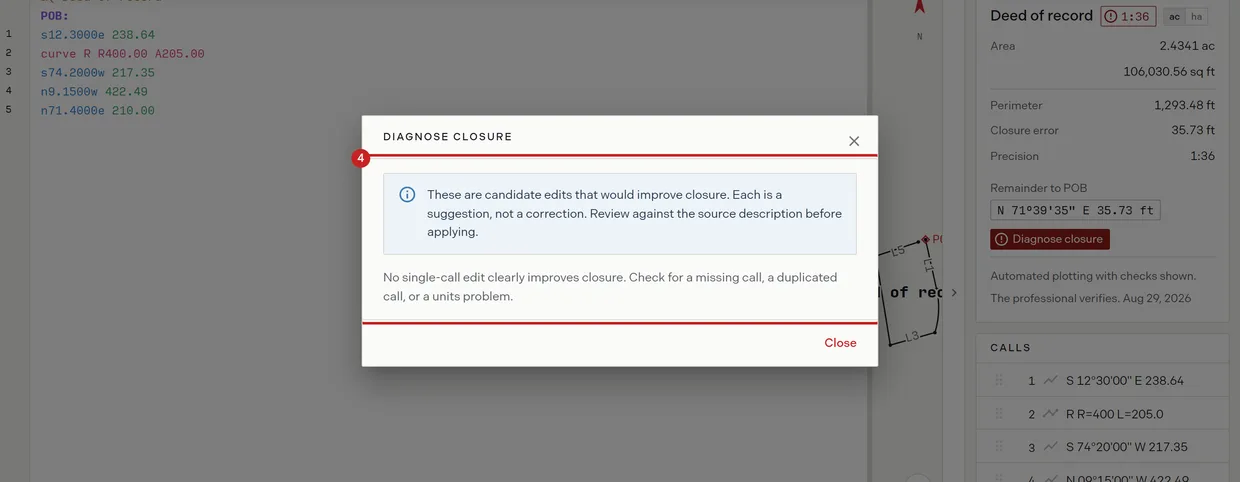
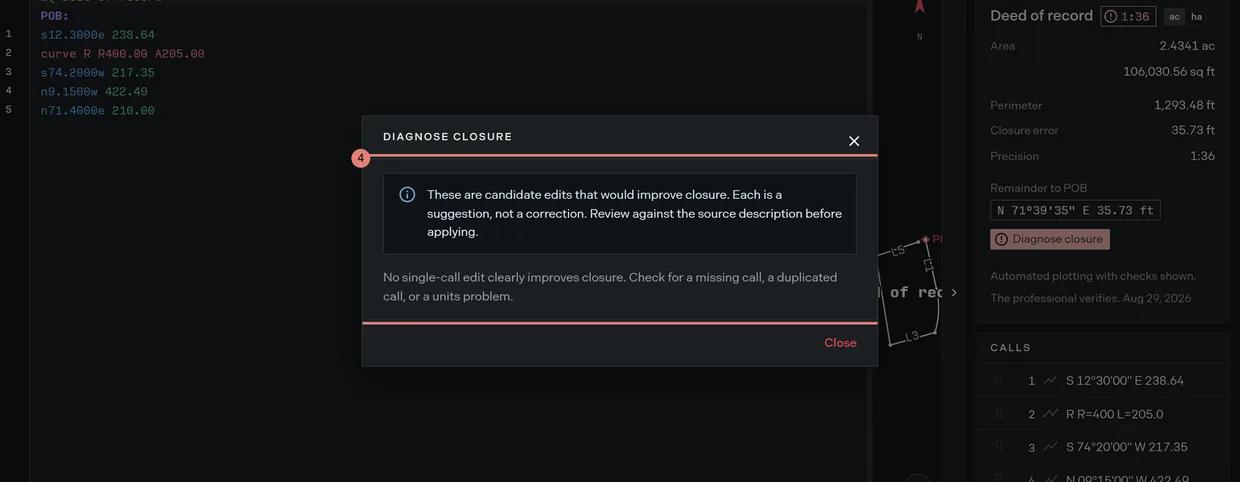
- Check the candidate against the source description. The dialog says so itself: “These are candidate edits that would improve closure. Each is a suggestion, not a correction. Review against the source description before applying.”
- Apply the candidate you confirmed. Trace rewrites that line, closes the dialog, and warns “Suggested edit applied. Verify against the source description.”
- Read the tract card again. If the precision is still poor, run Diagnose closure again.
What it tests
Diagnose closure works on plain line calls and looks for four things:
- A distance off by roughly the closure amount.
- Transposed degree digits in a bearing.
- A north south or east west quadrant swap.
- A fully reversed bearing.
It keeps a candidate only when the edit would cut the closure error to under a tenth of what it was, so it offers one repair at a time. Two bad calls in one tract take two passes.
When it finds nothing
The dialog reports “No single-call edit clearly improves closure. Check for a missing call, a duplicated call, or a units problem.” Those three are outside what a single call edit can fix. Read the description against the calls list, count the courses, and check that a distance in chains, poles or rods was not entered as feet. Deed syntax covers the units the editor accepts.
One label to watch
Each suggestion is headed with the editor line number, not the call number, so a suggestion whose description reads “on call 4” can be headed Call 6. Trust the struck through line, which is the line the edit will rewrite.
Related
- Verifications, for the card the button sits on
- The closure report, for the misclosure arithmetic in full after the fix
- Reading the precision ratio, for what the ratio is telling you
- Curves and calls, for correcting a curve rather than a line
- How to plot a metes and bounds description, if you are starting from zero