

Availability: All plans
Signing up for BoundaryLogic Trace takes one form and an email you can open. No card is needed to finish, and no card is needed to plot manually or export.
Before you start
- An email address you can receive mail at, because you cannot enter the app until you verify it.
Steps
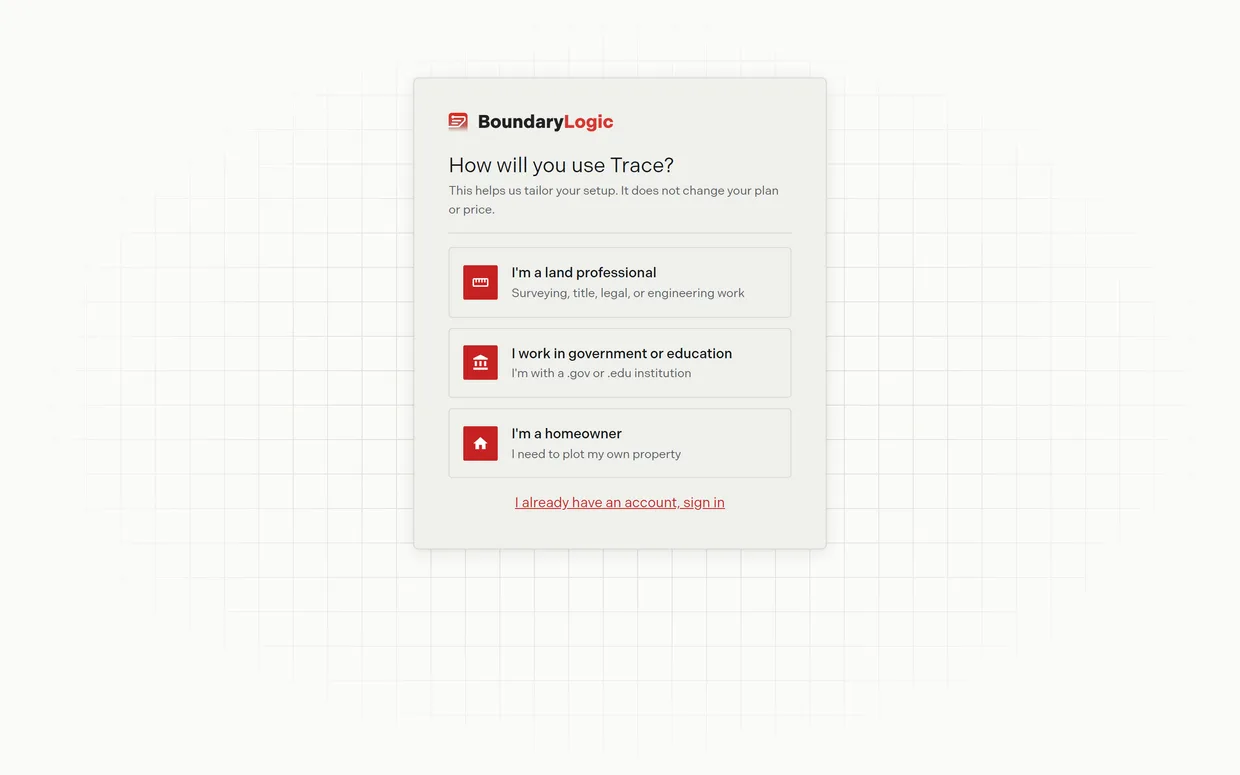
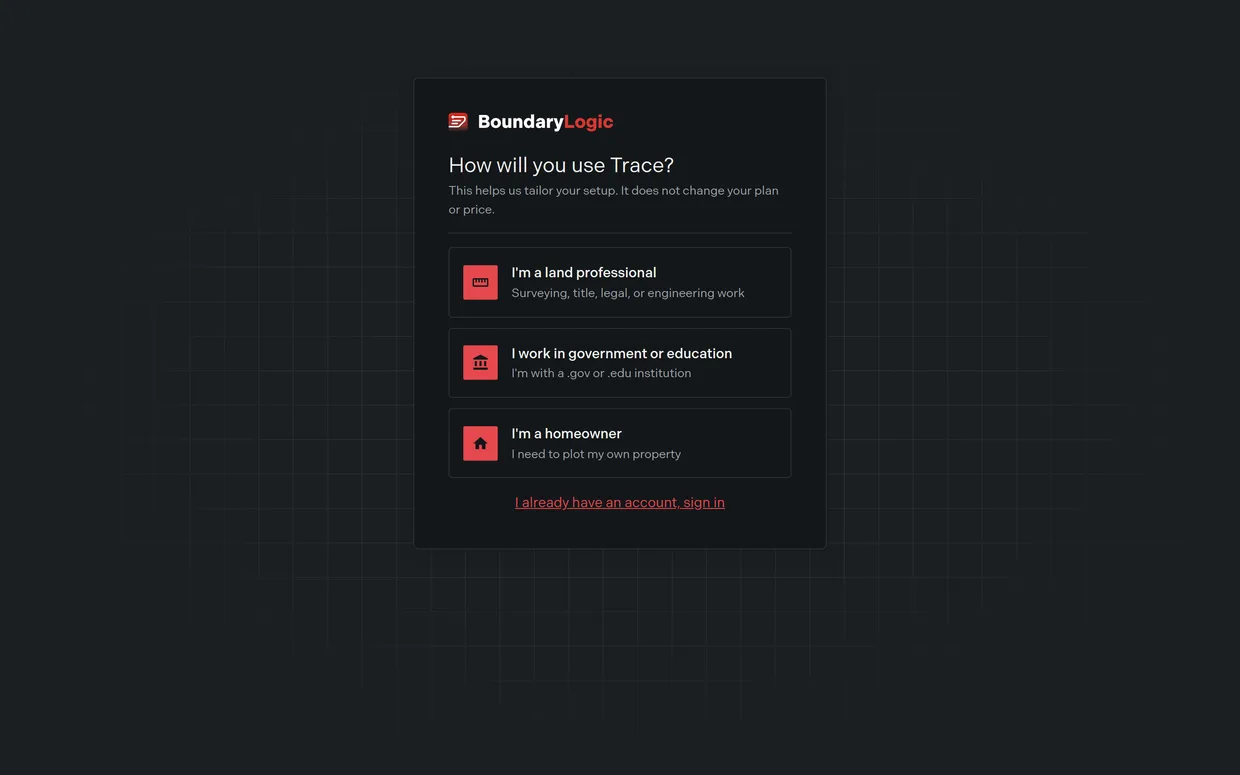
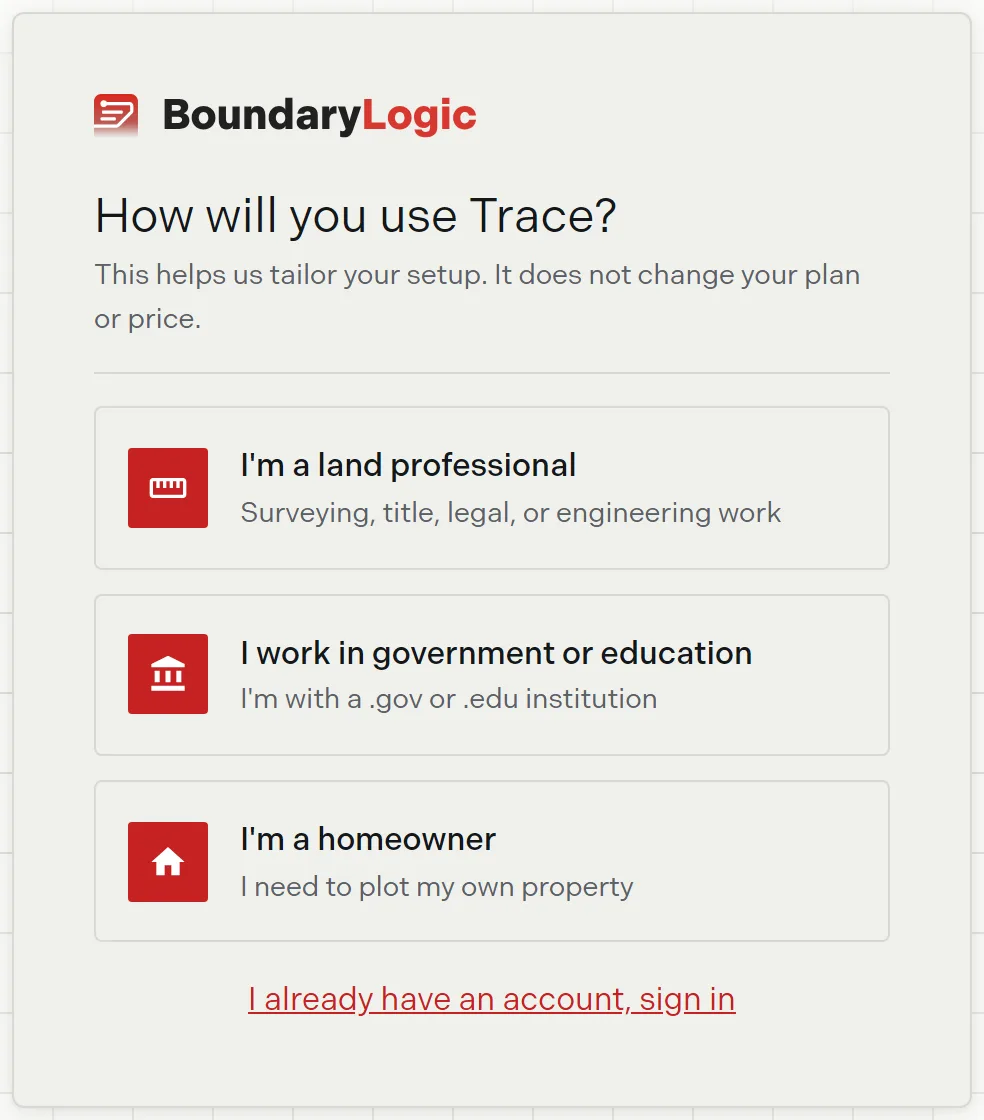
- Go to app.boundarylogic.com/get-started. The page asks “How will you use Trace?” and offers three cards.
- Choose how you will use Trace. Land professionals get a list of segments; government and education users get a shorter list and a discount review. Homeowners are pointed to a different product, covered in If you are a homeowner.
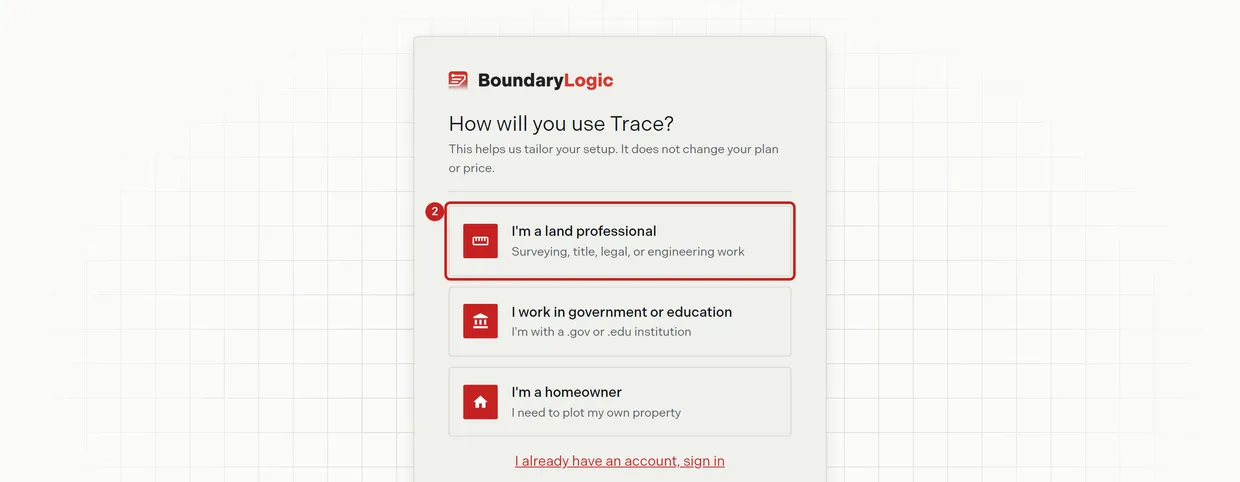
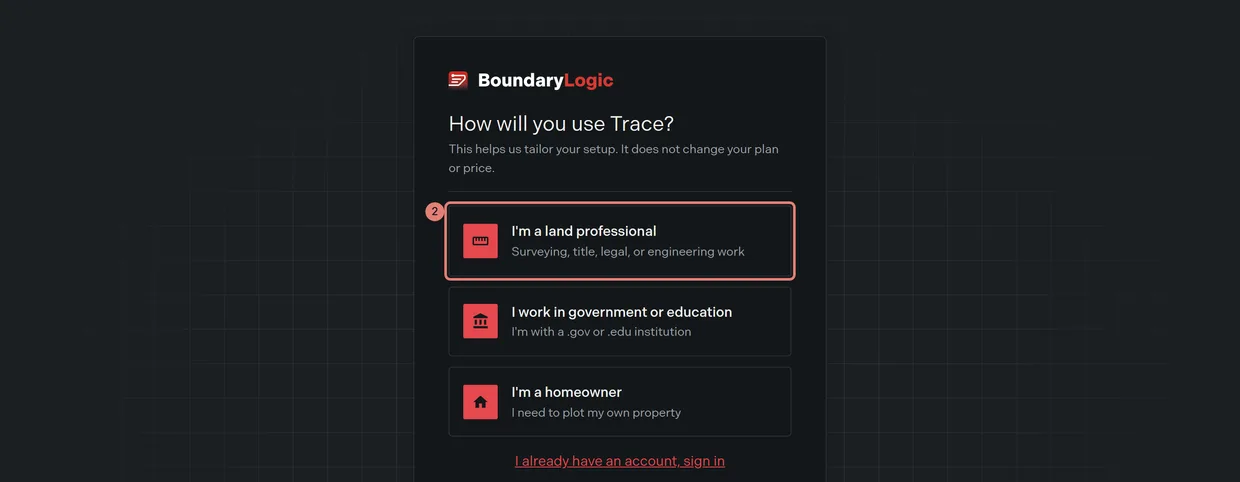
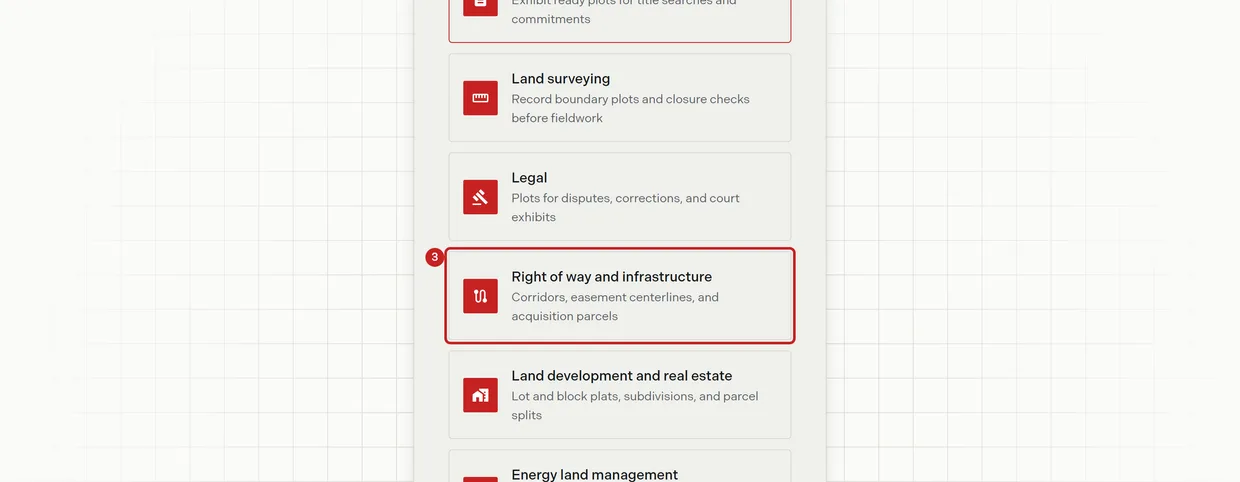
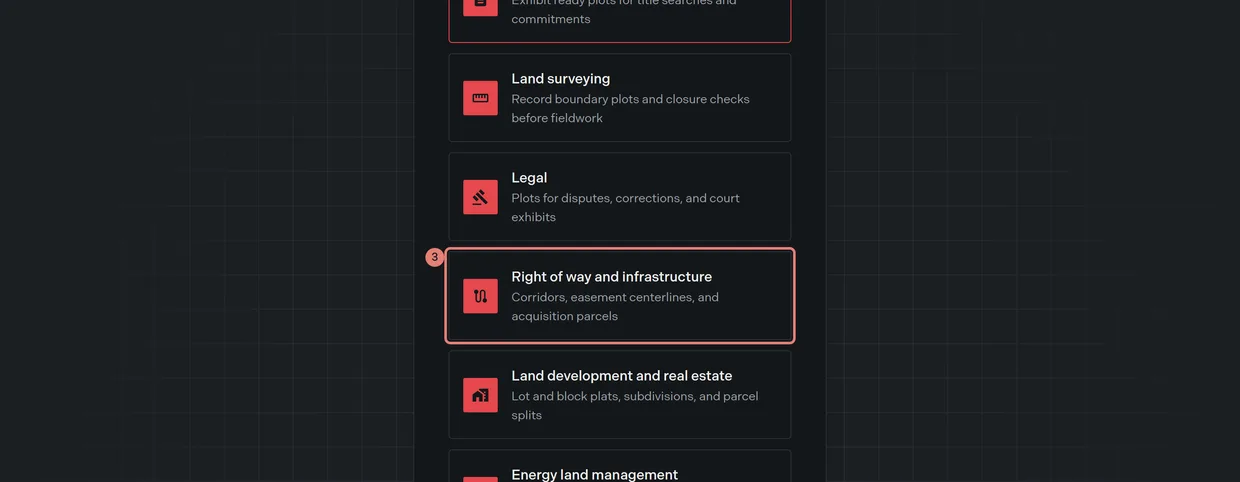
- Choose the segment closest to your work. If none fit, pick Other and describe your work in the field that appears, up to 100 characters. Your segment does not change your plan or your price.
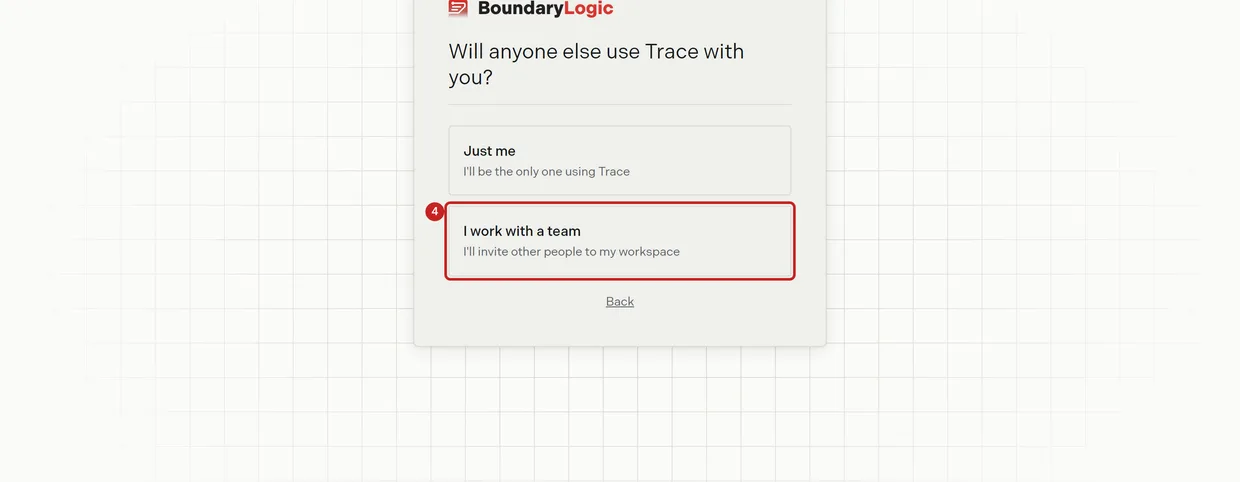
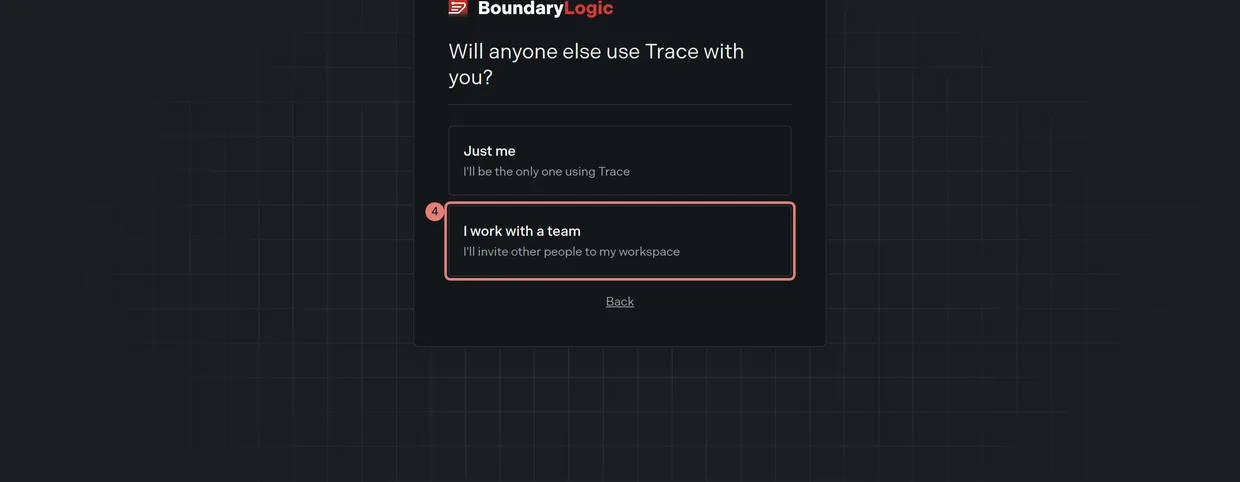
- Answer “Will anyone else use Trace with you?”. Choosing the team option adds an invite step near the end.
- Enter your first name, last name, and email.
- Optional: enter your company.
- Create a password. Use at least 8 characters. Trace creates the account and your workspace at this step.
- Verify your email. Trace sends the verification email automatically. Open it, click Verify My Email, then return to signup and click I’ve verified, continue.
- Optional: add a card to unlock trial credits for AI Automated Plotting, or click Skip. Skipping costs you nothing, and no charge is made when you add a card. Credits and plots covers what the card unlocks.
- Optional: invite your team. Add each address, set it to User or Admin, then click Send invites and continue. This step appears only if you said someone else would use Trace with you.
- Click Go to your workspace. Trace opens your new workspace and seeds an example library in the background.
If the verification email does not arrive
Use Resend on the verify step. Trace allows one send a minute and answers a faster request with “A verification email was just sent. Wait a minute, then try again.” Check your spam folder, and add support@boundarylogic.com to your safe senders. Emails Trace sends you lists every address and subject to expect.
If you are a homeowner
Trace is built for land professionals. Choosing the homeowner card sends you to a page for MyLotLine, which is the product for plotting your own lot, and Go to MyLotLine opens it in a new tab. If you picked that card by mistake, choose “I’m a professional, continue with Trace” and confirm to return to the professional path.
If you work in government or education
Choosing the government or education card flags your account for a discount review, and the business step explains it. Education and government discount covers the amount and the timeline.
Related
- Plot your first deed in Trace, if you want the whole journey from zero
- Sign-in options, for signing in after today
- Accept a team invite, if someone invited you instead
- Create a project, for the next thing you will do