

Availability: Professional, Expert and Enterprise · Role: edit access
A scanned plat under the plotted boundary answers the question the deed alone cannot: do these two agree. Add the scan as an image layer, line it up by hand, and lock it so it stays put.
Before you start
- Image overlays need Professional or above.
- You need edit access to the project.
- Set the project anchor first. A new overlay lands on the anchor, so getting the anchor right saves dragging the image across the county.
- Have the plat as a PNG, JPEG or TIFF.
Add the overlay
- In the project menu, click Manage Layers.
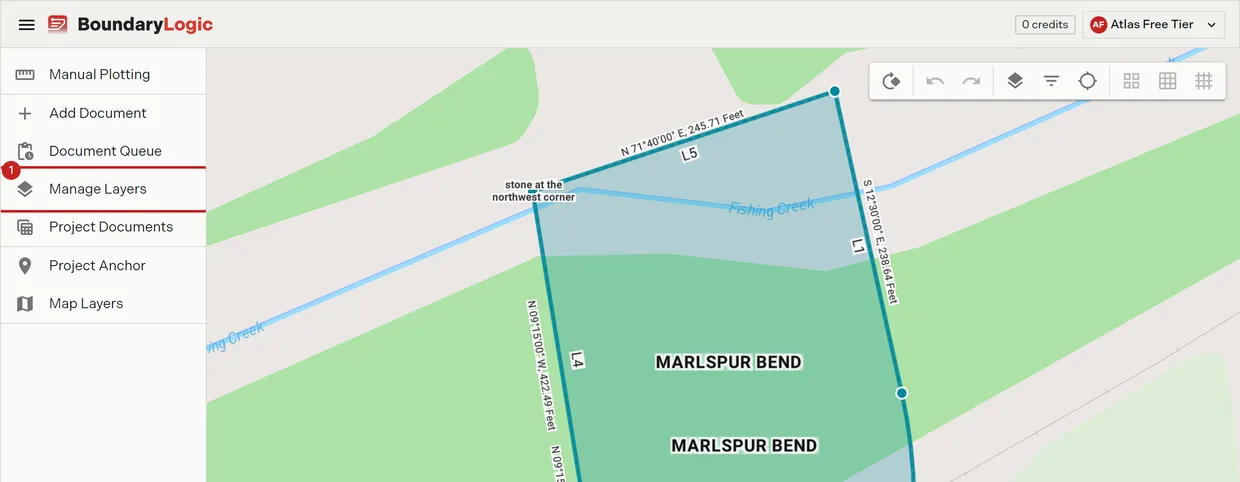
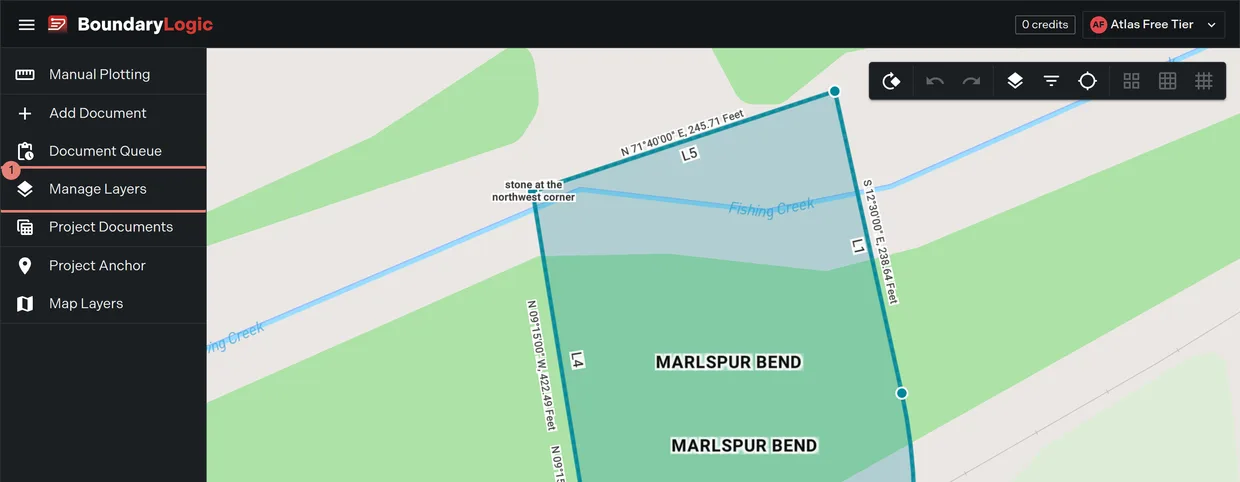
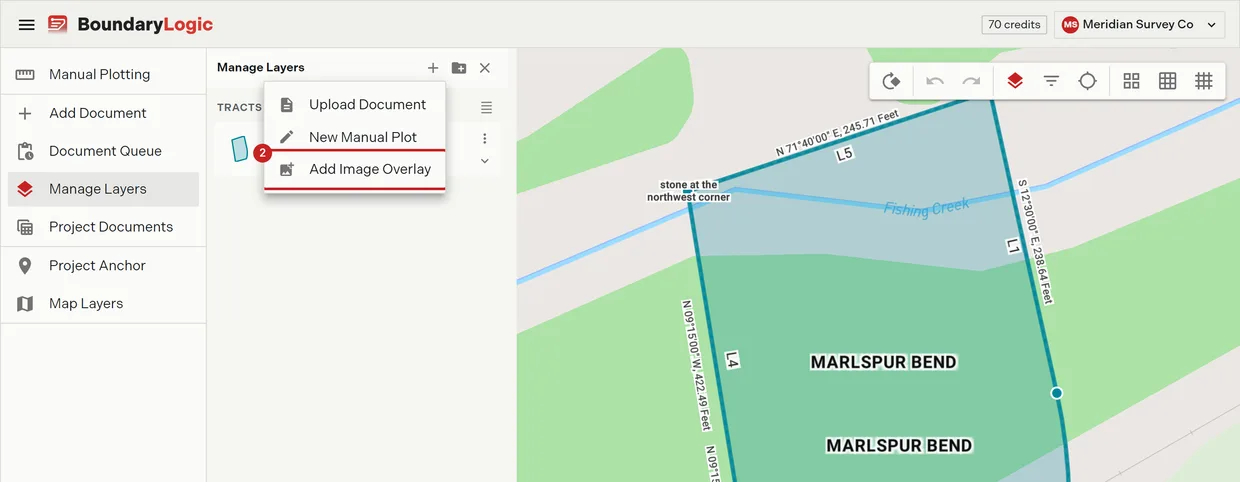
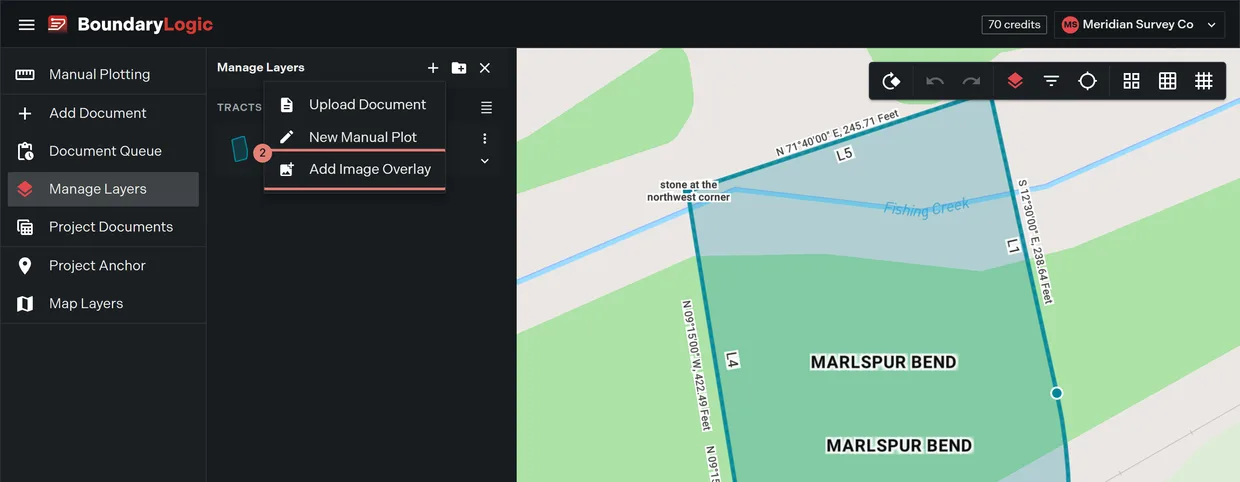
- Click Add layer, then Add Image Overlay.
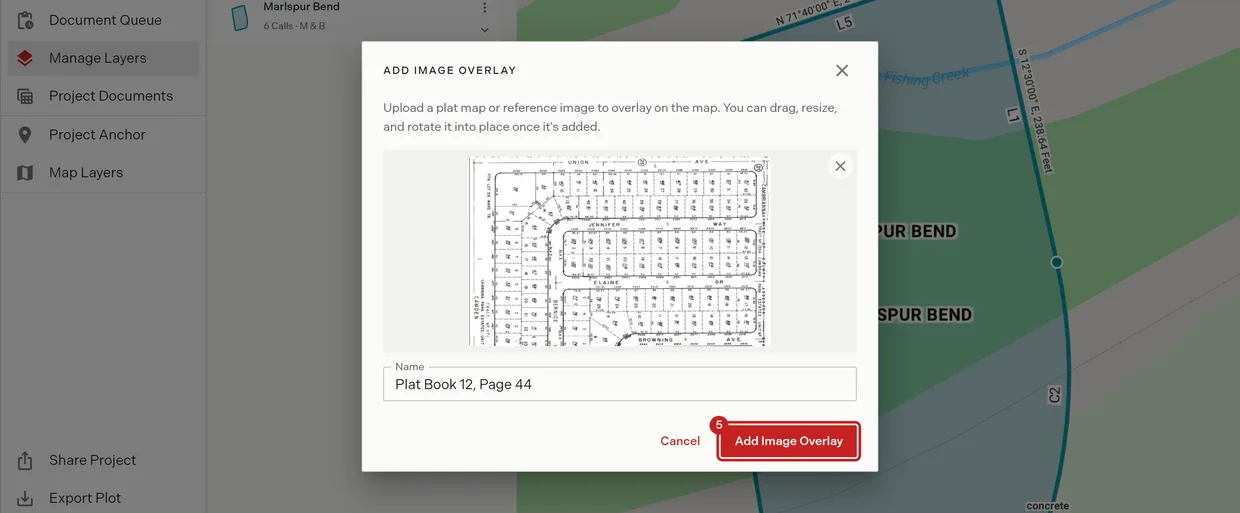
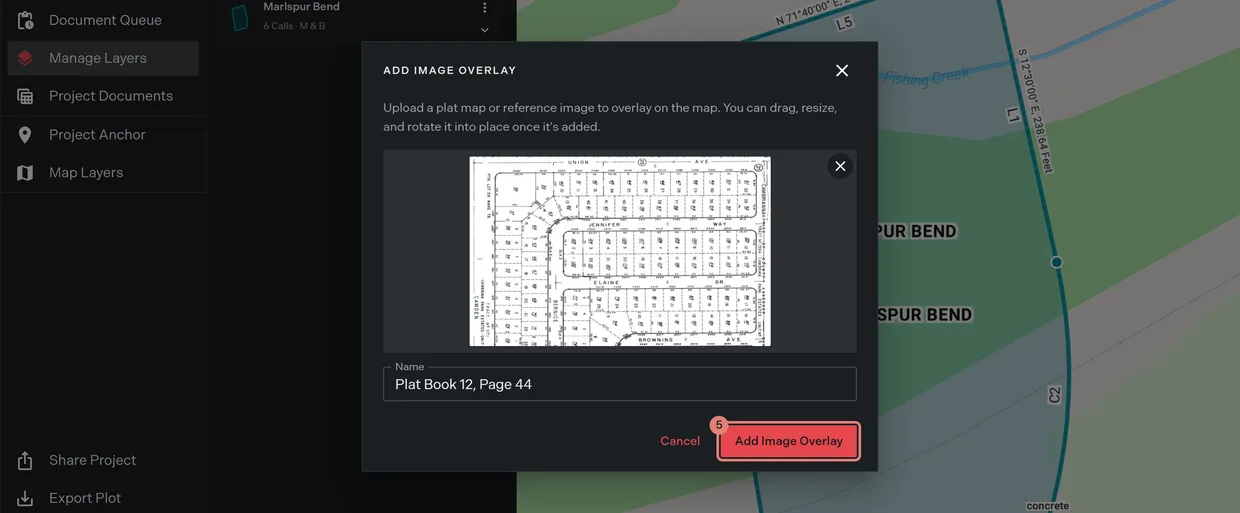
- Drop the file on the dropzone, or browse for it. The dialog previews the file with a remove button, and rejects a file type it cannot take.
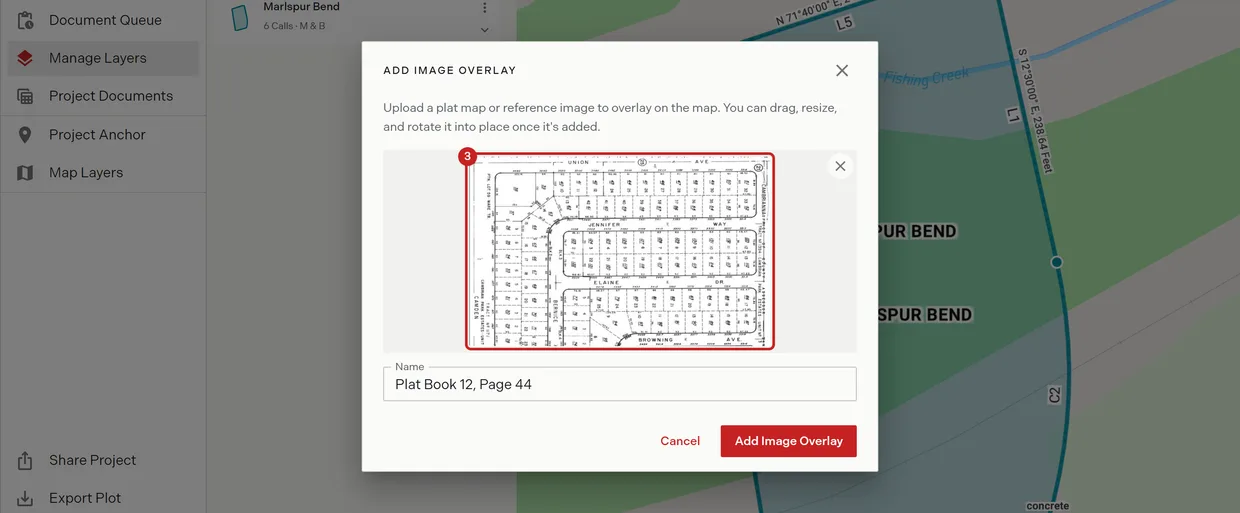
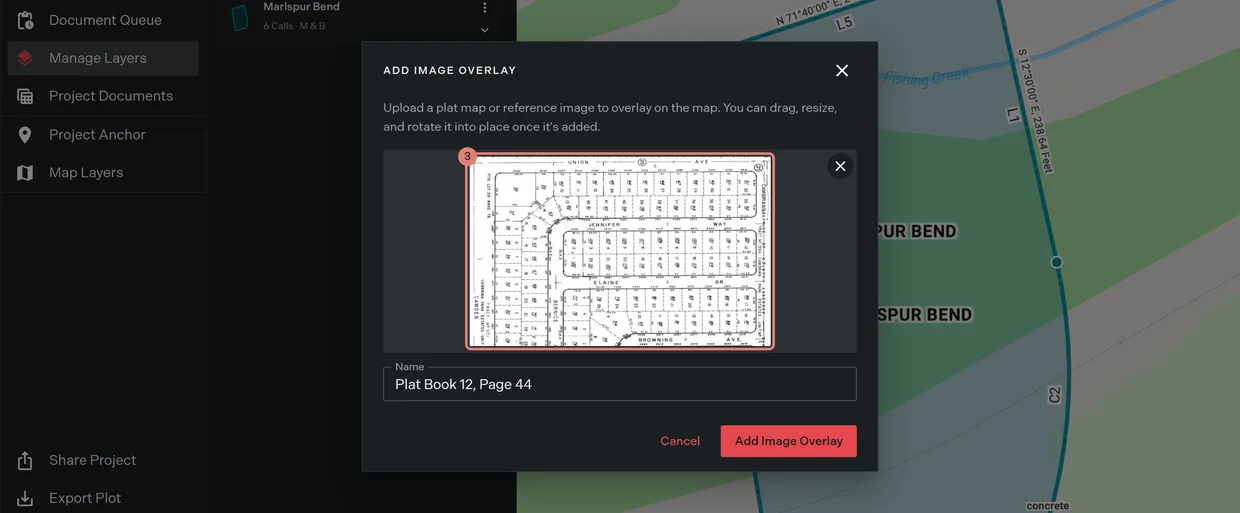
- Name the layer. It defaults to the file name.
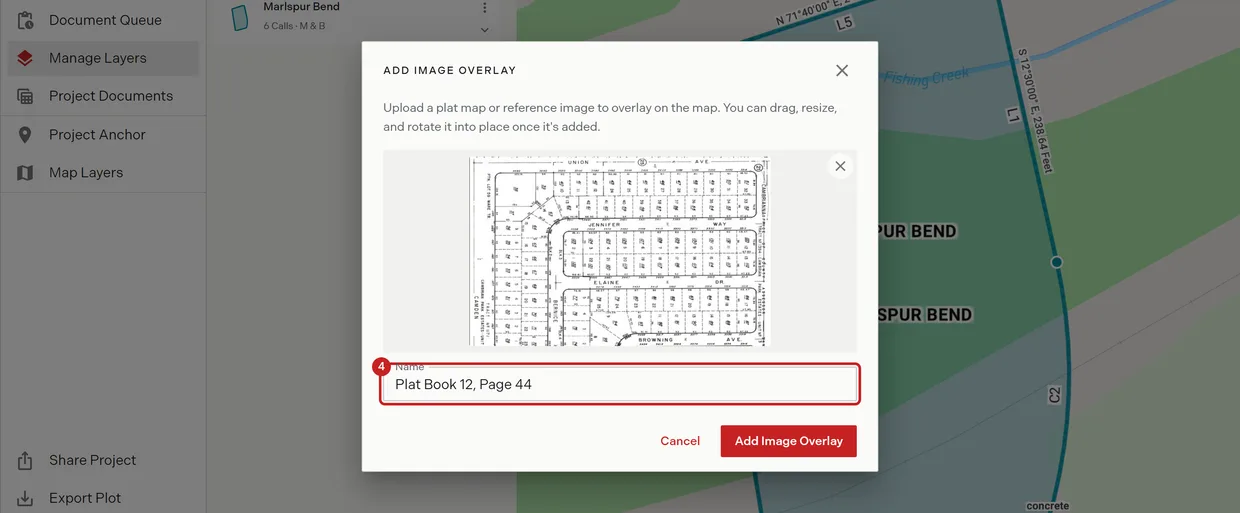
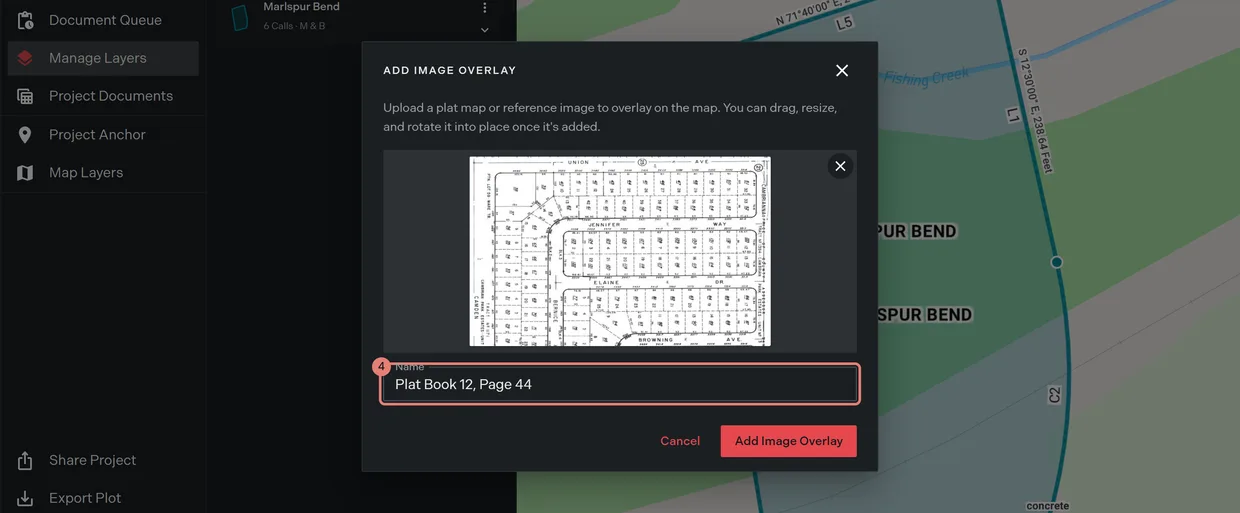
- Click Add Image Overlay. Trace creates the overlay at the project anchor, selects it, centers the map on it, and confirms with “Image overlay added. Drag it into place on the map.”
Line it up
Selecting an unlocked overlay draws four corner handle pairs on it: a resize handle at each corner with a rotate ring just outside it.
- Drag the image body to move it. Trace saves the new center on release.
- Drag a corner handle to scale it. The aspect ratio holds.
- Drag just outside a corner handle to spin the image around its center.
- Right-click the overlay and choose Set Opacity, then drag the slider until the boundary underneath reads clearly. The map previews as you move it.
- Right-click the overlay and choose Lock Image. The position, scale and rotation are pinned.
If the overlay drifts off screen, Center on Project on the map toolbar brings the map back to the anchor.
What locking changes
A locked overlay shows no corner handles at all, so there is nothing to drag, scale or rotate. Its Move to Location and Rotate Image menu items are greyed out too. If you select an overlay and the handles do not appear, it is locked; choose Unlock Image first.
Locking is also what makes an aligned plat safe to work over. Align first, lock second, then work the tracts on top of it.
The overlay menu
Right-clicking an overlay opens Image Overlay, a seven item menu. It is a shorter list than a plot’s, and it is the only right-click menu carrying a delete.
| Menu item | What it does |
|---|---|
| Disable Image | Hides the overlay from the map. Reads Enable Image when hidden |
| Move to Location | Re-anchors the overlay by address, coordinates or PLSS description. Greyed while locked |
| Lock Image | Pins position, scale and rotation. Reads Unlock Image when locked |
| Rotate Image | Opens the rotate dialog. Greyed while locked |
| Rename | Renames the overlay layer |
| Set Opacity | Sets how transparent the image draws, previewing as the slider moves |
| Delete Image Overlay | Removes the overlay from the project for good |
Order it among the tracts
An overlay is a layer like any other. It gets a card in Manage Layers marked Image Overlay, showing the image itself when expanded, and it drags up and down the draw order with the tract cards. Put it at the bottom of the stack to keep the boundaries drawing over it. Layer groups and ordering covers the drag.
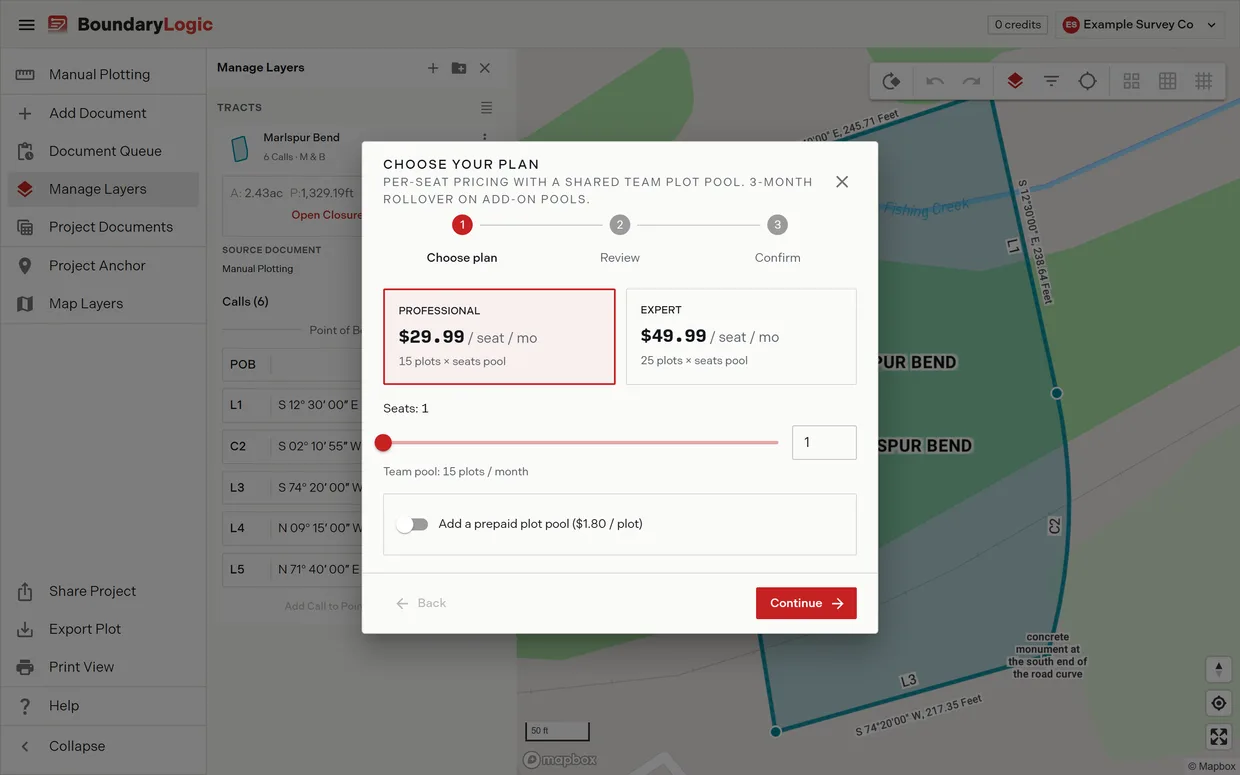
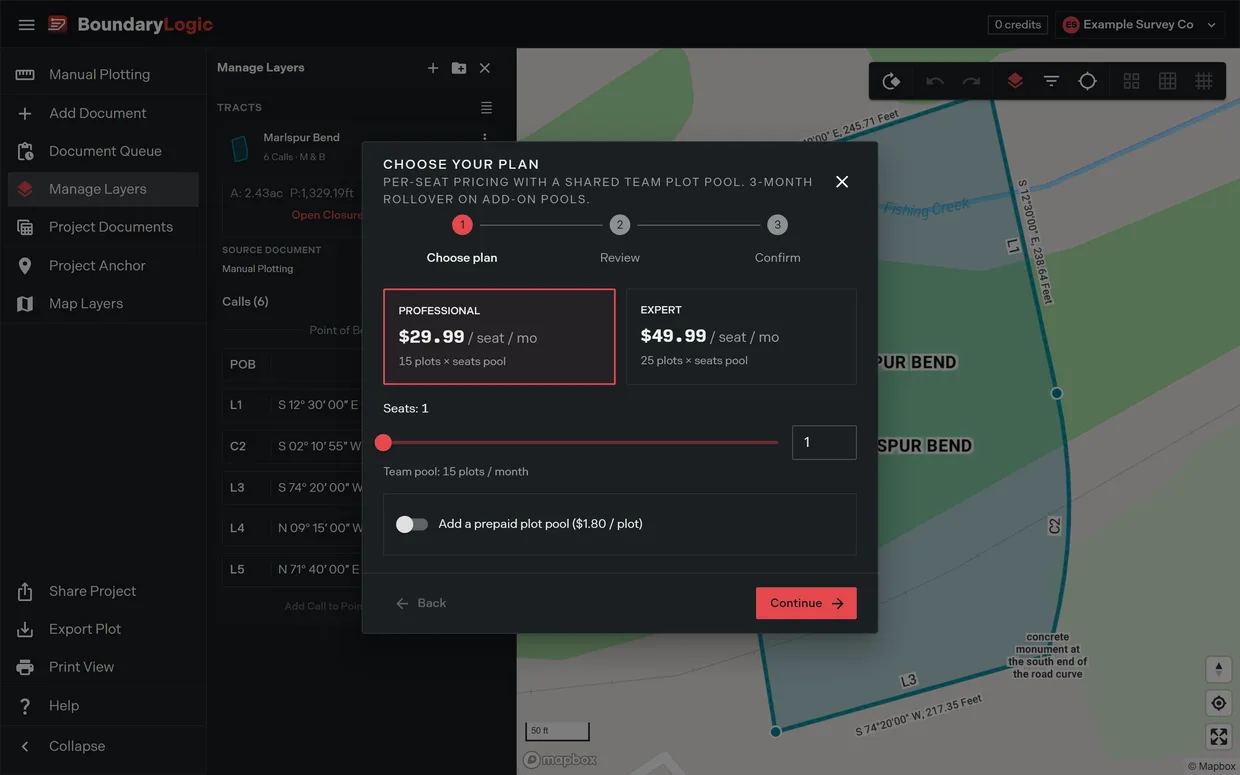
Image overlays need Professional or above. On Free, Add Image Overlay opens the plan chooser instead of the upload dialog.
Related
- Align a plat with image overlays, the worked example
- Manage layers, for the overlay’s card
- Layer groups and ordering
- Right-click menus on the map
- Recorded plat in the glossary