

Availability: All plans
Summary
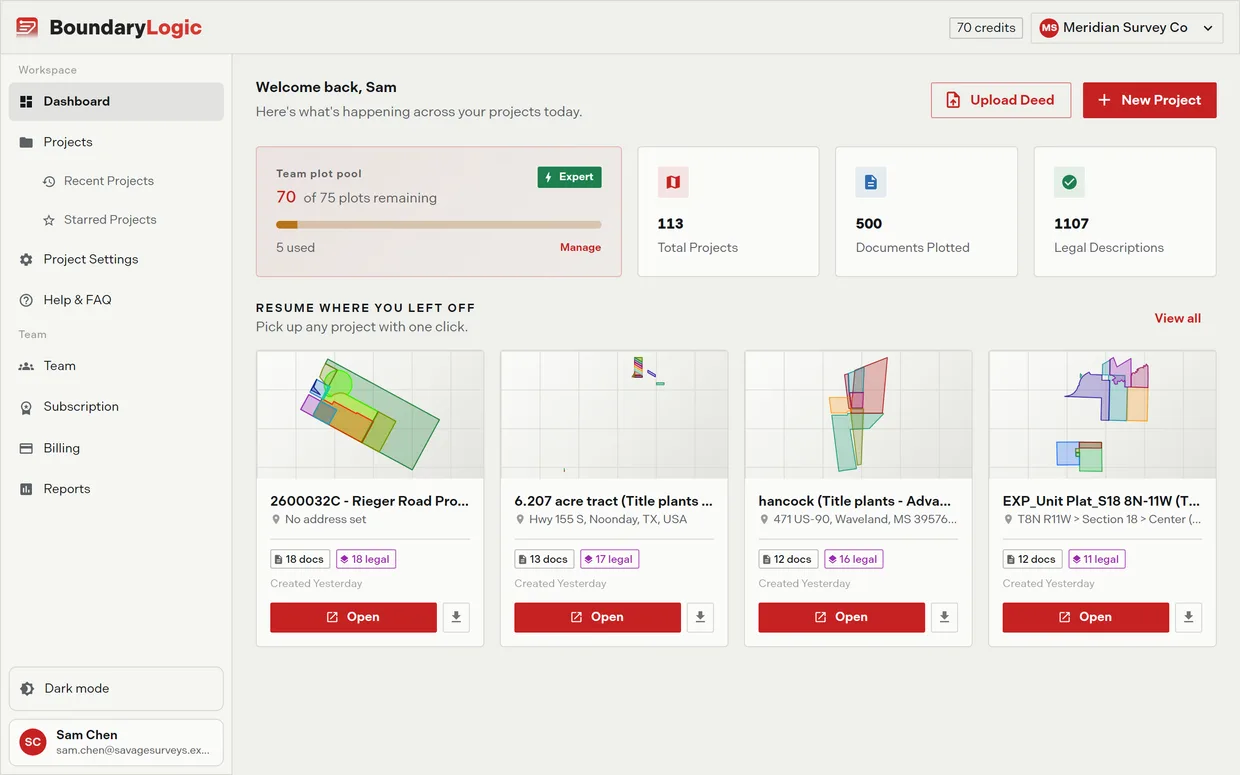
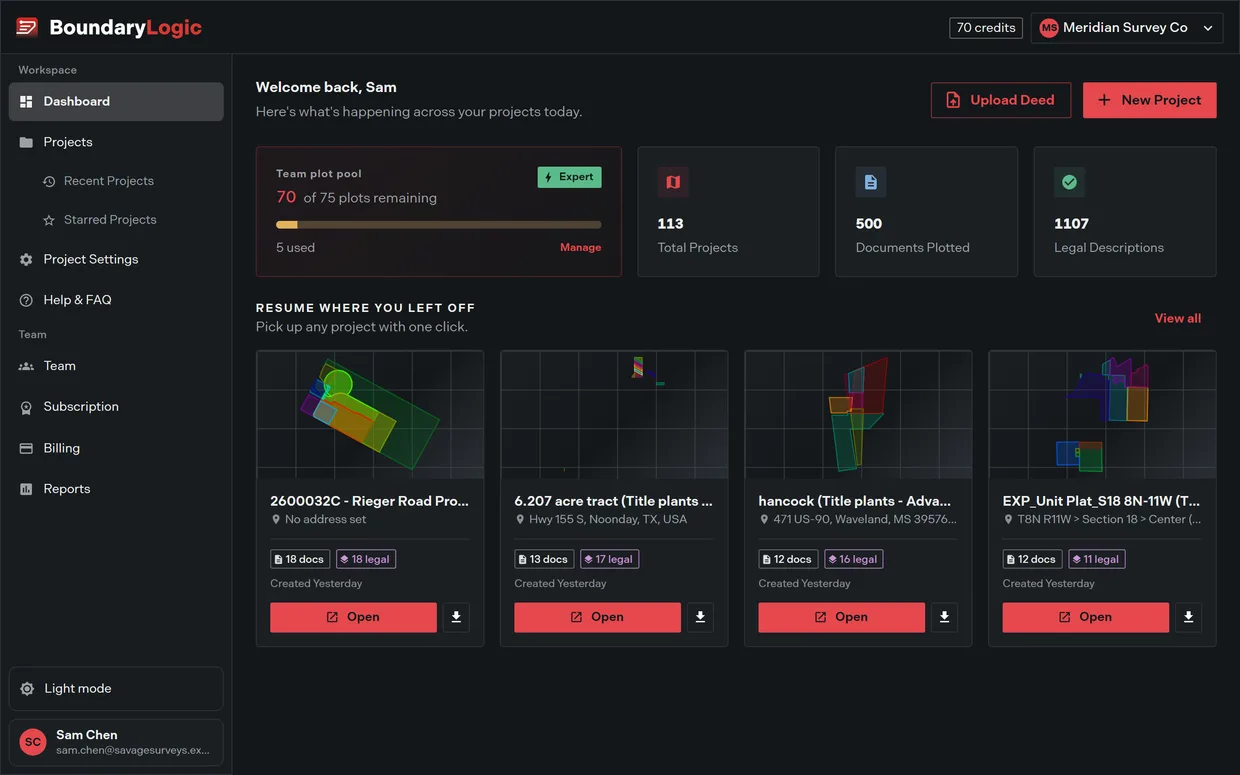
The dashboard is the first page after sign-in. It greets you, gives you two ways to start work, counts what your projects hold, and puts the four projects you created most recently one click away. Owners and admins also get the team’s plot pool here.
Usage notes
The header
The page opens with “Welcome back” and your first name, over “Here’s what’s happening across your projects today.” A brand-new account is greeted the same way.
Two buttons sit beside it. Upload Deed and New Project both open the create project wizard. Create a project covers what happens next.
Team plot pool card
Owners and admins see the shared pool: “{remaining} of {total} plots remaining”, a badge naming the plan, a segmented bar, the number used, and a Manage button into Billing. A team with no subscription shows a dash, a “Free plan” badge, an empty bar, and “Upgrade to unlock AI plotting credits”.
Members do not get this card at all. Everyone, including members, can still read the pool balance from the credits badge in the app header.
Stat tiles
Three counts across your projects: Total Projects, Documents Plotted, and Legal Descriptions.
Resume where you left off
The four most recently created projects appear as cards with Open and Export actions, plus a View all button into the full project list. With no projects yet, this section instead offers “Upload a PDF deed to generate your first plot.” and a New Project button.
This section is ordered by when a project was created. For the projects you opened most recently, use the Recent list in the sidebar.
The first-visit tour
On a first sign-in a two-step walkthrough runs over the dashboard and finishes by opening the create project wizard. It does not come back on its own. Take the guided tour covers restarting it.
Options
| Element | What it does | Who sees it |
|---|---|---|
| Upload Deed | Opens the create project wizard | Everyone |
| New Project | Opens the create project wizard | Everyone |
| Team plot pool card | Shows the shared pool and links to Billing | Owners and admins |
| Total Projects | Counts your projects | Everyone |
| Documents Plotted | Counts processed documents | Everyone |
| Legal Descriptions | Counts plotted descriptions | Everyone |
| Resume where you left off | Opens or exports the four newest projects | Everyone |
| View all | Opens the full project list | Everyone |
The pool card reads a real balance only once the team subscribes. On Free it shows the “Free plan” badge and an empty bar.
Related
- Create a project, for both header buttons
- Seats and pools, for what the pool card counts
- Find and filter projects, for the full list
- Take the guided tour, for the walkthrough