

Availability: All plans
Summary
Your account page holds who you are, how you sign in, and the way out of the product. Everything on it is personal to you. Nothing here touches your team, your plan, or your billing.
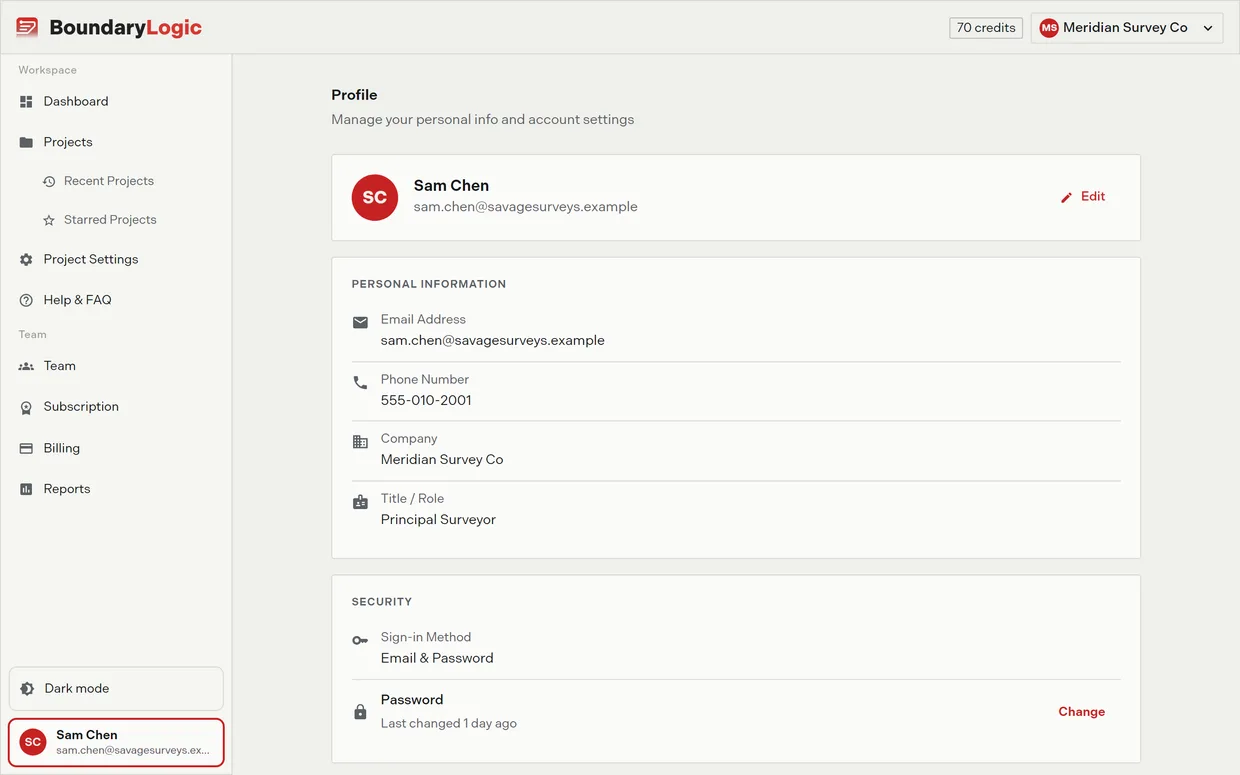
Open it from the card at the bottom of the sidebar, which shows your initials, name, and email. Click it, then click Your Account.
Usage notes
Profile
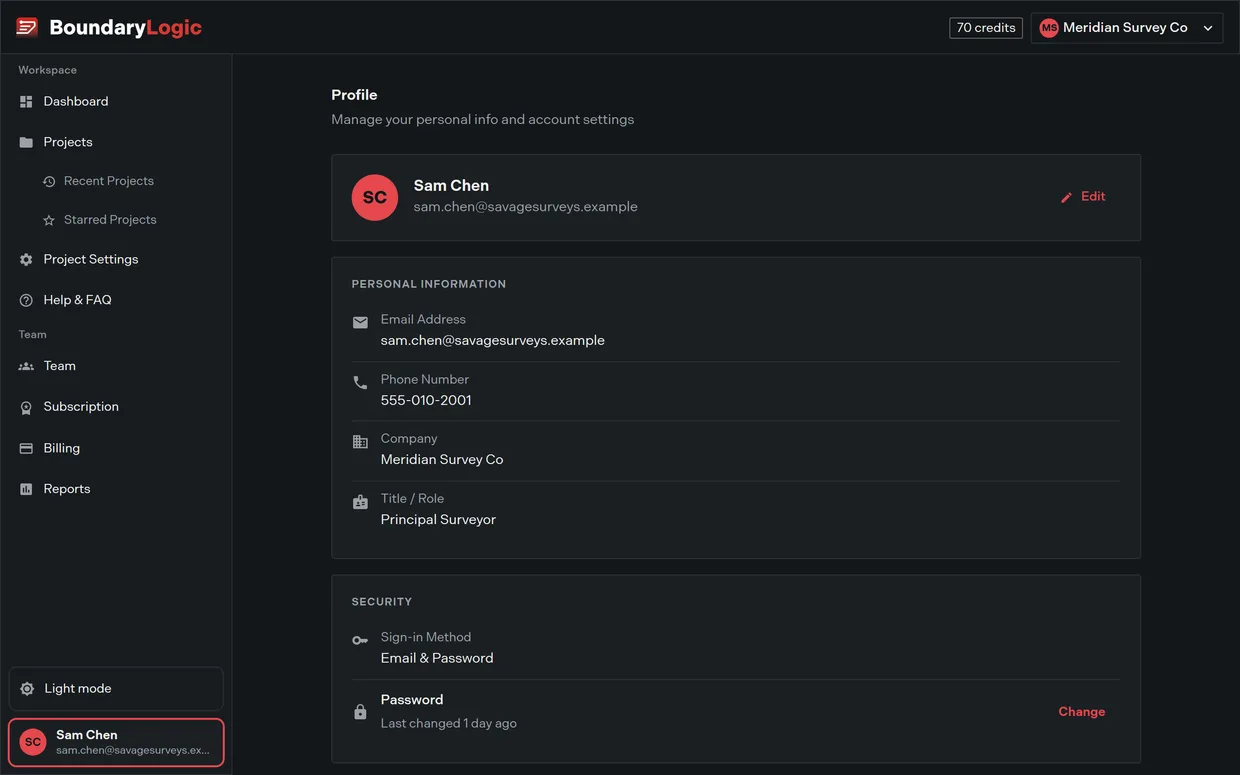
The top card shows your initials, name, and email, with an Edit button. Edit Profile takes First Name, Last Name, Phone Number, Company, and Title / Role.
First Name, Last Name, Phone Number, and Title / Role are all required. Company is optional. Save Changes stays disabled until the required fields are filled, and that disabled button is your only signal that something is missing.
Signup does not ask for your phone or your title, so a new account arrives with both blank and the dialog opens invalid on your first visit. Fill them in once and it saves normally.
Cancel and the close icon both discard what you typed and restore the saved values.
Personal Information
Four read-only rows repeat what you saved: Email Address, Phone Number, Company, and Title / Role. An empty value shows a dash.
Email is display only. There is no self-serve email change anywhere in Trace. To change the address on your account, contact support@boundarylogic.com.
Security
The first row names how your current session signed in: Email & Password, Google, Microsoft, or Phone.
The Password row carries its age, reading “Last changed today” or “Last changed N days ago”. Where Trace cannot read that timestamp it reads “Send a reset link to change your password”, and on a Google or Microsoft session it reads “Managed by {Provider}”.
Change opens the Reset Password dialog, which names your account email and states that the link expires in 1 hour. Send Reset Email sends it and swaps the dialog for a green “Password reset email sent!” alert. You finish the change on the emailed link, and a security notice follows once the change is confirmed.
On a Google or Microsoft session Change is disabled with the tooltip “Use your {Provider} sign in to manage your password.” If your team requires single sign-on, the Password row is not there at all.
Trace has no self-serve way to link or unlink a Google or Microsoft identity. Contact support if you need one changed.
Danger Zone
Delete deactivates your account and signs you out everywhere. The card says so, and the confirmation dialog repeats it before Delete My Account runs. Support can restore access afterwards.
Deletion is refused while you own a team with an active or trialing subscription: “You have an active subscription. Cancel it in Billing before deleting your account.” The error carries a Go to Billing shortcut. Being a member of someone else’s subscribed team does not block you.
Options
| Control | What it does |
|---|---|
| Edit | Opens Edit Profile for name, phone, company, and title |
| Change | Emails a password reset link |
| Delete | Deactivates the account and signs you out everywhere |
| Sign out | Ends the session from the sidebar user card menu |
What is not here
No avatar upload, initials only. No notification preferences. No list of your active sessions or devices. Your personal plotting defaults live on a separate page, covered in Default project settings.
If Trace keeps sending you back to signup
An account with no first name saved is sent out of the app to signup from every page until the profile is complete. Finish the profile step and the app opens normally.
Related
- Default project settings, for plotting and theme defaults
- Sign-in options, for the sign-in methods named on the Security card
- Signing out and staying signed in, for sign-out
- Cancel your plan, if deletion is blocked by a subscription