

Availability: All plans
Summary
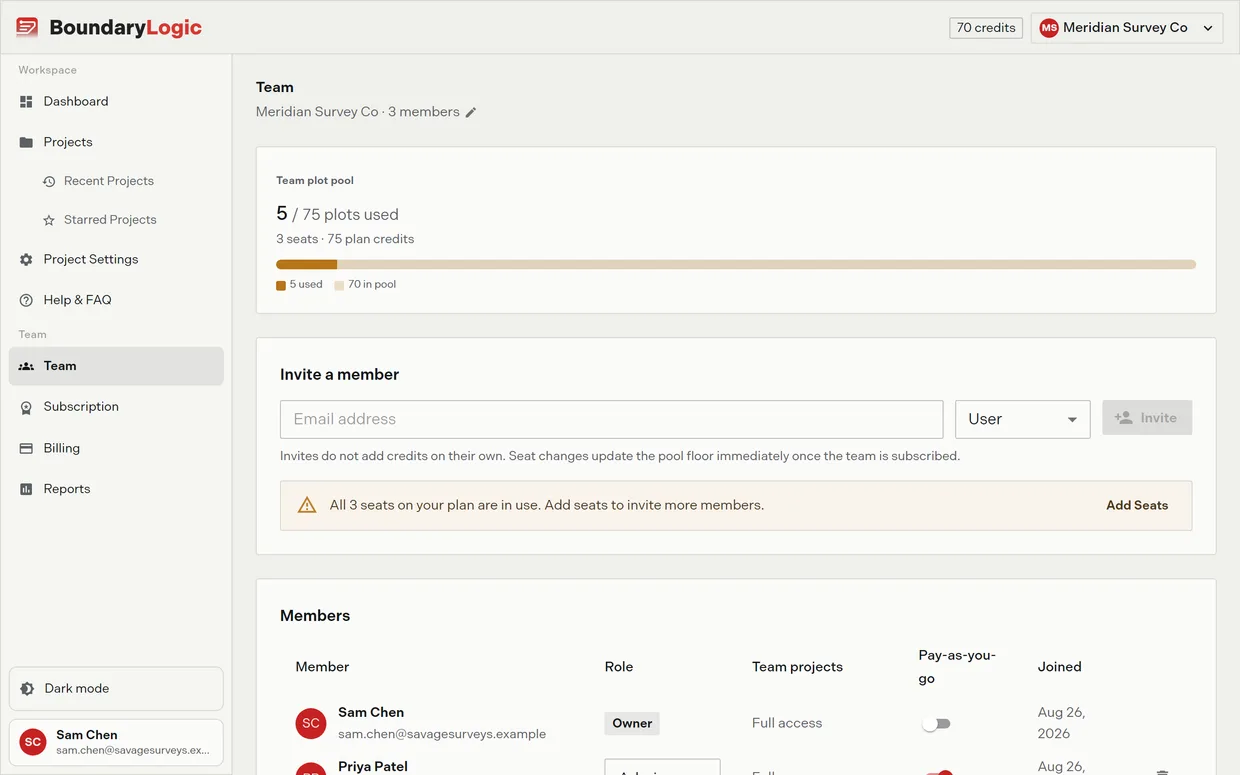
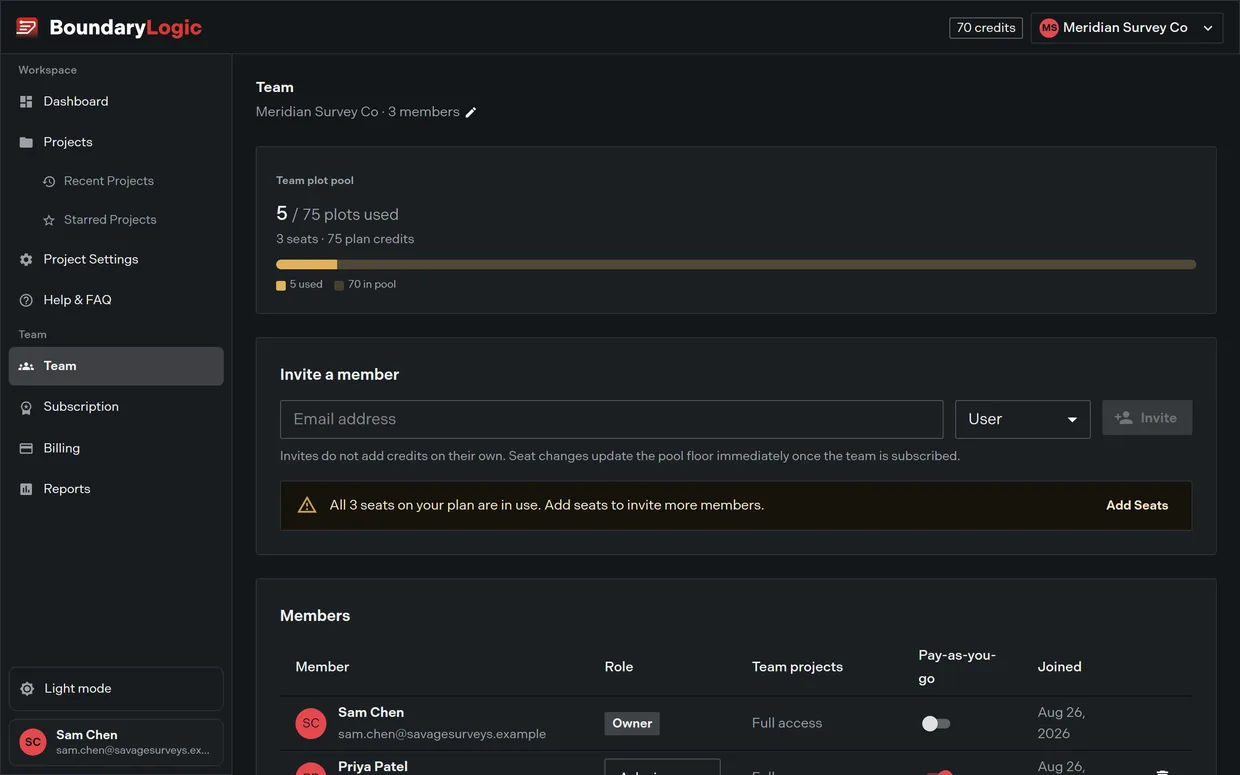
Every project in BoundaryLogic Trace belongs to a team. A team holds your members, one shared plot pool, and your billing. You can belong to more than one team and switch between them from the app header.
Usage notes
Your first team
With no active team, the Team page shows a Create your team card: a Team name field, an optional Invite members field taking up to 5 comma separated email addresses, and Create My Team. The new team becomes active straight away.
A team created from the space switcher starts on the Free plan with you as owner. Trace switches into it and lands on the Team page.
Switching teams
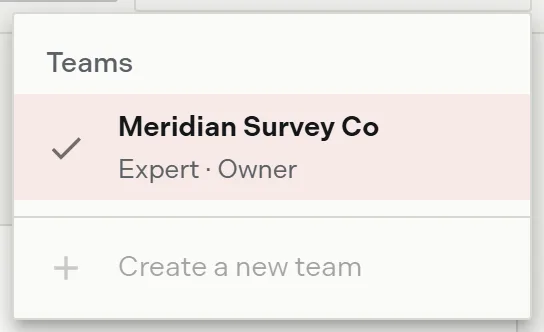
The space switcher sits in the app header on every signed-in page, including inside a project, so you never have to leave your work to change teams. The button shows the active team’s two letter avatar and its name; on a narrow window the name drops and the avatar stays.
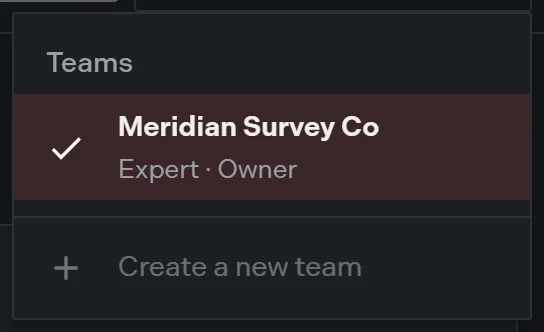
Opening it lists every team you belong to, each with its plan and your role underneath and a check against the active one. A team still in its trial reads as a trial next to the plan name.
One team per owner
You can own one team. If you already own one, Create a new team in the switcher is disabled and reads “You can own one team. Ask an owner to invite you to theirs.” Joining someone else’s team has no such limit.
Restoring a deleted team
A deleted team is recoverable for 30 days. The switcher grows a Deleted section listing each one as Restore {name} with the date it stays available until. Restoring brings back the team with its projects and its members, and switches you into it. Owners only.
Deleting an organization
At the foot of the Team page, owners get a Delete organization action. It warns that every member loses access right away, and that nothing is erased: you can restore the team, with its projects and members, for 30 days from the space switcher.
The action stays disabled while a subscription is active and not already scheduled to cancel, with the reason given in a tooltip. Cancel your plan first, then delete.
Options
| Space switcher item | What it does | Who sees it |
|---|---|---|
| A team row | Makes that team active across the whole app | Any member of that team |
| Restore {name} | Brings back a team deleted in the last 30 days | Owner, only while a deleted team exists |
| Create a new team | Opens the new team dialog | Anyone who does not already own a team |
Related
- Invite members and set roles, for filling the team
- Transfer ownership, for handing the team to someone else
- Credits and AI plots, for how the shared pool works
- Plans and billing, for who can manage the plan