

Availability: Expert and Enterprise
What you are seeing
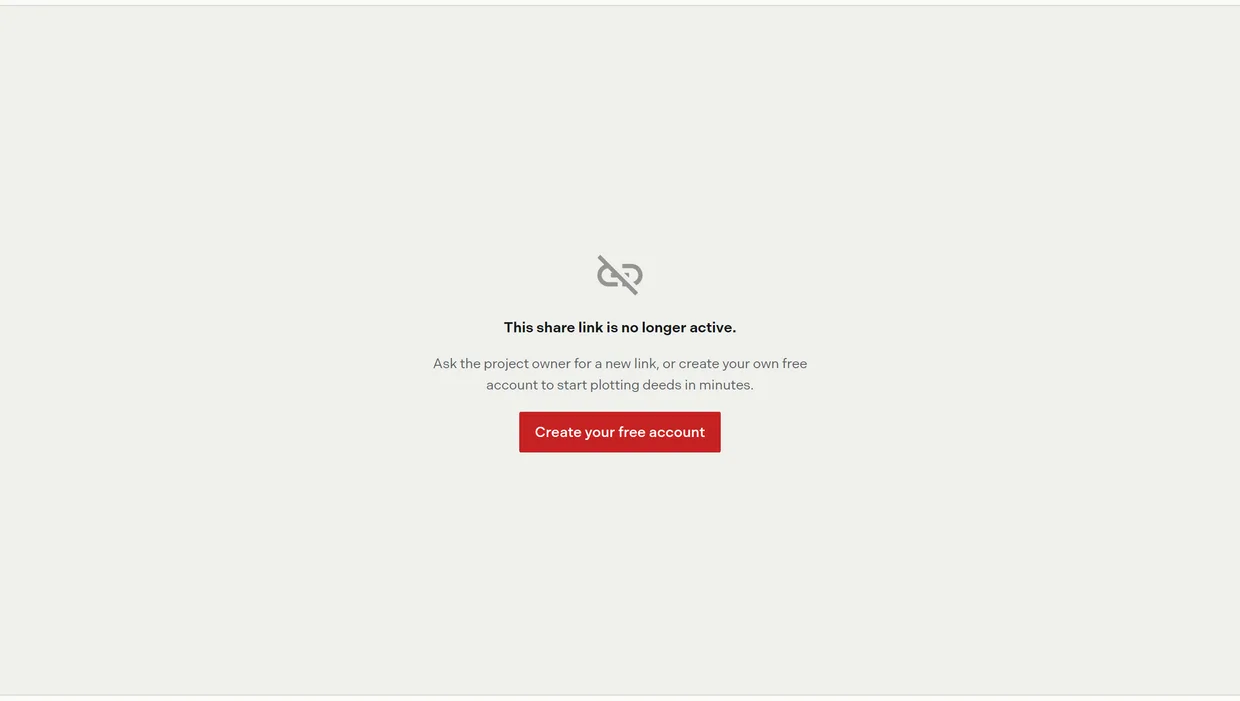
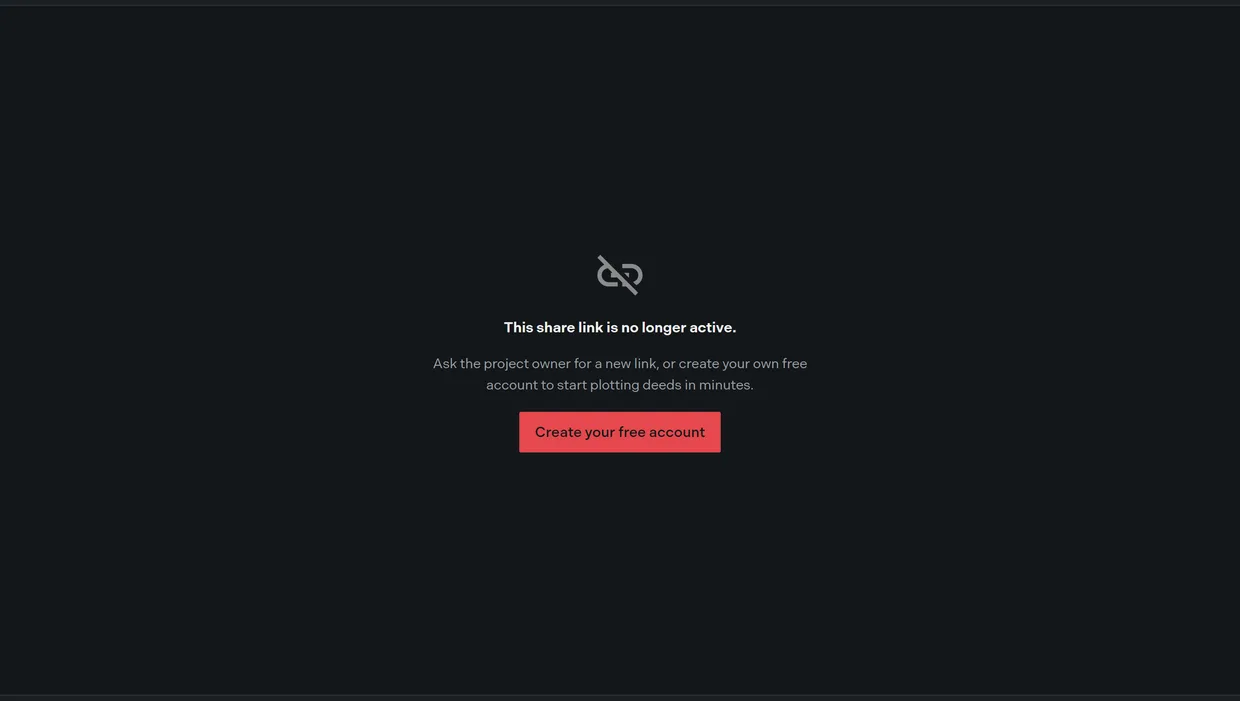
Someone you sent a project to reports a broken link, or you open one yourself and get a card reading “This share link is no longer active.” with the line “Ask the project owner for a new link, or create your own free account to start plotting deeds in minutes.”
The page still shows the BoundaryLogic Trace mark, the words “Shared project”, and the Read only badge. No project name, team name or logo appears, because a link that has stopped serving sends none of that.
Why it happens
Share links do not expire. There is no time limit, no view limit, and no visitor limit anywhere in Trace. A link serves until something switches it off, and there are six things that can:
| Cause | How to tell | Fix |
|---|---|---|
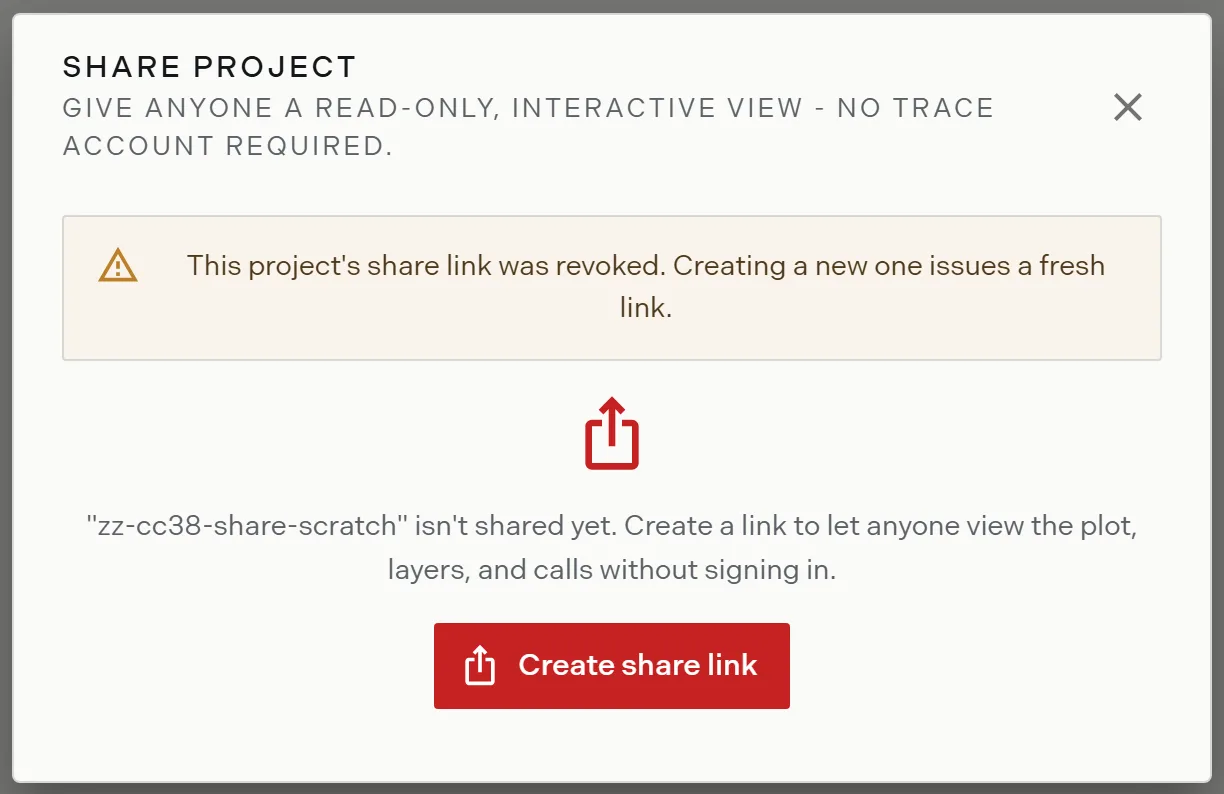
| The link was revoked | The share dialog shows a revoked warning and offers Create share link | Create a new link and send it. The revoked address never works again. |
| The link was regenerated | The share dialog shows an active link at a different address | Send the current link. Every address a regenerate retired is dead for good. |
| The project was deleted | The project is gone from the projects list | Restore the project, then create a new link. |
| The team dropped below Expert | The billing page shows a plan below Expert, and every share link the team held is off | Return to Expert, then create a new link on each project. Old addresses stay dead. |
| The address was mistyped or truncated | The link is short, or broken across lines in an email | Copy it again from the share dialog and resend it, ideally as a plain paste rather than a wrapped one. |
| The address is missing its ending | The recipient lands on the app’s own “Page Not Found” screen rather than this card | Send the whole link, right to the end. |
Fix it
- Open the project’s more options menu in the projects list and choose Share, or use Share Project in the project menu.
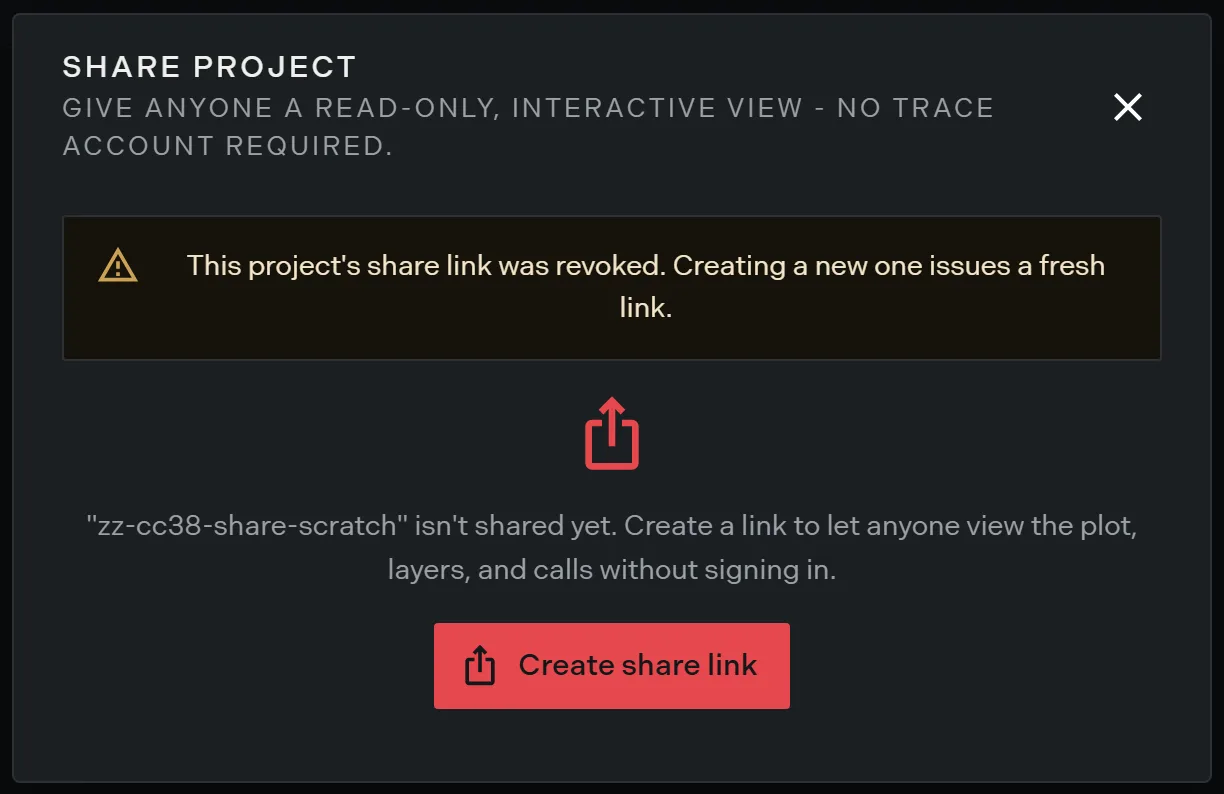
- Read the dialog. A revoked warning means the link was switched off; an active link means the address you sent is out of date; an upsell means the team is below Expert.
- Click Create share link where the dialog offers it, then Copy link.
- Send the new address. Ask the recipient to reload rather than reuse the old tab.
A tab that was already open keeps working
Revoking a link does not close a page a guest already has open. The guest page loads once and never checks back, so somebody who had the project on screen when you revoked keeps panning the map and reading calls until they reload. At that point they get the inactive card.
Revoking is still the right move, and it is immediate for everyone who has not already loaded the page. Treat an open tab like a screenshot: you cannot take it back.
If that did not work
Check that the recipient is opening the whole address. A cut off address and a revoked link produce the same inactive card rather than distinct errors, so the two look identical from their side. Copying straight from the share dialog rules out a typo in one step.
If a fresh link fails the same way, contact support with the project name and the address you sent.
Related
- Share a project, for creating, regenerating and revoking a link
- What guests see, for the working page
- Downgrades and freezes, for what else a plan change switches off